
Last verified: October 2026
It is the last week of the month. The progress claim to the principal is due, three subcontractor claims are waiting for assessment, and the only budget report is a spreadsheet updated from a Xero export two weeks ago. Nobody can say with confidence whether the job is still making its margin.
Construction cost management software keeps the budget, the purchase orders, the subcontracts, the invoices and the claims in one place, so the cost report is always current. This guide compares nine options available to Australian builders and contractors, with AUD prices checked on each vendor’s site in October 2026. If you are outside Australia, our construction cost control software guide covers the UK and US options.
What to Look For in Construction Cost Management Software
Committed costs, not just actuals
Xero and MYOB see a cost when the bill arrives, which can be weeks after you placed the order. A cost management tool records the purchase order or subcontract the day it is issued, so the budget shows what you have spent plus what you have agreed to spend, and you can see a cost code heading over before the bills arrive.
Progress claims, variations and retention
Australian head contractors claim monthly from the principal and assess claims from subcontractors, under the Security of Payment Act in their state. Look for software that builds the claim from the contract and previous claims, calculates retention, and keeps approved variations in both the budget and the contract sum.
A forecast to completion
Budget against actual tells you where the job stands. A forecast tells you where it will finish. The useful tools combine the budget, commitments and expected remaining costs into a cost to complete for each line. Our guide to cost-to-complete forecasting explains the method.
A clean link to Xero, MYOB or QuickBooks
GST, BAS and payroll belong in your accounting software. The cost tool should send approved invoices across with the right job and account codes and pull contacts back, so nobody enters a bill twice. If you are on MYOB, check this first: several construction tools connect to Xero only. Planyard’s MYOB integration and its Xero link are both included from the Essential plan.
A rollout you can manage
An ERP such as Jobpac Connect or Cheops replaces your accounting system and needs an implementation project. A cost control layer on top of Xero or MYOB can be running on a live job within days. Choose based on how much change your team can take on this year.
Construction Cost Management Software Compared
Prices are in AUD as published on each vendor’s site in October 2026. Xero includes GST. Buildxact and Planyard exclude GST. Styck does not say either way on its pricing page.
| Tool | Best for | From (AUD) | Accounting | Claims and retention | Verdict |
| Planyard | Builders and contractors on Xero, MYOB or QuickBooks | $166 per PM per month | Xero, MYOB, QuickBooks | Client claims, variations and retention from Professional; subcontractor claims in Ultimate | Most complete cost control layer with a published price |
| Buildxact | Residential builders and renovators | $199 per month, unlimited users | Xero, QuickBooks, MYOB AccountRight | Client invoicing and change orders | Best when estimating is the main job |
| LiveCosts | Purchase orders and supplier invoices | Quote | Xero, QuickBooks, Sage | Not listed | Strong on purchasing, light on claims |
| Styck | Australian builders wanting one system for claims and budgets | $299 per month, 1 user | Xero, MYOB, QuickBooks | Progress claims, variations, retentions | Australian-built, priced per user |
| Varicon | Small and mid-sized civil contractors | Quote | Xero, MYOB, QuickBooks, Acumatica | Progress claims and variations | Civil-specific, with payroll and dockets |
| Procore | Large head contractors on one platform | Quote, by annual construction volume | ERP integrations | Owner and subcontractor progress claims | Broad platform, heavy for SMEs |
| Jobpac Connect | Mid-tier and large builders needing an ERP | Quote | Built-in accounting and payroll | Contract valuations and forecasting | Replaces your ledger |
| Cheops | Contractors wanting job costing, accounting and payroll in one | Quote | Built-in accounting and payroll | Contract management | ERP with optional modules |
| Xero Projects | Very small builders already on Xero | $143 per month (Xero Ultimate) | It is Xero | None | Fine for time and expenses, not for budgets |
"What makes Planyard so effective is how it presents the critical data. It links cost codes directly to the budget and current costs, while providing a clear forecast for what's ahead. Being able to see the variances between the original budget and the actual spend-to-date at a glance is exactly what we need to stay in control."
Read more
The 9 Best Construction Cost Management Software Tools in Australia
1. Planyard – Best for Cost Control on Top of Xero, MYOB or QuickBooks
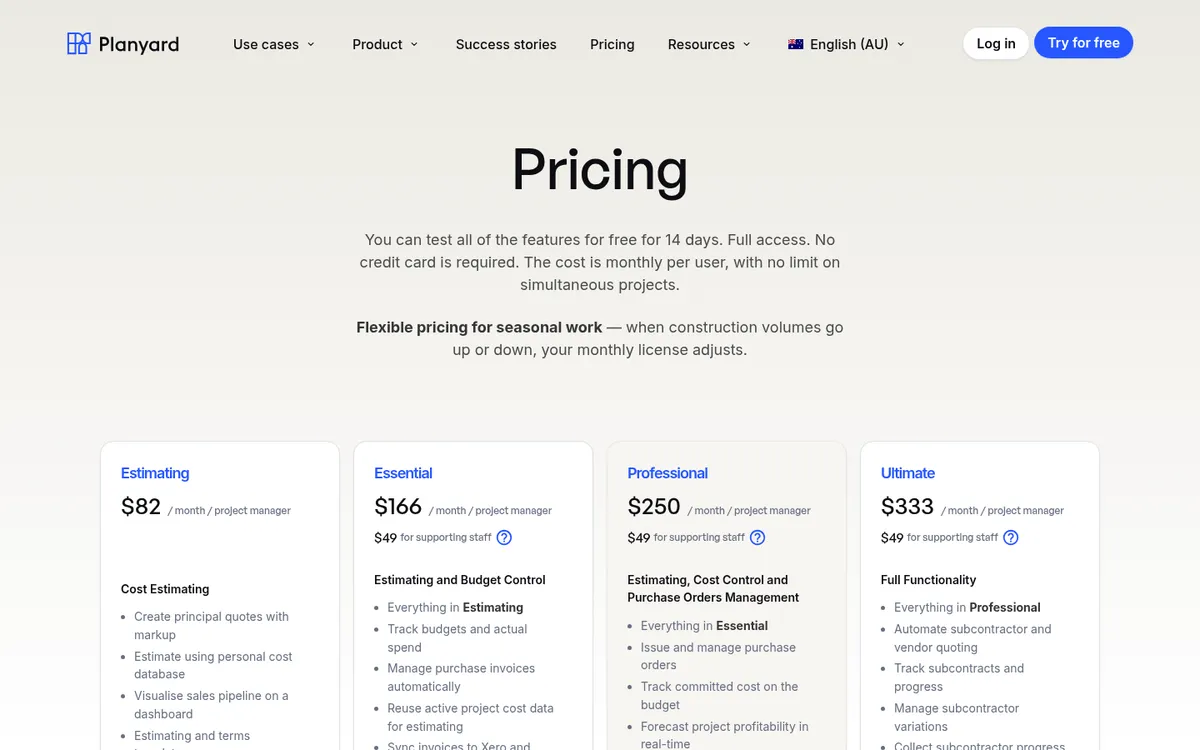
Planyard starts from the budget. You import it from a spreadsheet or your estimate, then purchase orders and subcontracts land on the right cost code as committed costs the moment they are issued. Supplier invoices are matched to the order, approved and sent to Xero, MYOB or QuickBooks with the job and account coding already done. The budget, commitments, actuals and forecast sit on one screen for every project.
On the Professional plan you also run progress claims to the principal, variations and retention, and see a cash flow forecast. Ultimate adds subcontract orders, subcontractor progress claims, subcontractor and supplier quote requests, and a history of every budget version. Keane Group in Queensland says it saves at least three to four days a month that used to go on spreadsheets and reconciliation.
For a deeper look at the budgeting side, see Planyard’s construction budgeting software.
Best for: Head contractors, builders and specialist subcontractors running several live jobs who want live cost control without leaving Xero, MYOB or QuickBooks.
Watch out for: No takeoff, scheduling or site diaries. Purchase orders and committed costs start on Professional, and subcontractor claims need Ultimate.
Pricing: Estimating $82, Essential $166, Professional $250 and Ultimate $333 per project manager per month; supporting staff $49. 14-day free trial, see pricing.
"If I were still relying solely on Excel to track and present the financial positions of our projects, I would be losing significant time every single month. By implementing the streamlined processes that Planyard supports, I’m saving at least three to four days of work every month that would have otherwise been spent on manual data entry and reconciliation."
Read more
2. Buildxact – Best for Residential Builders Who Estimate and Track Costs in One Place
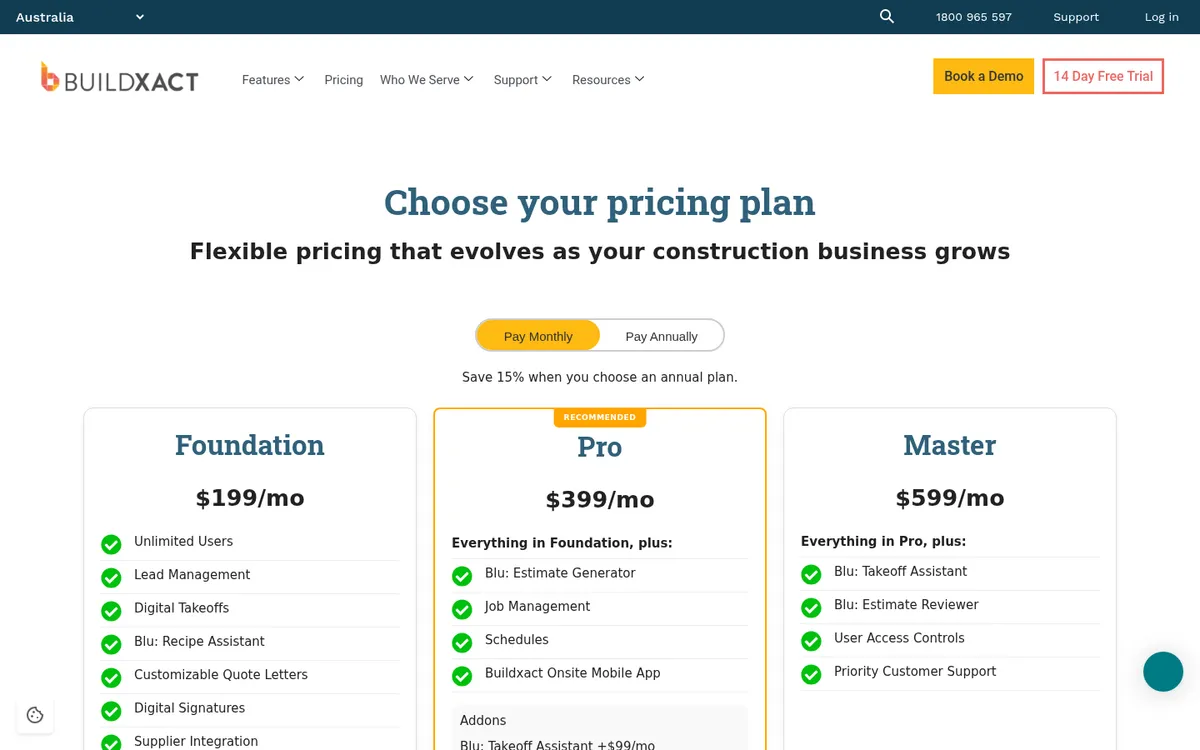
Buildxact is an Australian platform for residential builders and renovators. It covers takeoff, estimating, quoting, scheduling and a client portal, and compares the estimate to actual spend line by line or by category. Purchase orders, change orders, timesheets and invoicing are part of the platform, and every plan includes unlimited users.
The cost tracking is built around the estimate, which works well for houses and renovations. Builders taking on commercial work or high bill volumes tend to find the post-contract side thinner. See Buildxact vs Planyard.
Best for: Residential builders whose busiest work is estimating and quoting.
Watch out for: Xero and QuickBooks integration starts on Pro at $399 a month. No subcontractor progress claims or retention schedules listed.
Pricing: Foundation $199, Pro $399 and Master $599 per month, excluding GST, or 15% less on an annual plan ($169, $339, $509). 14-day free trial.
3. LiveCosts – Best for Purchase Orders and Supplier Invoices
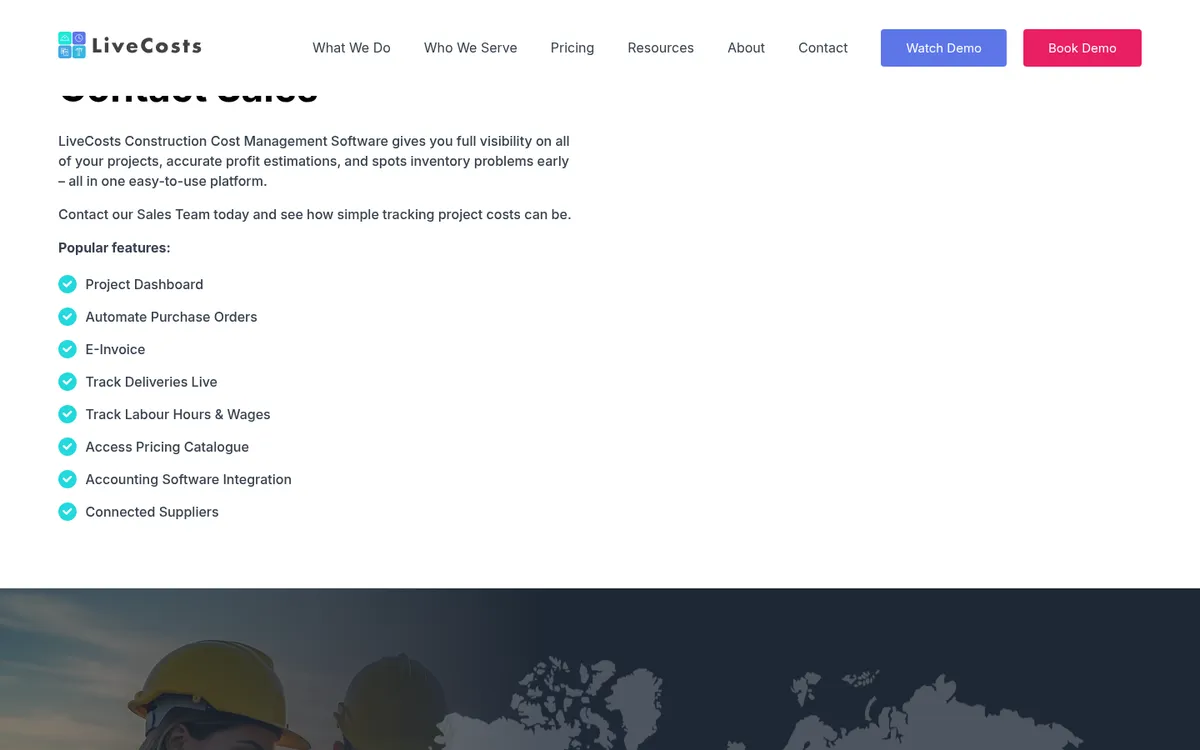
LiveCosts is cost tracking software from Ground Up Software in Ireland, with an office in Perth. It focuses on purchasing: purchase orders raised from site on the mobile app, delivery tracking, supplier invoices scanned and matched against the order and the delivery, and labour hours, all reported against the project budget.
It connects to Xero, QuickBooks and Sage and has a strong rating on the Xero App Store. MYOB is not on its integrations list. See LiveCosts vs Planyard or our LiveCosts alternatives.
Best for: Contractors on Xero whose biggest cost problem is materials, deliveries and supplier bills.
Watch out for: No progress claims or retention listed, and no MYOB link. No published price.
Pricing: Quote only.
4. Styck – Best for Australian Builders Who Want Claims and Budgets in One System
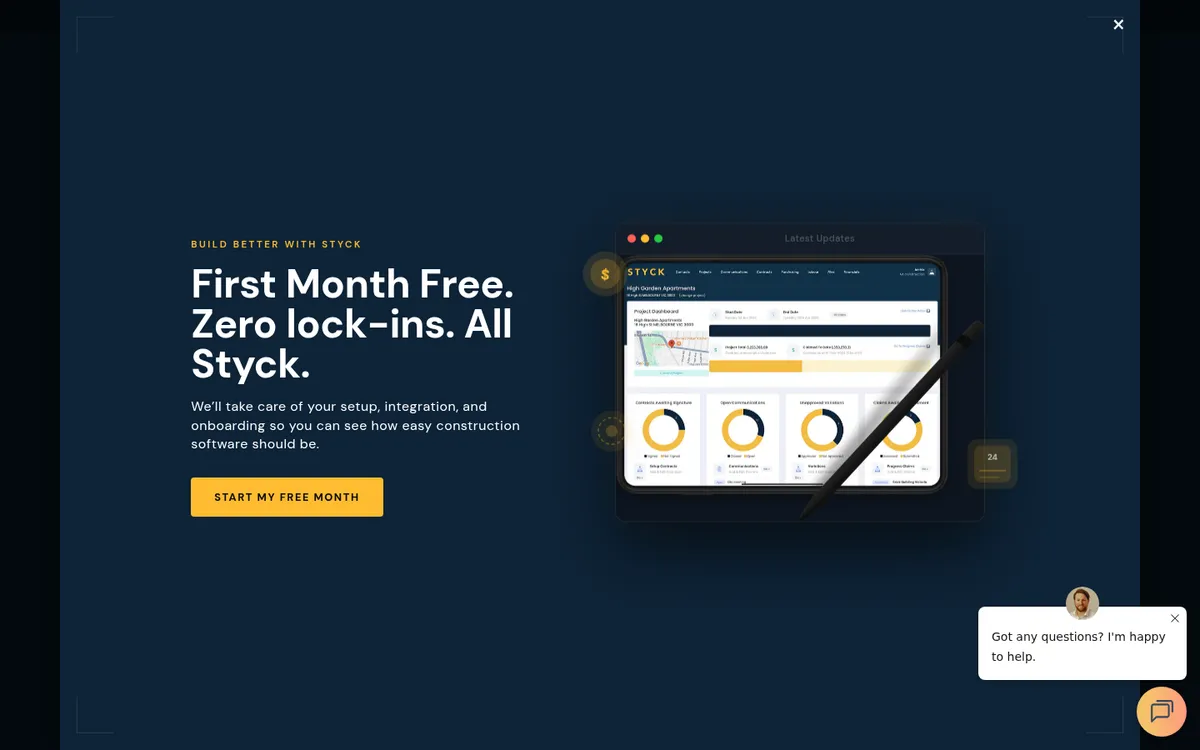
Styck is Australian financial management software for main contractors, builders and subcontractors. Every plan includes project budgets, progress claims, variations, retentions, purchase orders, creditor invoices, commitments, budget versus actuals and work in progress reporting, with unlimited projects. It connects to Xero, MYOB and QuickBooks.
Styck sets up the integration and onboarding for you during a 30-day trial. Pricing is per user, which suits a small office team.
Best for: Small Australian builders who want progress claims and cost control from a local vendor.
Watch out for: Additional users cost $99 a month each, so a larger team adds up quickly. No estimating module listed.
Pricing: Single user $299 per month ($279 on an annual plan). Multi user $499 per month for two users ($479 annually), plus $99 per extra user. 30-day free trial.
Live cost control on top of Xero or MYOB
Import your budget, issue purchase orders and see committed cost against every code. Progress claims and retention included from Professional. 14-day free trial.
5. Varicon – Best for Civil Contractors
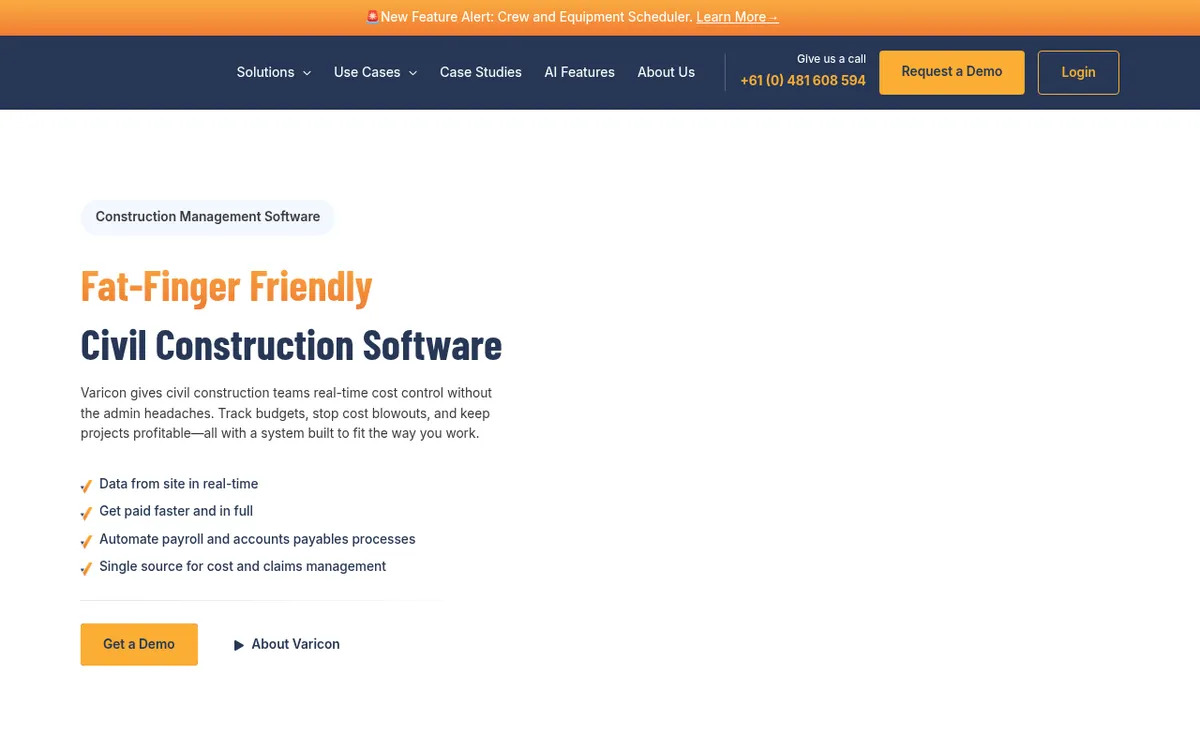
Varicon is built for small and mid-sized civil construction companies. It tracks project costs in real time from site data: timesheets feed labour costing and payroll, delivery dockets and dayworks are captured on site, and supplier invoices go through accounts payable automation. Progress claims, variations and forecasting sit in the same platform.
It integrates with Xero, MYOB, QuickBooks and Acumatica, and offers a kiosk mode for crews who will not install an app.
Best for: Civil contractors with crews, plant and dockets to track.
Watch out for: Built around civil workflows, so it is less of a fit for building work. No published price.
Pricing: Quote only. Demo or trial on request.
6. Procore – Best for Large Head Contractors on One Platform
Procore is a project management platform with a financials suite: budgets, commitments, change events and progress claims for both owner and subcontractor contracts. It is used by large Australian head contractors who want documents, drawings, quality and safety on the same platform as cost.
Every plan allows unlimited users, which helps on projects with many trades. The trade-off is setup effort and cost for a smaller builder. See Procore vs Planyard or our Procore alternatives.
Best for: Large head contractors standardising on one platform across many projects.
Watch out for: An annual contract priced on your construction volume, and an implementation project to match. Financials still need an ERP or accounting link.
Pricing: Quote only. Procore charges an upfront annual fee per product based on your annual construction volume, with unlimited users.
7. Jobpac Connect – Best for Mid-Tier Builders Who Want a Construction ERP
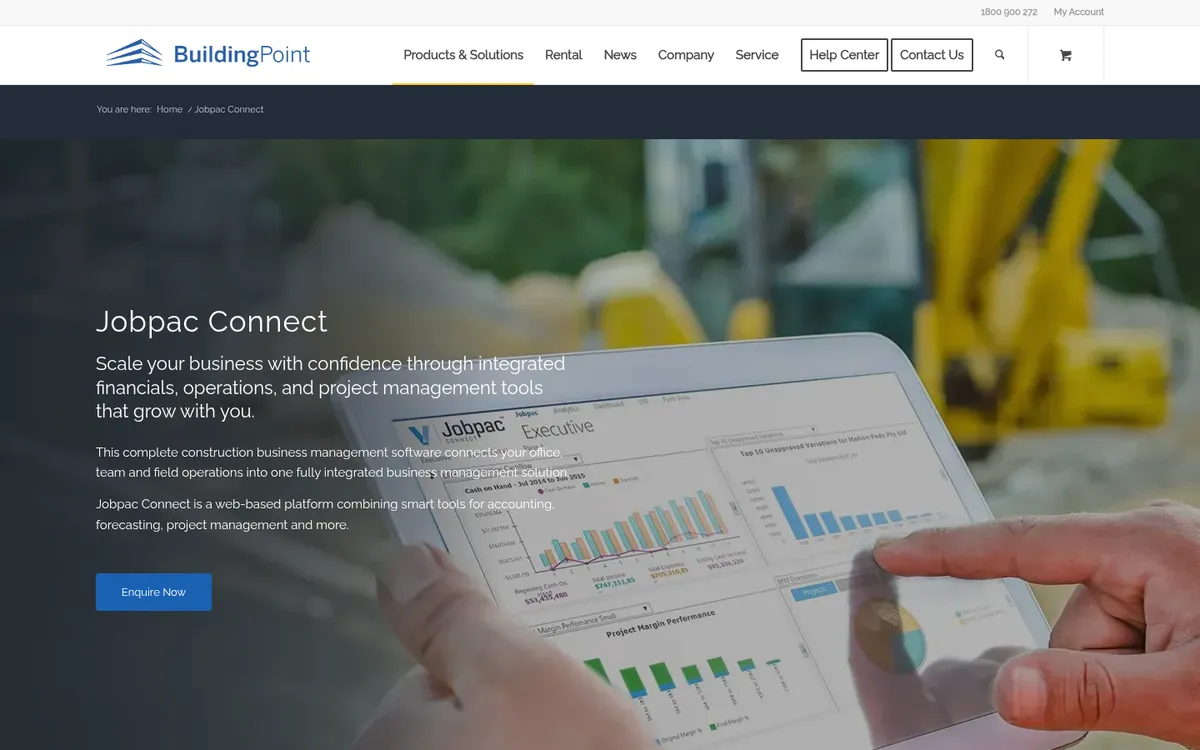
Jobpac Connect, now sold by Trimble, has been an Australian and New Zealand construction ERP for decades. It combines accounting, payroll, forecasting and project management in one web-based system, with contract valuation and forecasting that reconcile automatically between the project and financial ledgers. Jobpac Mobile sends timesheets from site straight into labour costing.
It replaces Xero or MYOB, which suits firms that have outgrown a small business ledger.
Best for: Established mid-tier builders ready to move their accounting and payroll into one construction system.
Watch out for: An ERP rollout, with the training and data migration that comes with it. No published price.
Pricing: Quote only, through Trimble and its resellers.
8. Cheops – Best for Job Costing, Accounting and Payroll in One

Cheops, from Australian developer CSSP, is an integrated job costing and financial package with contract management, payroll and optional modules for project and field teams. Customers describe being able to drill into every cost on a job.
Like Jobpac, it is a full ERP, so it suits companies willing to move off Xero or MYOB for one system.
Best for: Contractors who want a configurable ERP with job costing at its centre.
Watch out for: A larger change than adding a tool to your existing accounting. No published price.
Pricing: Quote only.
9. Xero Projects – Best for Very Small Builders Already on Xero
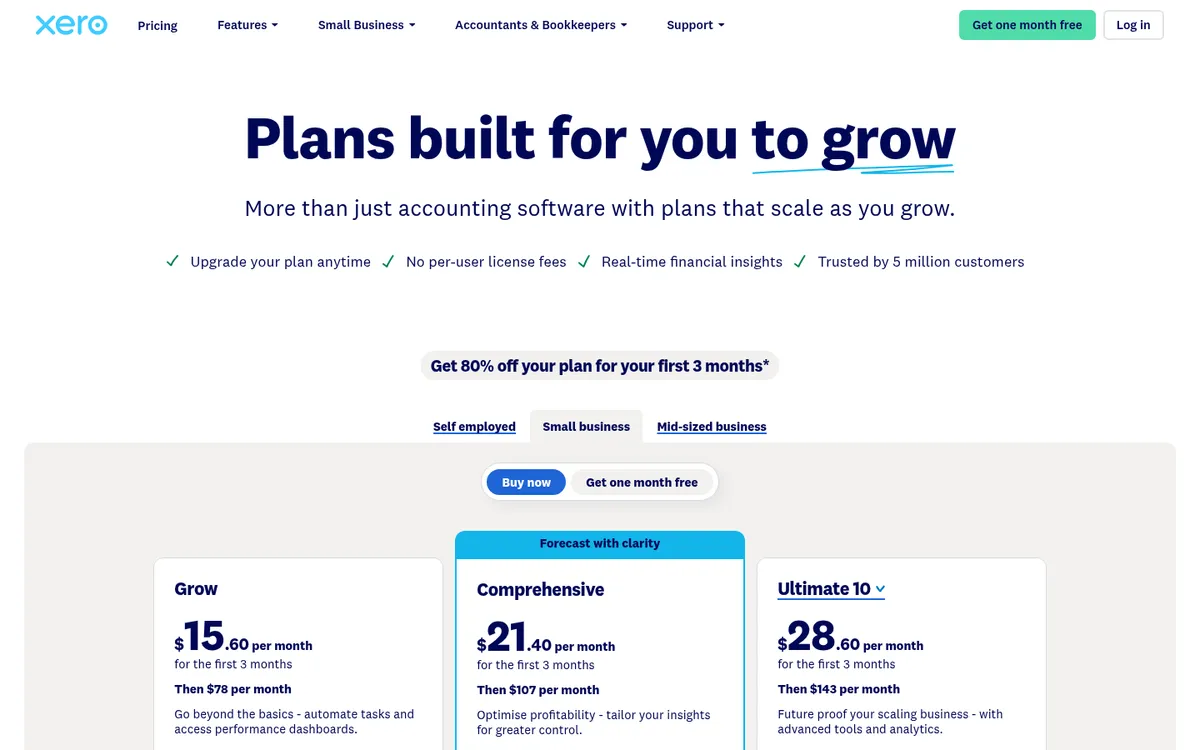
Xero Projects is part of the Xero Ultimate plan for up to 10 users. It tracks time and expenses against a project, assigns bills and expense claims to a job, shows a profitability dashboard and invoices from the project. For a sole trader or a small builder it is the cheapest way to see job profit inside the software you already use for GST and BAS.
It has no cost-coded budget, no committed costs from purchase orders and no progress claims with retention. See Xero Projects vs Planyard.
Best for: Small builders on Xero who want basic job profit without another tool.
Watch out for: Projects only comes with Ultimate, and extra project users cost more. No committed costs, so overruns show late.
Pricing: Xero Ultimate $143 per month including GST, with Projects for up to 10 users.
How We Chose
We started from what Australian builders search for: cost management, cost tracking, costing and budgeting software for construction. We kept tools that track project costs against a budget and are sold in Australia, and checked every price and plan name on the vendor’s own site in October 2026. Where a vendor does not publish a price, we say so instead of quoting a third party. Planyard is our product, and we have tried to place it where it fits, including saying what it does not do.
How to Choose
You are a residential builder and estimating is the bottleneck: start with Buildxact, and add a cost control tool when bills and claims start to outgrow it.
You run civil work with crews and plant: look at Varicon first.
You are a head contractor or developer on Xero, MYOB or QuickBooks: Planyard or Styck give you budgets, commitments and claims without changing your ledger. Planyard goes further on forecasting, subcontract management and approvals.
You have outgrown your small business ledger: compare Jobpac Connect and Cheops, and plan for an implementation project.
You already run Procore for project management: price its financials module before adding another system.
"I came from a heavyweight enterprise ERP at a UK Tier 1 contractor, so I saw how bloated software hurts financial control. At an Australian SME I still need that Tier 1 budget discipline, just without the bloat.
Planyard hits the sweet spot: structured budgets, strong cost controls, and a professional ERP-level feel, but simple enough that I set it up myself in a few days. It is now our gatekeeper for purchase orders and handles tax and retention smoothly.
Real financial clarity without the spreadsheet headaches."

Related Guides
- Best Construction Accounting Software in Australia
- Best Progress Claim Software for Australian Contractors
Next Step
If your cost reports still come from a Xero or MYOB export and a spreadsheet, put one live job into Planyard: import the budget, connect your accounting, and issue the next purchase order from it. You will see committed cost against budget the same day. For more on what to track, read about construction cost management software or how retention works.
See every project's margin before month end
Budgets, purchase orders, progress claims and retention on top of Xero, MYOB or QuickBooks. 14-day free trial, no credit card.