
Last verified: October 2026
A project manager wants to know if the Elm Street remodel is still making money. The bookkeeper says she will know after month-end close. The owner wants the WIP schedule for the bonding agent by Friday. Everyone is looking at QuickBooks, and nobody can answer the question.
Contractors need software for two jobs: books that handle payroll, taxes and billing, and a live view of what each job will cost. This guide ranks nine accounting systems for the first job, from QuickBooks and Xero to construction ERPs such as Foundation, Sage Intacct Construction and Trimble Viewpoint, with prices checked on each vendor’s website in October 2026. A separate section covers job cost control on top of QuickBooks or Xero, which often makes more sense than replacing them.
Planyard is our product. It is not an accounting system, so we leave it out of the ranking and cover it in the cost control section, with what it does not do.
Planyard is the construction layer on top of your ledger.
QuickBooks, Xero or Sage keeps doing payroll, sales tax and the general ledger. Planyard adds job costing, committed costs, progress billing and client invoices, subcontractor and supplier bills, and retainage, and syncs both ways with the ledger.
What to Look For in Construction Accounting Software
General accounting software tracks the company. Construction accounting tracks each job inside the company, which is why a few features matter far more than the rest:
- Job costing by cost code: actual costs against budget for every job, broken down by phase or cost code.
- Committed costs: subcontracts and purchase orders count against the budget the day they are signed, before the invoice arrives.
- Progress billing and retainage: AIA G702 and G703 pay applications against a schedule of values, with retainage held and released correctly.
- Change orders: approved changes update the contract value, the budget and the next billing.
- Construction payroll: certified payroll for prevailing wage work, union rates and job-level labor costing.
- WIP reporting: over- and under-billings for your work in progress schedule, which banks and sureties ask for.
Few small contractors need all six on day one. Decide which two or three cost you the most time today, and judge each tool on those.
Construction Accounting Software Compared
Prices are in USD per month unless stated, on the vendor’s regular price rather than introductory discounts, as published in October 2026.
| # | Software | Type | Job costing | Pay apps and retainage | Best for | From (USD) |
| 1 | QuickBooks Online | General accounting | Projects on Plus and Advanced | Through add-ons | Small contractors and new companies | $38 ($140 for Projects) |
| 2 | Sage 100 Contractor | Construction accounting | Yes | AIA billing, certified payroll | Small to midsize GCs and subs | Quote only |
| 3 | Foundation | Construction accounting | Yes | Progress billing, retainage, prevailing wage payroll | Contractors with union or prevailing wage work | Quote only |
| 4 | Sage Intacct Construction | Cloud construction ERP | Actual and committed, real time | AIA billing, WIP | Multi-entity contractors and finance teams | Quote only |
| 5 | Premier | Cloud construction ERP | Yes | Confirm in demo | GCs and developers wanting one cloud system | Quote only |
| 6 | Trimble Viewpoint Spectrum and Vista | Construction ERP | Yes | Automated invoicing | Larger contractors with complex payroll | Quote only |
| 7 | QuickBooks Desktop Enterprise | Desktop accounting | Job costing reports | Through add-ons | Established QuickBooks Desktop users | $2,210 per year |
| 8 | Knowify | QuickBooks add-on | Advanced plan | AIA G702 and G703, retainage | Trade contractors on QuickBooks | $99 on annual billing |
| 9 | Xero | General accounting | Projects on Established | Through add-ons | Small firms that want unlimited users | $27 ($97 for projects) |
| Add-on | Planyard | Cost control layer | Per job and cost code (Essential); committed costs (Professional) | Client progress billing with retainage and change orders (Professional) | Contractors who keep QuickBooks or Xero | $105 per PM ($52 Estimating) |
"Our previous systems didn't track job costs in a way that aligned with how our projects actually run. We needed a tool to handle purchase orders and provide a clear view of every project—showing exactly where we stood at any moment, what costs were still to come, and exactly where we had already spent."
Read more
The 9 Best Construction Accounting Software for US Contractors
1. QuickBooks Online – Best for Small Contractors Starting Out
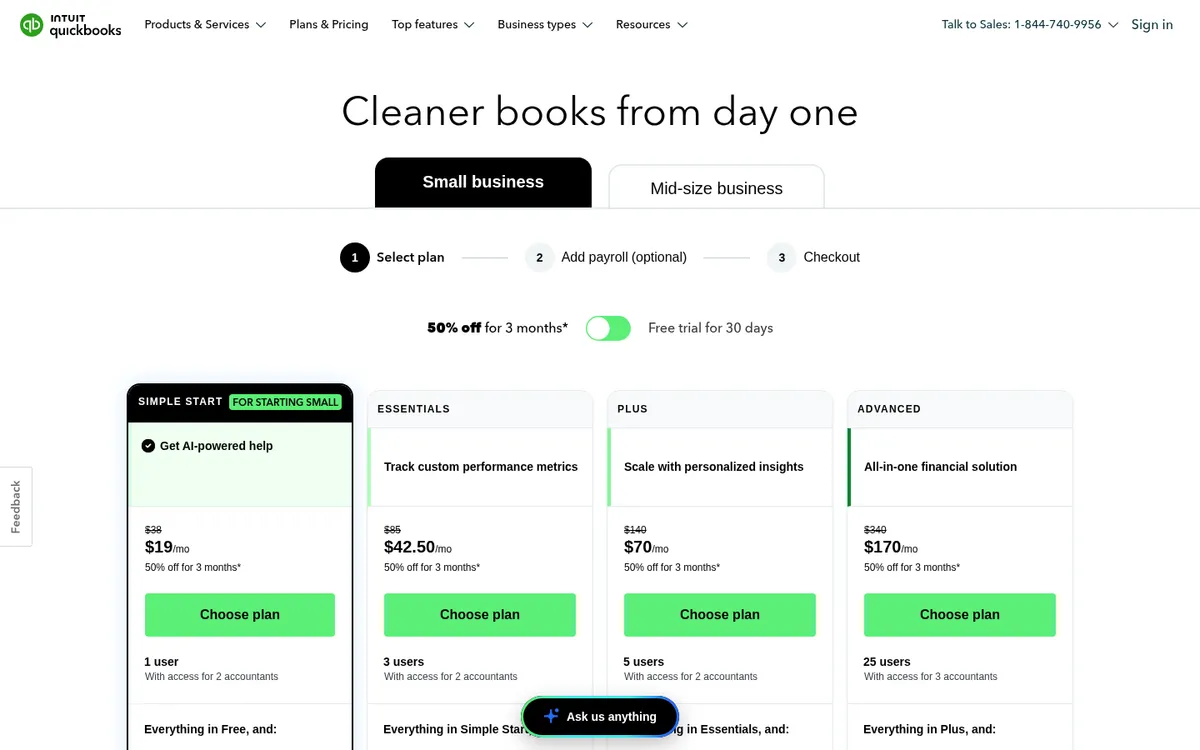
QuickBooks Online is where most small US contractors keep their books, and the one their CPA is most likely to know. Job costing lives in Projects, which is on the Plus and Advanced plans only. Projects tracks income, labor, payroll and expenses per job. Advanced adds what Intuit calls a construction financials solution and advanced project financials.
Simple Start and Essentials have no Projects, so a contractor on those plans is tracking jobs with tags or classes. Our QuickBooks for construction guide and the QuickBooks Online vs Planyard comparison show where the line falls.
Best for: Owner-operators and small GCs or subs running a few jobs at once.
Watch out for: No committed costs, subcontract change orders or AIA pay applications out of the box. Most contractors add Knowify for AIA billing or Planyard for committed costs as they grow.
Pricing: Simple Start $38, Essentials $85, Plus $140 (5 users) and Advanced $340 (25 users) per month. Intuit often runs 50% off for the first three months; these are the regular prices. 30-day free trial. See also QuickBooks alternatives for construction.
2. Sage 100 Contractor – Best All-in-One for Small to Midsize Contractors
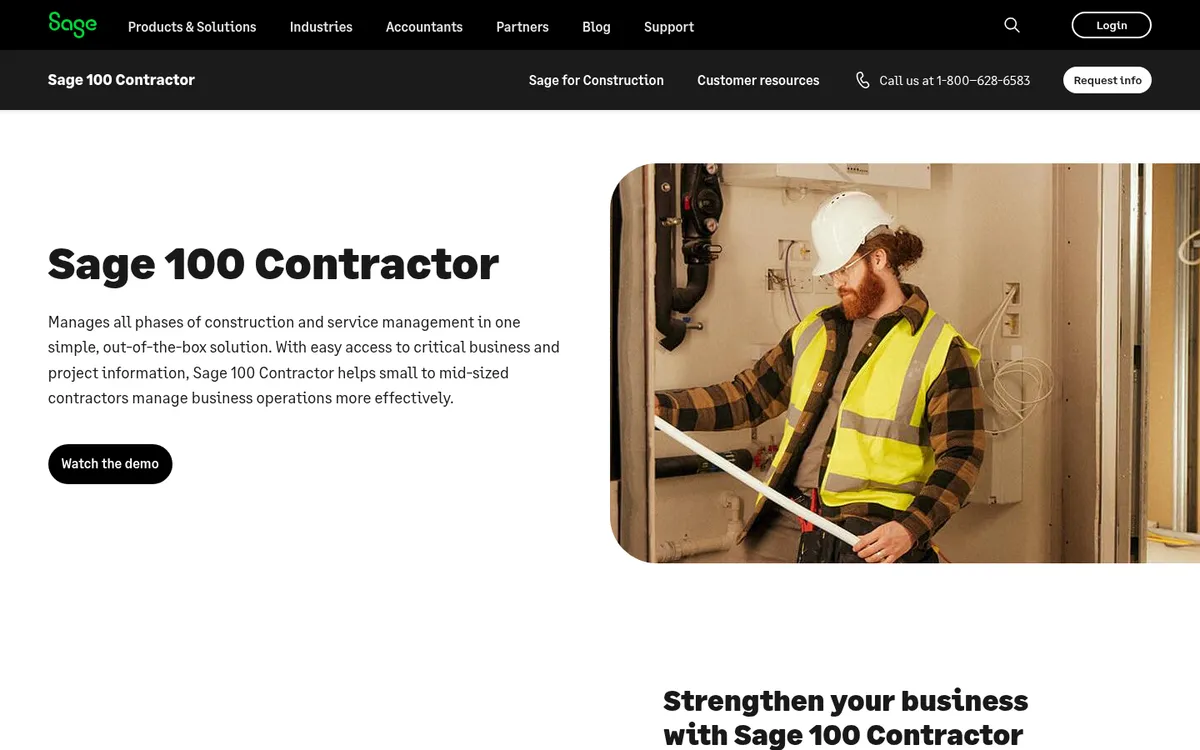
Sage 100 Contractor puts accounting, job costing, payroll and project management in one package for small to midsize contractors. Sage lists certified payroll, AIA billings and lien waivers among its strengths, and estimates export straight into budgets, proposals, subcontracts and purchase orders.
Sage markets it directly to contractors leaving QuickBooks. Sage Construction Management can be added for field and project work. See also Sage alternatives for construction.
Best for: GCs and subcontractors outgrowing QuickBooks who want payroll and AIA billing in the same system.
Watch out for: Quote-only pricing and a heavier implementation than a cloud add-on. Budget for training and a partner.
Pricing: Quote only.
3. Foundation – Best for Prevailing Wage and Union Payroll
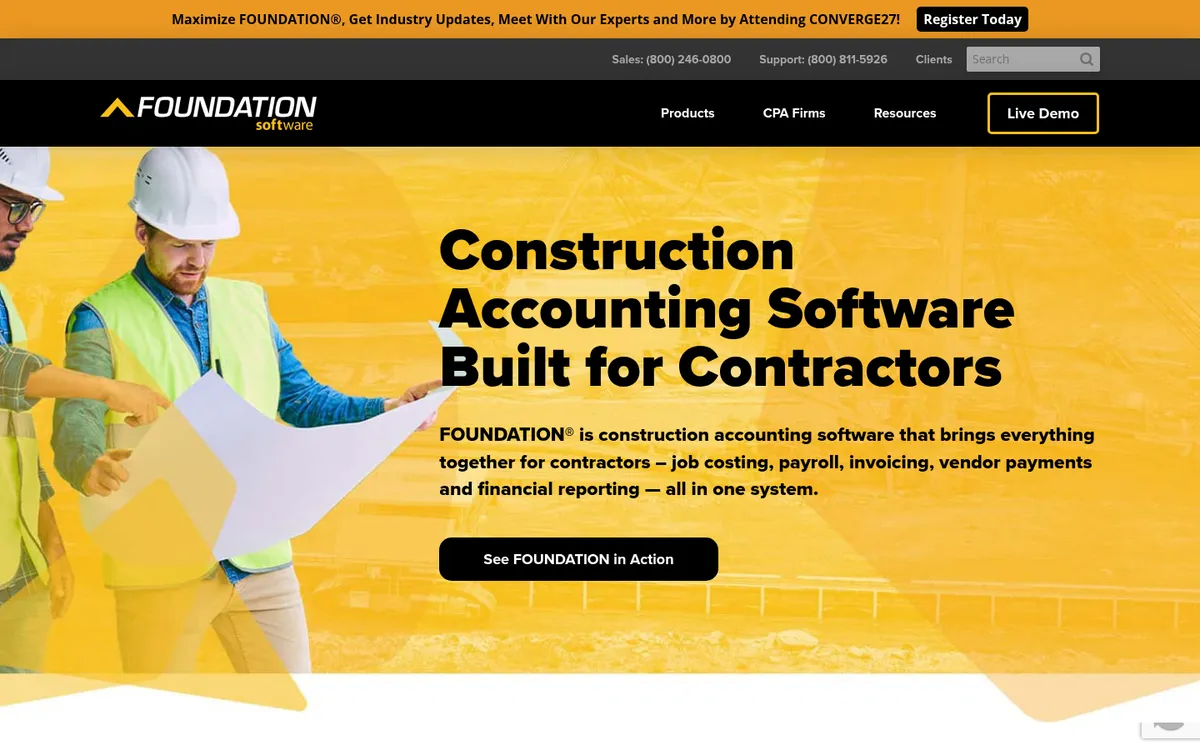
Foundation (FOUNDATION Software) is built for contractors and is strongest on construction payroll: prevailing wage, union rules and certified reports. Job costing, payroll, purchase orders and subcontracts and accounts receivable come as standard, with project management, equipment, service dispatch and mobile time tracking as add-on modules.
You pay for the modules you use, which keeps the price closer to your needs than a fixed ERP bundle. Foundation is available installed or hosted.
Best for: Commercial and public-works contractors with union or prevailing wage payroll.
Watch out for: Quote-only, module-based pricing makes it hard to compare without a demo. It is a full accounting system, so it replaces QuickBooks rather than sitting next to it.
Pricing: Quote only. Modular pricing based on the modules you choose.
4. Sage Intacct Construction – Best for Multi-Entity Contractors and Finance Teams
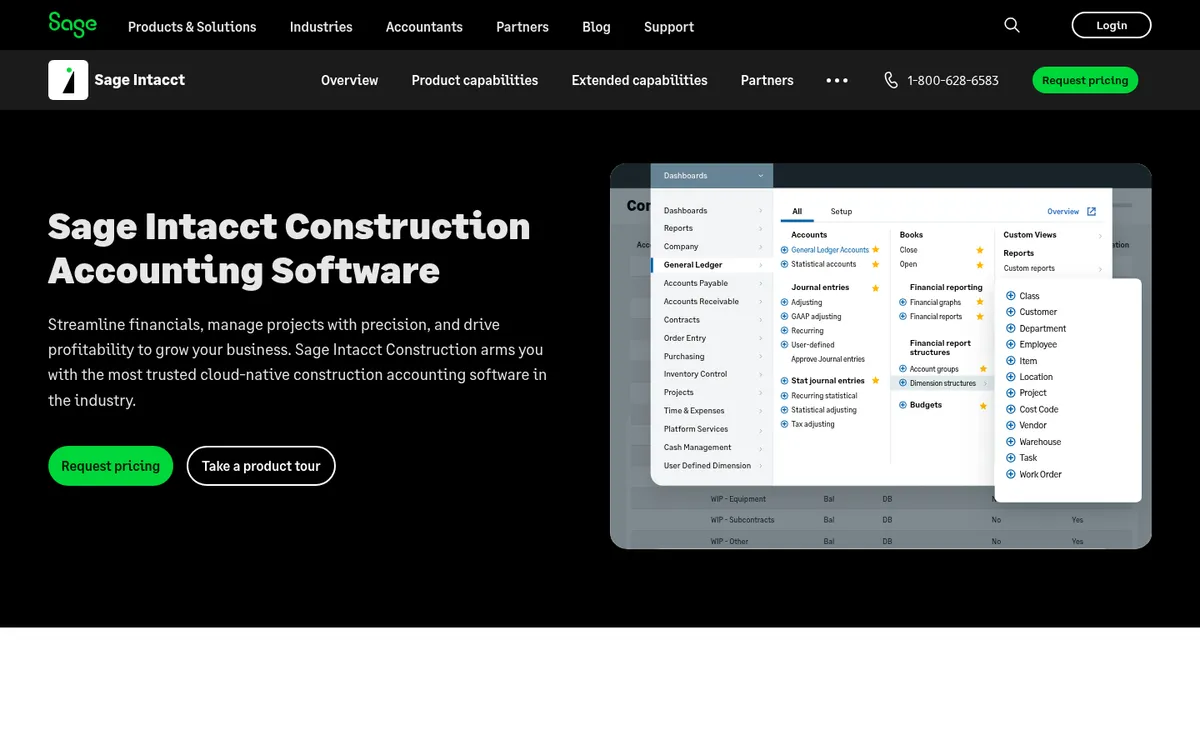
Sage Intacct Construction is cloud-native financial software with construction job costing on top. It tracks actual and committed costs in real time across projects and entities, handles fixed price, time and materials and cost-plus contracts, supports AIA billing, and automates over- and under-billing entries for the WIP schedule. It is the only cloud accounting solution preferred by the AICPA, according to Sage.
It comes up in r/Accounting threads from $40M to $100M GCs, usually with the comment that it is expensive. See Sage Intacct Construction vs Planyard.
Best for: Midsize contractors with several entities and a controller or CFO who wants strong WIP and consolidation.
Watch out for: Price and implementation effort put it out of reach for most small contractors.
Pricing: Quote only. Pricing depends on modules and company size.
5. Premier – Best Cloud ERP for GCs and Developers
Premier is a cloud construction ERP hosted on Microsoft Azure, covering accounting, job costing, project management, field management, drawings and documents. It is aimed at general contractors, owners and land developers.
Premier quotes flat-rate pricing based on company type and user count, and offers a 30-day money-back guarantee.
Best for: General contractors and developers who want accounting and project management in one cloud system.
Watch out for: More system than a small contractor needs, and pricing is quote only.
Pricing: Quote only. Flat-rate pricing quoted by company type and user count, 30-day money-back guarantee.
6. Trimble Viewpoint Spectrum and Vista – Best for Larger Contractors with Complex Payroll
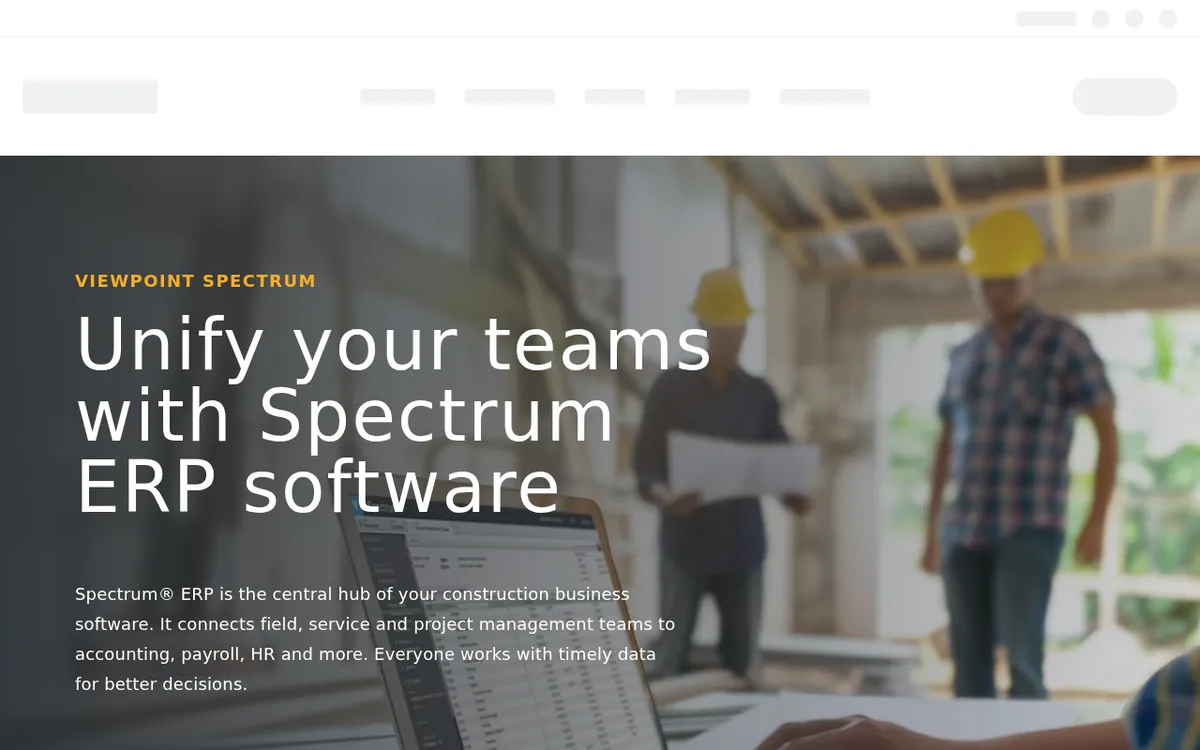
Trimble sells two construction ERPs under the Viewpoint name. Spectrum connects field, service and project teams to accounting, payroll and HR, with payroll that handles multiple unions. Vista covers job cost accounting, financial management, HR, service and equipment management for larger contractors.
Both are serious enterprise systems with a matching implementation. They come up in contractor threads alongside Foundation and Sage 100 Contractor, usually with a warning to expect a bigger bill than QuickBooks.
Best for: Larger self-performing contractors with union labor, equipment and service divisions.
Watch out for: Long implementation and enterprise pricing. Too much system for a small contractor.
Pricing: Quote only.
7. QuickBooks Desktop Enterprise – Best for Established QuickBooks Desktop Shops
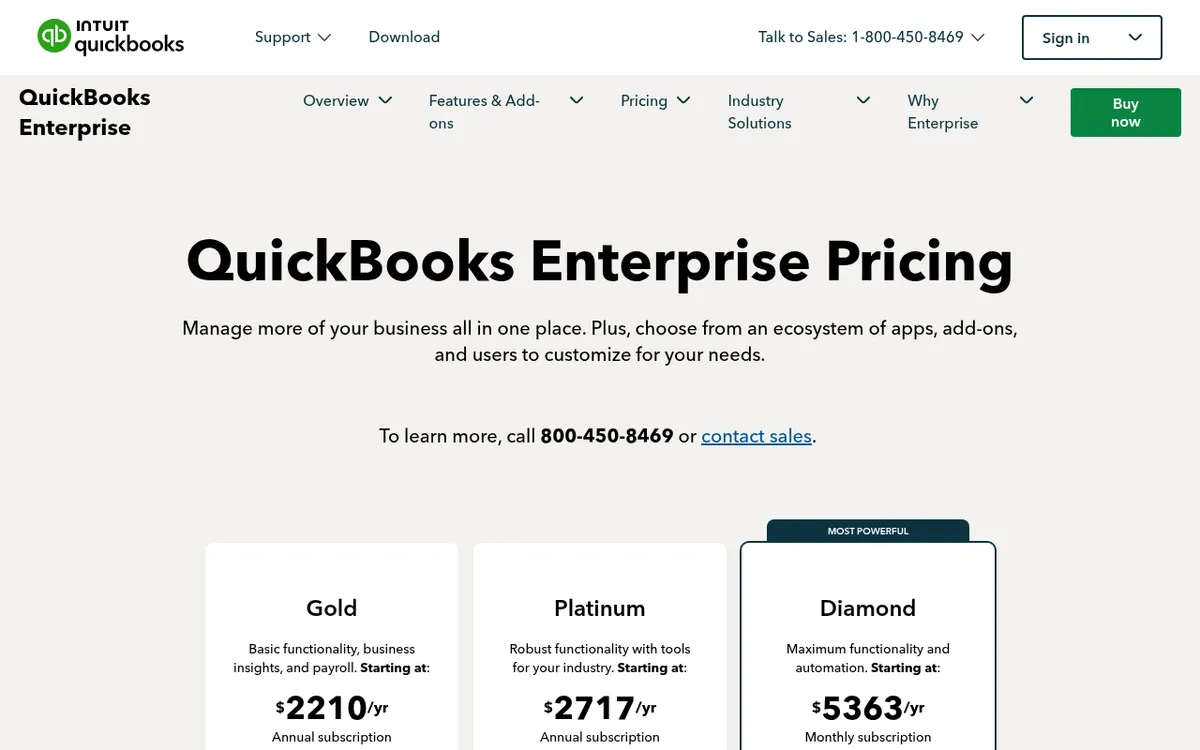
Desktop Enterprise is the version many established contractors still run, on a local server or with Intuit’s paid cloud hosting. It handles up to 40 users on Diamond, has job costing and more than 200 built-in reports, and Platinum adds Intuit’s industry-specific tools.
Intuit now pitches Intuit Enterprise Suite, its cloud ERP, to Desktop users who need heavy project costing, so ask about the roadmap before you commit to Desktop for years.
Best for: Contractors already on QuickBooks Desktop who need more users and reporting without changing systems.
Watch out for: Annual subscription, Windows only unless you pay for hosting, and the same gaps as QuickBooks Online on committed costs and pay applications.
Pricing: Gold from $2,210 a year, Platinum from $2,717 a year and Diamond from $5,363 a year (monthly plan only). Prices rise with the number of users. 60-day money-back guarantee.
8. Knowify – Best QuickBooks Add-On for Trade Contractors
Knowify is built for contractors who bill AIA jobs from QuickBooks. It creates G702 and G703 pay applications from a schedule of values, tracks retainage, and applies change orders to the right billing cycle. It integrates with QuickBooks Online, QuickBooks Desktop and Intuit Enterprise Suite, and time from its mobile app flows into QuickBooks Payroll.
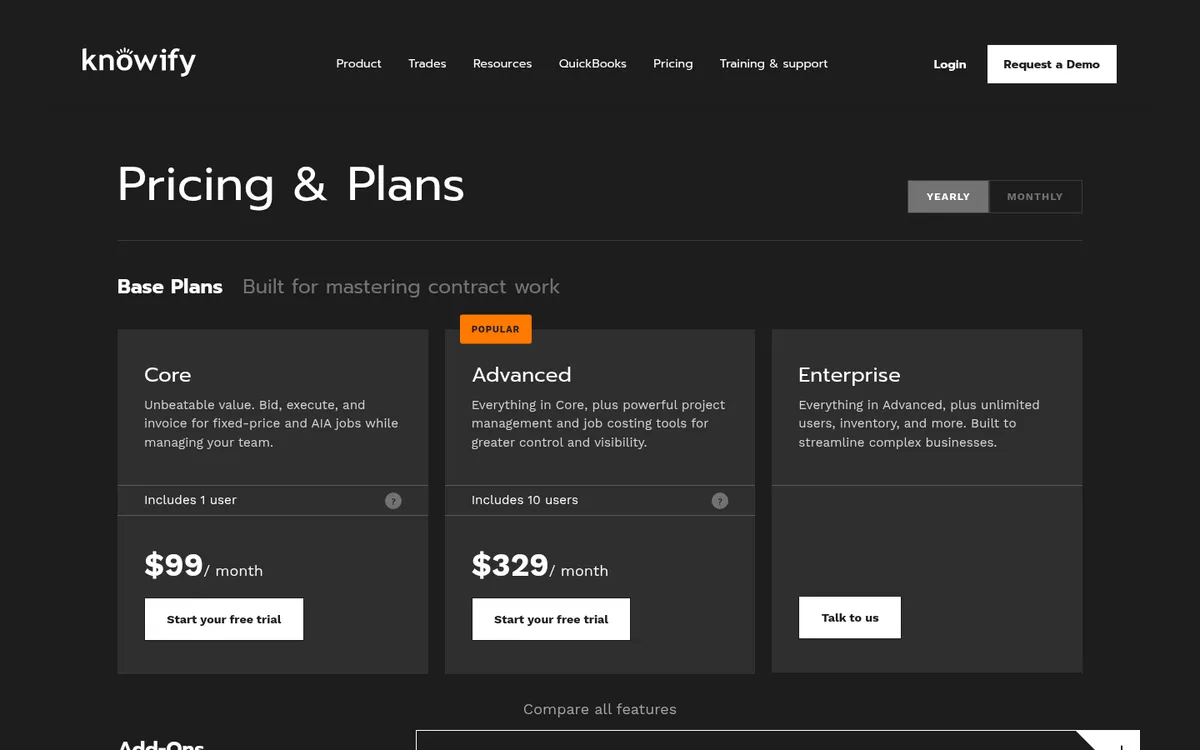
Core covers bidding, execution and invoicing for one user. Job costing and project management tools are on Advanced, which includes 10 users. See Knowify vs Planyard for the differences on budgets and committed costs.
Best for: Electrical, mechanical and specialty subcontractors who bill AIA pay apps and run QuickBooks.
Watch out for: Its integrations are built around QuickBooks, so check before buying if you use Xero or Sage. Job costing needs the Advanced plan.
Pricing: Core $99 a month and Advanced $329 a month on annual billing ($149 and $399 month to month). Extra users are $29 a month. Enterprise is quote only.
9. Xero – Best for Small Firms That Want Unlimited Users
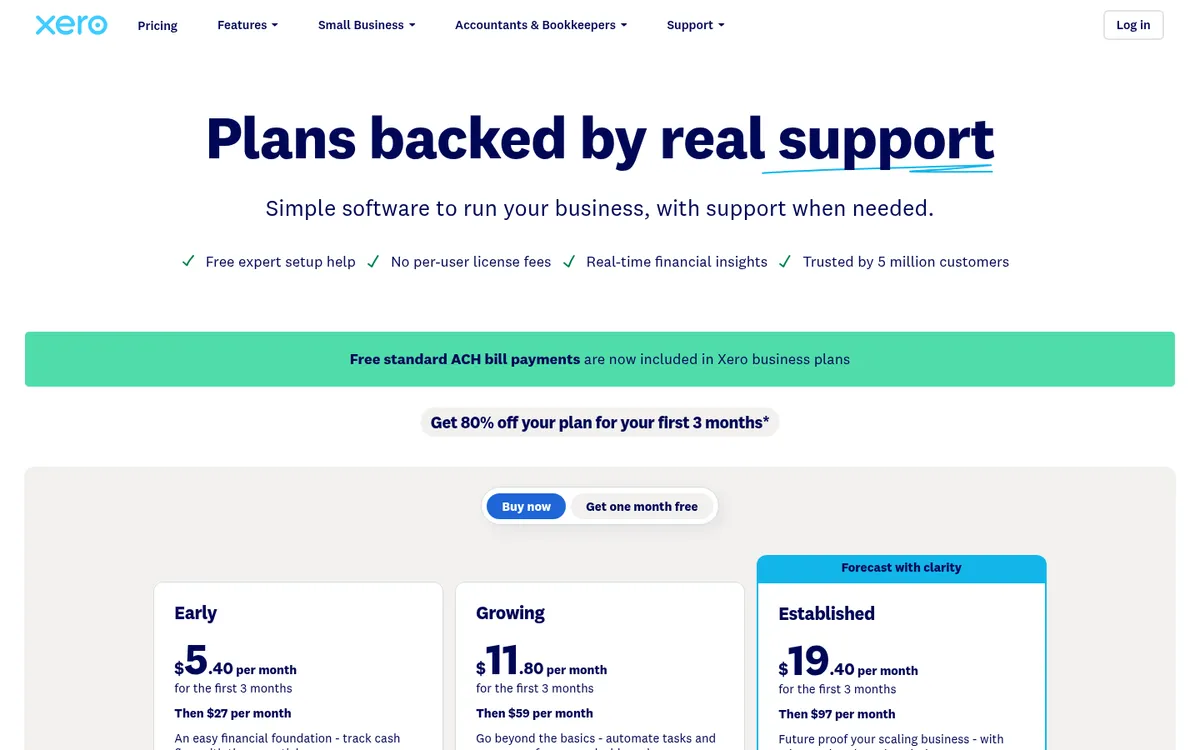
Xero charges per organization rather than per user, which suits a small contractor with an office manager, a bookkeeper and an outside CPA all logging in. Project tracking of time and costs sits on the Established plan. Early caps you at 20 invoices and 5 bills a month, which a working contractor will hit in the first week.
Xero is less common than QuickBooks among US contractors and CPAs, so ask your accountant first. See Xero vs Planyard and Xero alternatives for construction.
Best for: Small contractors who want unlimited users and a clean cloud ledger.
Watch out for: Projects only on the top plan, no construction billing built in, and fewer US construction add-ons than QuickBooks.
Pricing: Early $27, Growing $59 and Established $97 per month. Xero currently offers 80% off for the first three months; these are the regular prices. Payroll through Gusto is extra, from $36 a month plus $6 per employee.
Construction Cost Control on Top of Your Ledger
QuickBooks and Xero record a cost once the bill is entered. They do not count a signed subcontract against the budget, so the job report looks healthier than it is until the invoices arrive. A cost control tool on top of the ledger closes that gap and keeps your CPA in the system they know.
Planyard – Best for Job Cost Control on Top of QuickBooks or Xero
Planyard sits between the job and your books and leaves the general ledger where it is. It handles budgets by cost code, subcontracts and purchase orders, change orders, supplier invoices matched to the order they belong to, and client progress billing with retainage. Approved invoices sync to QuickBooks Online, Xero or Sage, and payroll stays in your accounting system.
Because commitments are entered when they are signed, the job report shows committed cost and a forecast final cost on any day of the month, without waiting for the close, which is the number most QuickBooks contractors are missing.
Jordan Cohen at TITN Development in the US switched because their previous systems did not track job costs the way their projects run. “We are now able to forecast and see exactly how we performed against our original estimates,” he says. In the UK, Lee Covington at E&N Group says the two people on their finance side save 10 to 12 hours a day between them.
Best for: Contractors with several live jobs who want job costing, committed costs and progress billing without replacing QuickBooks or Xero.
Pair it with: QuickBooks, Xero or Sage for payroll, certified payroll and the general ledger, and a takeoff tool if you measure from plans. AIA G702 and G703 forms are coming soon but not available yet.
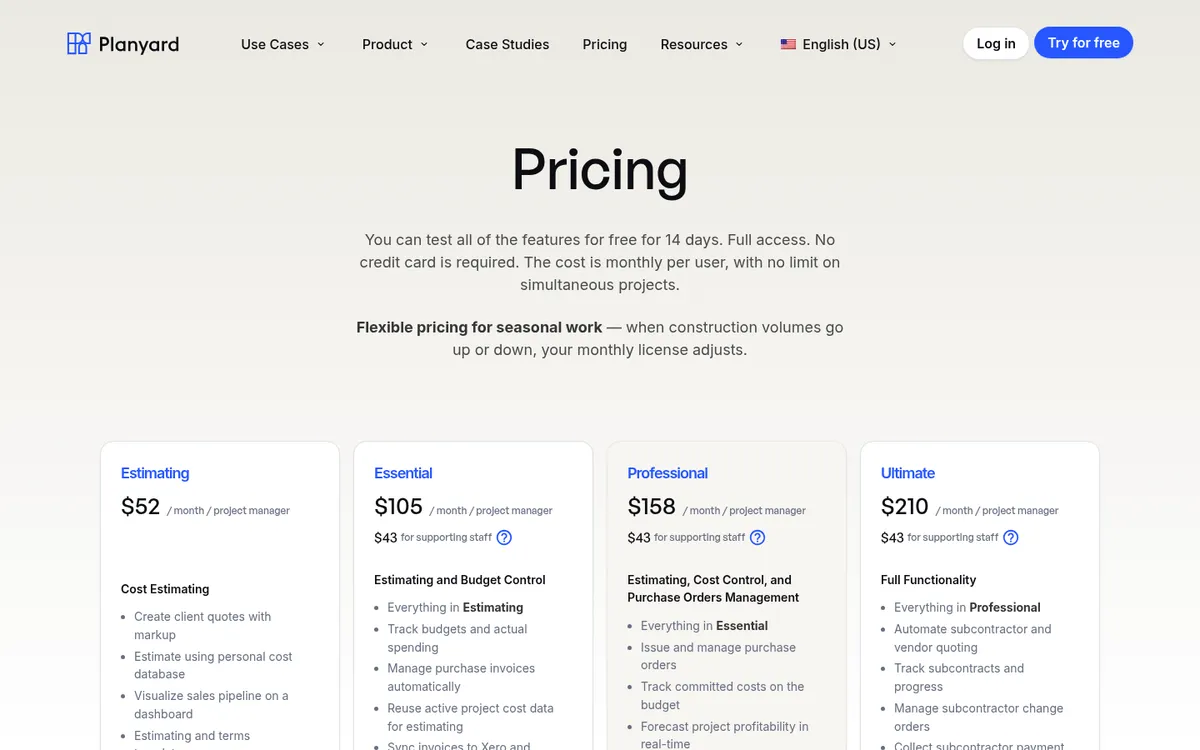
Pricing: $105 per project manager per month on Essential (job costing and the QuickBooks or Xero sync), $158 on Professional (purchase orders, committed costs, change orders and client progress billing) and $210 on Ultimate (subcontractor pay applications and bid requests). Estimating only is $52; supporting staff are $43. 14-day free trial, see pricing.
"We are now able to forecast and see exactly how we performed against our original estimates. It keeps all of our documents and financial data in one central place, which allows anyone on the team to jump in and instantly see the status of any line item, when it was paid, and the actual documentation behind those payments."
Read more
Keep QuickBooks. Add real job costing.
Planyard tracks budgets, committed costs and change orders by job and syncs approved invoices to QuickBooks Online or Xero. 14-day free trial, no credit card.
How to Choose by Company Size
Owner-operators and small contractors
Start with QuickBooks Online Plus or Xero Established so jobs are tracked from the first invoice. Setting up QuickBooks for a construction company walks through the chart of accounts and job structure. Add a construction tool when pay applications or change orders start eating your evenings.
Growing GCs and subcontractors
With several jobs running at once, project managers who need numbers and a bookkeeper who should not be the only person who knows the margin, you have two routes. Keep QuickBooks or Xero and add Knowify or Planyard for job costing, committed costs and billing, or move the whole company to Sage 100 Contractor or Foundation. The add-on route is faster and cheaper; the replacement route makes sense when payroll is the bigger problem.
"The ordering process now only takes about 10 minutes per purchase order, whereas it used to take us roughly 30 minutes before.
And this is not even counting in the time saved on reconciling."

Midsize and multi-entity contractors
With a controller, several entities and a surety asking for WIP every quarter, look at Sage Intacct Construction, Premier, Foundation or Trimble Viewpoint. Ask each vendor for a reference customer of your size and trade, and get implementation costs in writing.
How We Chose
We started from what US contractors search for and the tools named in r/Construction, r/GeneralContractor and r/Accounting threads, then checked each vendor’s own website for plans, prices and construction features in October 2026. Where a vendor publishes no price, we say so. Planyard is our product, and we have placed it where it fits, as a cost-control layer next to your accounting software. If you work in the UK, see our UK construction accounting software guide instead.
Related Guides
Where to Start
If you are on QuickBooks or Xero and the problem is knowing where each job stands, add a cost-control tool before replacing your accounting system. If payroll and compliance are the problem, book demos with Sage 100 Contractor and Foundation. Our construction accounting guide covers the basics behind all of these choices.
See every job's margin before month-end
Planyard keeps budgets, committed costs, change orders and progress billing live and syncs with QuickBooks Online or Xero. 14-day free trial.