
Last verified: October 2026
The invoice from the electrical wholesaler arrives six weeks after the order. Nobody can find the original quote, the site manager has moved to another job, and the amount is £2,000 more than anyone remembers agreeing. It gets paid because the supplier will put the account on stop if it doesn’t, and the job loses £2,000 of margin without anyone deciding to spend it.
Purchase order software is meant to stop that. This guide compares nine tools that UK contractors use for purchase orders, with October 2026 prices: construction platforms that tie each order to the job budget, general PO and approval systems that sit on top of your accounts, and the purchase orders already built into Xero, QuickBooks and Sage. If you want to see how Planyard handles orders in detail, read our construction purchase order software page.
What to Look For in Purchase Order Software for Construction
Orders against the budget line
In construction, the question is whether an order fits the budget for that package on that job, which a company-wide budget can’t tell you. Look for software where each PO is raised against a cost code on the project budget, and the committed cost updates the moment the order is approved.
Approval before the order goes out
Approving an invoice after the materials are on site is too late to say no. A PO approval workflow routes orders above a set value to a manager before they are sent to the supplier. Check whether the tool supports more than one approver, and whether approvers can see the remaining budget when they decide.
Orders raised from site
If raising a PO takes a desktop and a training course, site teams will phone the order through and tell the office later. A mobile app or a simple browser form keeps the order in the system from the start.
Invoice matching
The order is the benchmark for the invoice. Good tools read the PO number on the supplier invoice, match it to the order, and show what has already been invoiced against it, so overbilling and duplicate invoices stand out. Some also match the delivery note.
Partial deliveries and variations
Materials arrive in several drops, and orders change. The software should handle several invoices against one order, price changes to an existing order, and closing an order so the leftover commitment drops off the cost report.
Sync with your accounting software
UK contractors mostly run Xero, QuickBooks or Sage. Approved costs should reach the ledger without re-keying, coded to the right job, so the accounts team pays from one place and CIS and VAT are handled where they are filed.
How We Chose
We started from the tools that rank in UK search for construction purchase order software, the ones UK contractors name in forums, and the purchase orders built into the three main UK accounting packages. We read each vendor’s product and pricing pages in October 2026 and left out claims we could not check. Planyard is our product, so we have tried to be specific about where it fits and where it does not.
Purchase Order Software Compared
Prices are as published by each vendor in October 2026, per month, excluding VAT. “Quote only” means the vendor does not publish a price.
| Tool | Type | Best for | Price | Orders against job budget | Accounting sync |
| Planyard | Construction cost control | SME main contractors and developers | £123 per PM (Professional) | Yes, with CVR | Xero, QuickBooks, Sage |
| LiveCosts | Construction PO and invoice tool | Materials-heavy trade contractors | Quote only | Yes | Xero, Sage, QuickBooks |
| Access Coins Evo | Construction ERP | Large contractors and housebuilders | Quote only, per user | Yes, with CVR | Built-in ledger |
| Archdesk | Construction ERP | Mid-sized contractors wanting one platform | Quote only | Yes | Accounting and ERP integrations |
| CloudB2B | UK PO system | A configured PO system for site and office | Quote only | Project budgets | Sage, Xero, QuickBooks |
| Zahara | PO and AP automation | Finance-led spend control | From £159 (Teams) | Project and department budgets | Xero, Sage, QuickBooks and more |
| ApprovalMax | Approval app | Multi-level approvals in Xero or QuickBooks | Usage-based, quote for UK | Xero budgets only | Xero, QuickBooks Online, NetSuite |
| Xero purchase orders | Accounting built-in | Small firms already on Xero | In every plan, from £18 | No | Native |
| QuickBooks Plus and Sage 50 Professional | Accounting built-in | Small firms on QuickBooks or Sage | £56 (QuickBooks Plus), £234 (Sage 50 Pro) | No | Native |
"The ordering process now only takes about 10 minutes per purchase order, whereas it used to take us roughly 30 minutes before.
And this is not even counting in the time saved on reconciling."

The 9 Best Purchase Order Software Tools for UK Construction
1. Planyard – Best for Purchase Orders Tied to the Project Budget
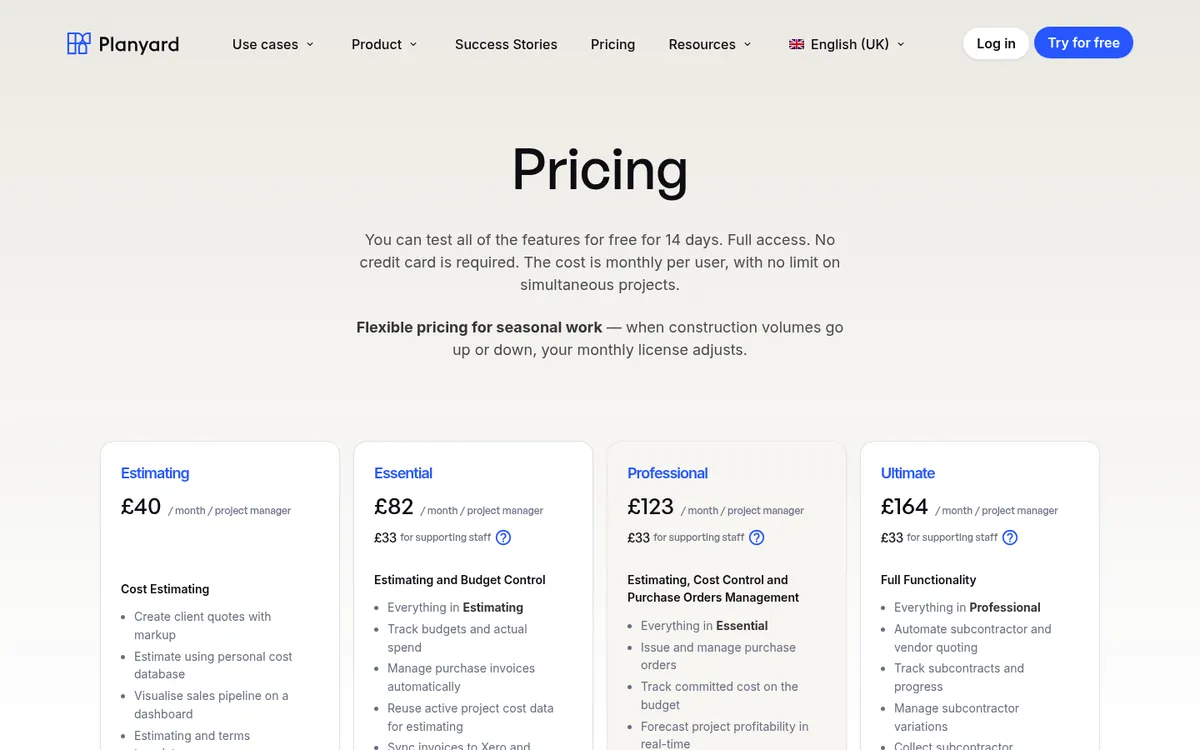
In Planyard, every purchase order is raised against a line in the project budget. QSs, project managers and site engineers can raise orders with the permissions you set, and Planyard adds your standard terms, the invoicing instructions and the PO number to the PDF. Once the order is approved, the committed cost appears in the budget straight away, and Planyard flags the line if commitments go over budget before the first invoice lands.
Supplier invoices come in through your purchase ledger inbox, the Outlook add-in or the Gmail add-on. OCR reads the PO number and matches the invoice to the order, and the person approving it sees what has been ordered, invoiced and paid on that PO so far. Partial deliveries, order variations and prepayment invoices are handled on the same order. Approval workflows send orders and invoices to the right manager, and an order can pass through several approval stages before it goes to the supplier. Approved costs sync to Xero, QuickBooks or Sage, which handle payment, CIS and VAT. If you are on Xero, see how this works on our Xero purchase order software page.
Orders feed the live cost report, so committed cost and forecast margin on each job are current when you sit down for the monthly cost review.
Best for: SME main contractors and developers on Xero, QuickBooks or Sage who want orders, invoices and cost reports in one place without an ERP rollout.
Watch out for: Purchase orders and PO approval workflows start in the Professional plan, and subcontract orders need Ultimate. Planyard is built around project budgets, so a business that mostly buys stock for a central yard will get less from it. It is not an accounting system and works alongside your ledger.
Pricing: Professional £123 per project manager per month, Ultimate £164, supporting staff £33. 14-day free trial, see pricing.
"I’ve used other systems in the past that you need 3 or 4 days of training before you can even raise a purchase order on the system. With Planyard, you can just raise your first purchase order in 5 minutes in one go. You just Planyard it!"
Read more
2. LiveCosts – Best for Materials-Heavy Trade Contractors
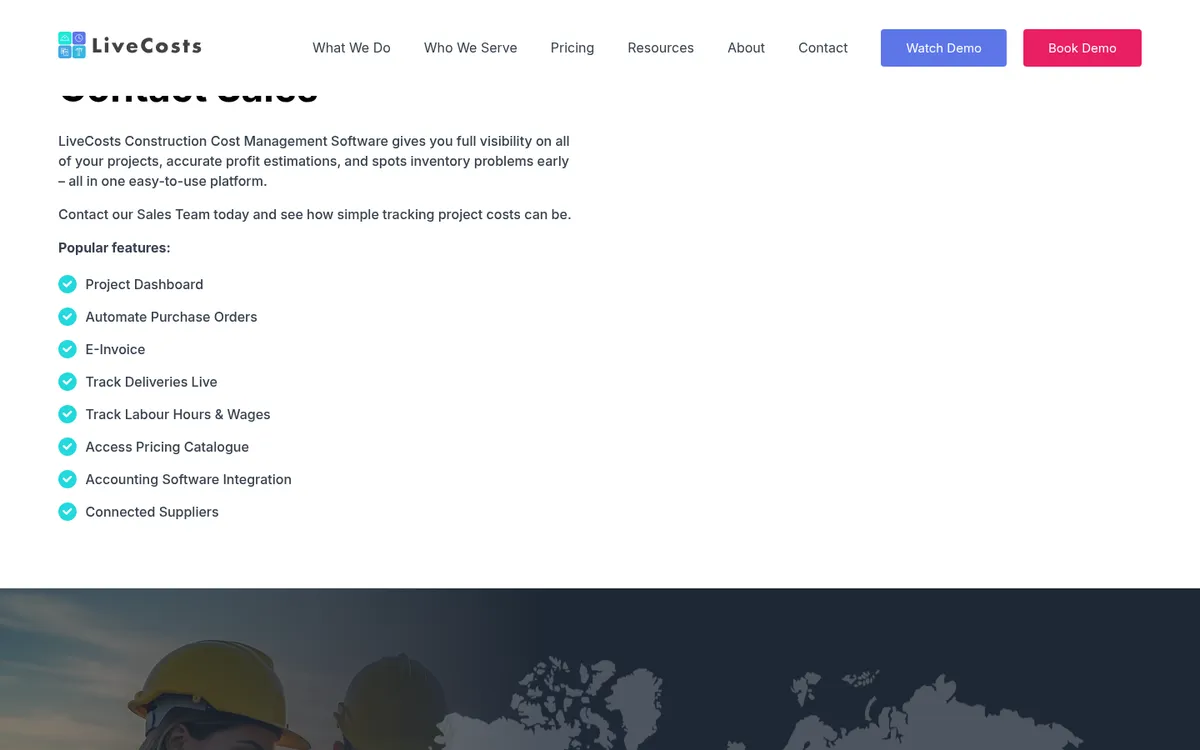
LiveCosts is a construction cost tool with offices in Dublin, London and Perth. Its purchase order module links each PO to a job and cost code, runs PO approval workflows, and tracks committed cost against budget. Site teams can raise orders from a phone.
The strength is on the invoice side: it scans supplier invoices, allocates them to jobs, runs three-way matching against the order and the delivery, and flags supplier overbilling before approval. It also has a pricing catalogue and connected suppliers, and syncs approved costs to Xero, Sage and QuickBooks.
Our LiveCosts vs Planyard comparison covers the differences in valuations, retention and forecasting, and there is a list of LiveCosts alternatives if you are already using it.
Best for: Electrical, mechanical and civils contractors buying a lot of materials who want delivery tracking and invoice matching.
Watch out for: No published pricing. The focus is on purchasing and invoices, so check how it handles client valuations and subcontractor applications if you need those too.
Pricing: Quote only.
3. Access Coins Evo – Best for Large Contractors on a Full ERP
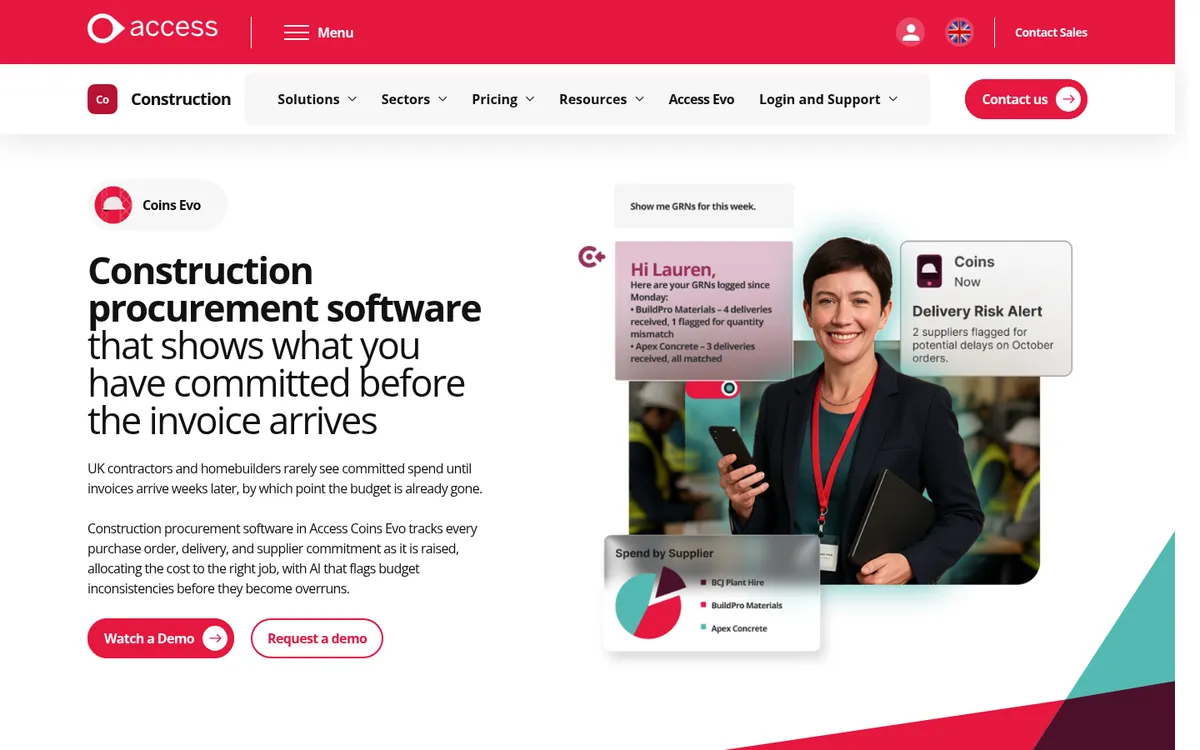
Access Coins Evo is a construction ERP used by many of the largest UK housebuilders. Its procurement module tracks every purchase order, delivery and supplier commitment as it is raised, and allocates the cost to the job and cost code. Committed costs flow into job costing, CVR and cash forecasting.
Budget checks and layered approvals sit in front of each order, site teams raise requisitions on a phone or tablet, and invoices are matched to orders. Because the ledger is part of the same system, there is no sync to manage.
See Access Coins vs Planyard for how the ERP route compares with a cost-control tool on top of Xero or Sage.
Best for: Large contractors and housebuilders replacing their whole finance and operations system.
Watch out for: An ERP project with implementation quoted separately. Too much system if all you need is better purchase orders.
Pricing: Quote only, licensed per user.
4. Archdesk – Best for an All-in-One Construction Platform
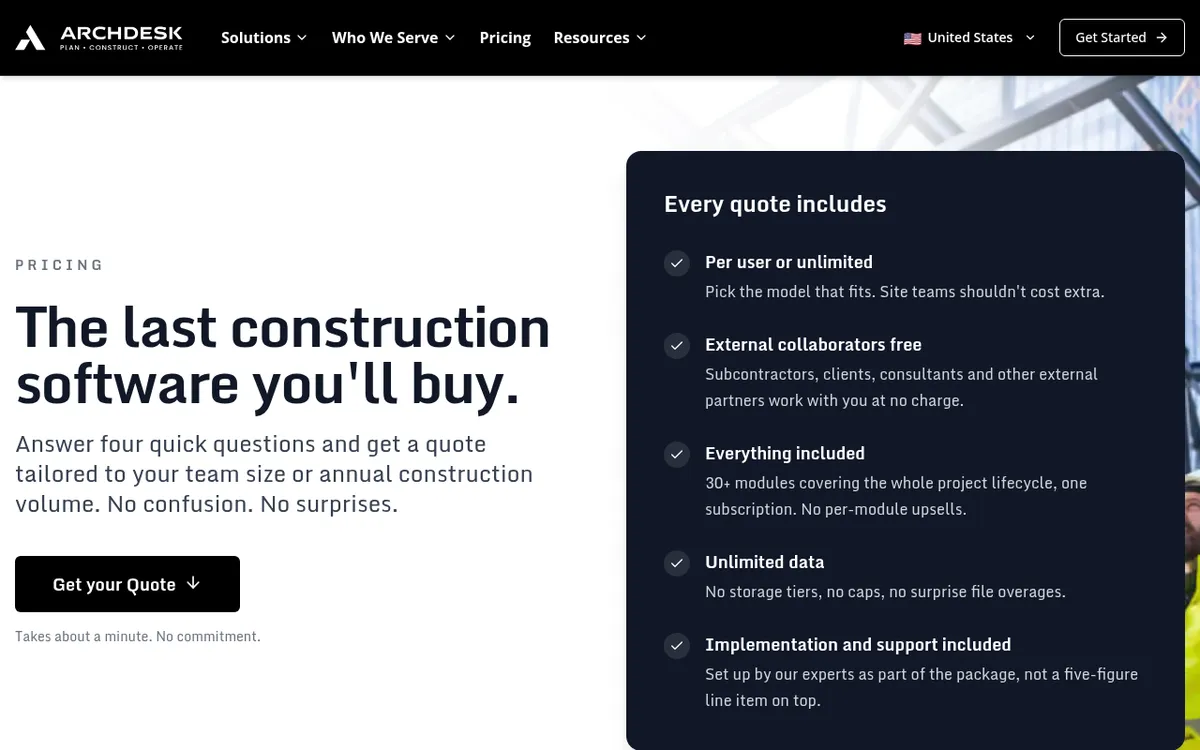
Archdesk is a construction ERP with more than 30 modules, from CRM and estimating to procurement, CVR and document control. Its procurement module plans purchases against the budget and tracks every order, and the supplier management module keeps pricing and performance in one register.
Every quote includes all modules, implementation and support, and external collaborators such as subcontractors and suppliers use it free. See Archdesk vs Planyard for the wider comparison.
Best for: Mid-sized contractors who want one platform for the whole business, not just purchasing.
Watch out for: Priced per user or on annual construction volume, with no public price list. A bigger rollout than a PO tool.
Pricing: Quote only.
Purchase orders that update the job budget
Raise the order, see the committed cost on the budget line, and match the invoice to the PO before it reaches Xero, QuickBooks or Sage. 14-day free trial.
5. CloudB2B – Best for a Configured UK PO System
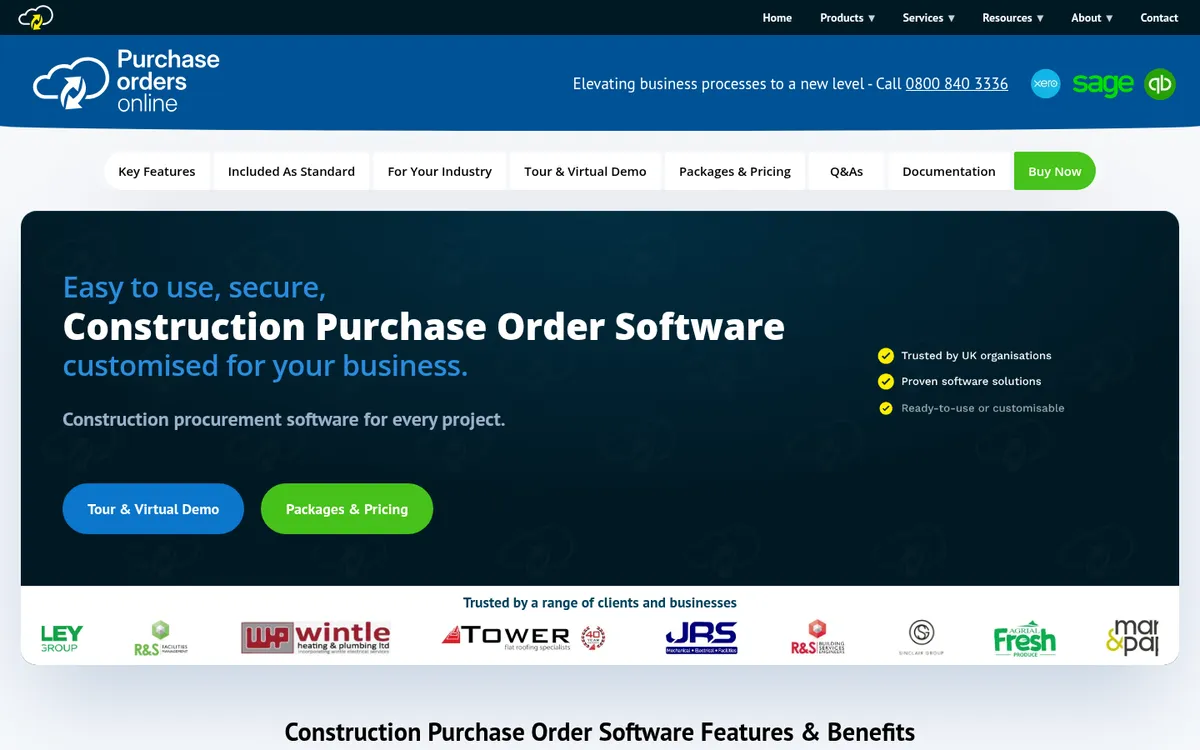
CloudB2B is a UK supplier of purchase order systems for several sectors, with a version for construction. Orders are raised by site, project or department with delivery locations and site instructions, and supplier and subcontractor details are stored centrally. It has approval workflows, project budget control and reporting, and integrates with Sage, Xero and QuickBooks.
It is sold as an off-the-shelf system that can be customised, with UK hosting.
Best for: Contractors who want a dedicated PO system set up to match their own approval rules.
Watch out for: Not a cost reporting tool: there is no CVR or forecast. Pricing is based on a monthly user licence, quoted on application.
Pricing: Quote only.
6. Zahara – Best for Finance-Led Spend Control
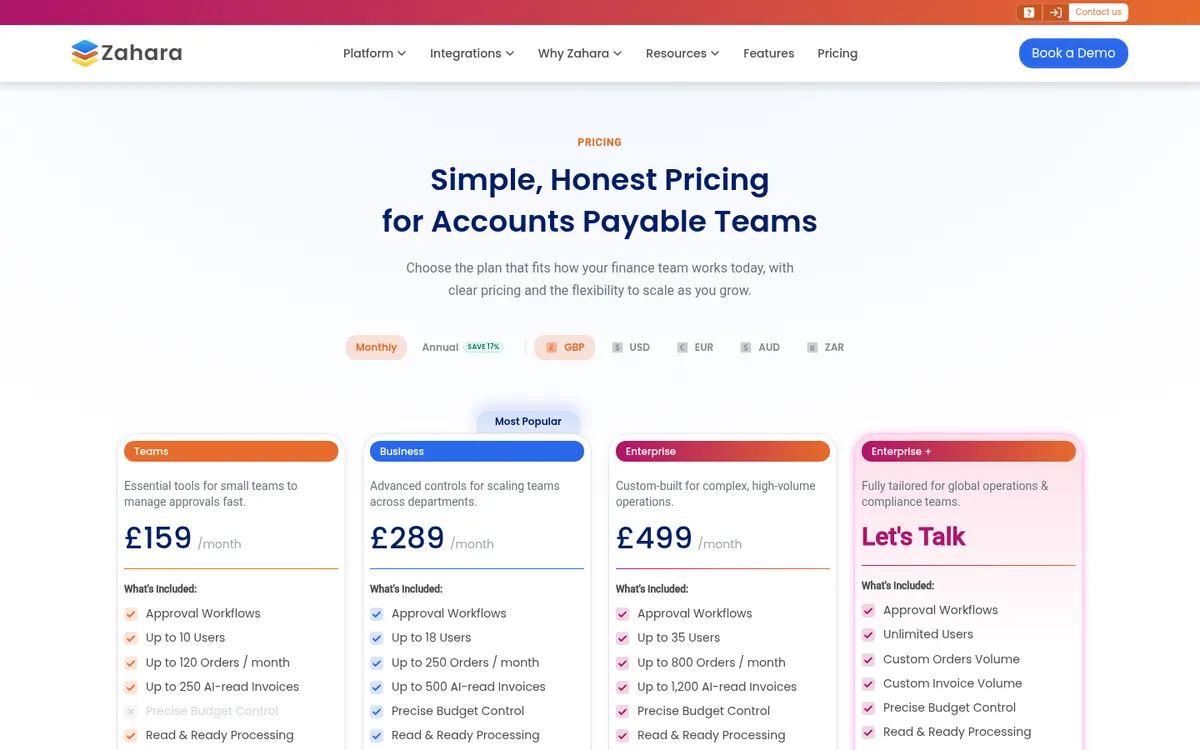
Zahara is UK purchase order and accounts payable software used across sectors, with a construction page. Users raise requests that go through multi-step approval workflows, budgets can be set by department, project, GL code or cost centre, and requesters see the effect on the budget before they submit. AI reads supplier invoices and checks them against POs and goods received notes.
It integrates with Xero, Sage 50, Sage 200, Sage Intacct, QuickBooks, Business Central, NetSuite and MYOB, and publishes its prices.
Best for: Finance teams that want purchase order discipline across the whole business, construction or not.
Watch out for: Project budgets are a cost centre view, not a construction budget with CVR, valuations or retention. Plans cap the number of orders a month (120 on Teams).
Pricing: Teams £159 a month, Business £289, Enterprise £499 (monthly billing; annual billing saves 17%). Free trial.
7. ApprovalMax – Best for Multi-Level Approvals in Xero or QuickBooks
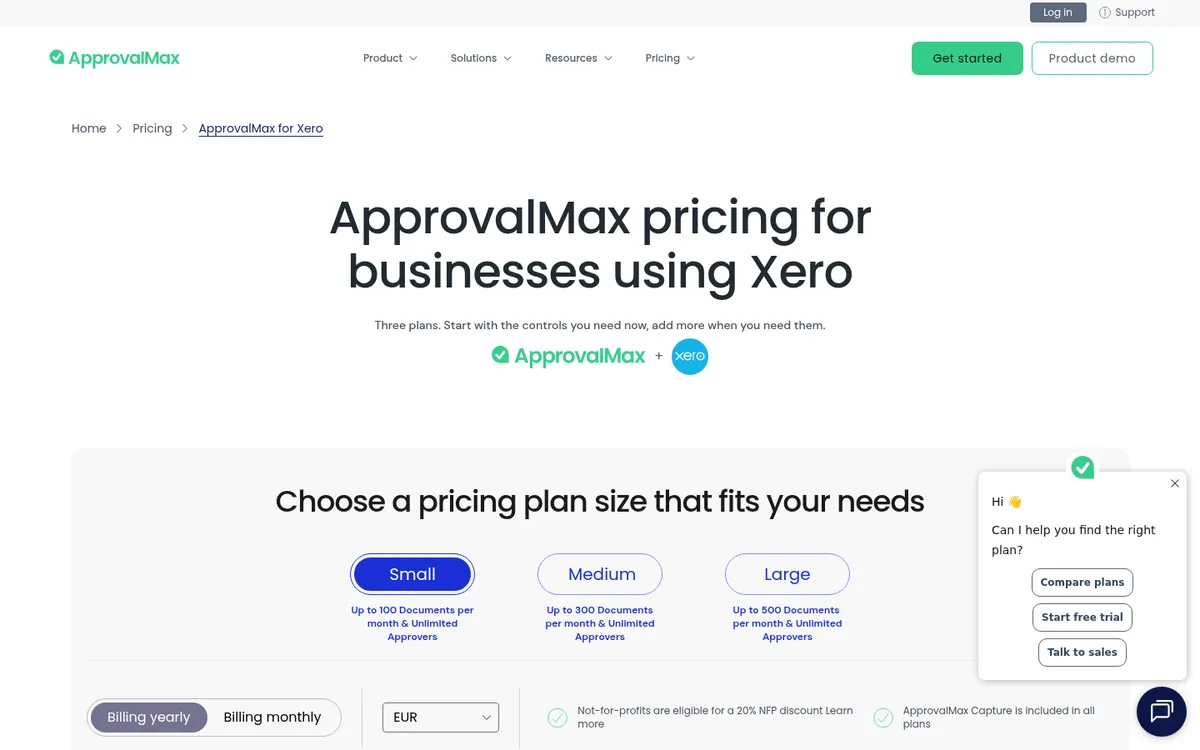
ApprovalMax adds approval workflows to Xero, QuickBooks Online and NetSuite. Purchase orders and bills go through multi-level approval workflows, approvers can sign off from the mobile app, and bills are matched to POs. It can check orders against budgets synced from Xero, and keeps a full audit trail.
It does not know your construction budget, so committed cost by job still needs another tool. Our ApprovalMax vs Planyard comparison and the list of ApprovalMax alternatives for construction companies go into this.
Best for: Finance teams on Xero or QuickBooks that want strict, multi-step approval rules and segregation of duties.
Watch out for: Approvals only, with no job budget, CVR or valuations. UK pricing is usage-based, so cost grows with the number of documents you approve.
Pricing: New UK customers are on usage-based plans (Small, Medium, Large) sized by documents approved a month, with no GBP price list on the site. Free trial.
8. Xero Purchase Orders – Best Starting Point if You Already Use Xero
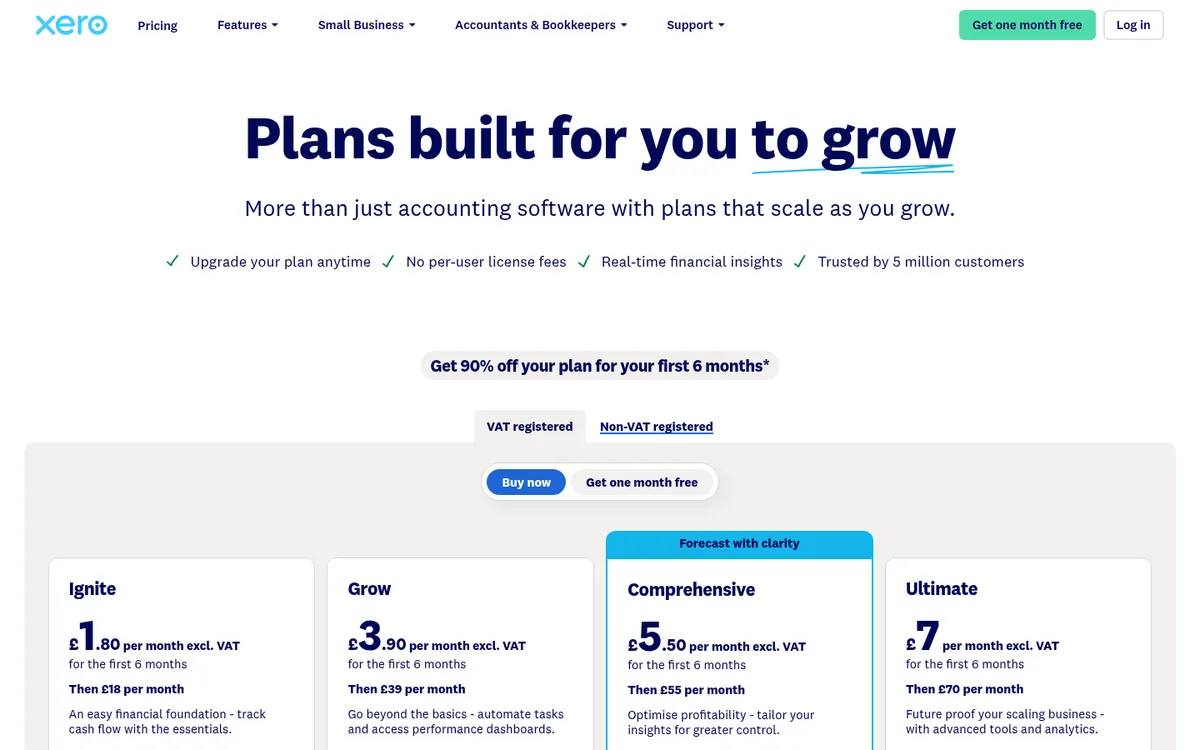
Purchase orders are included in every Xero UK plan. You can raise and send a PO from a template, require approval before it goes out, see each order’s status (sent, filled, billed), and convert it to a bill when the invoice arrives. CIS deductions are handled in the same system.
For a firm running a few jobs with a short supplier list, that may be enough. The gaps show as the business grows: no view of committed cost against a job budget, and no warning when a package goes over. Read Xero vs Planyard if you are weighing an add-on.
Best for: Small builders already on Xero who want to stop ordering by phone and email.
Watch out for: No job budget or committed cost report. Ignite allows only 10 bills a month, so most contractors need Grow or above.
Pricing: Included in every plan: Ignite £18, Grow £39, Comprehensive £55, Ultimate £70.
"Xero does have a purchase order system, but it wasn't geared towards a construction business or the way we actually operate."
Read more
9. QuickBooks Online Plus and Sage 50 Accounts Professional – Best Built-In Options Outside Xero
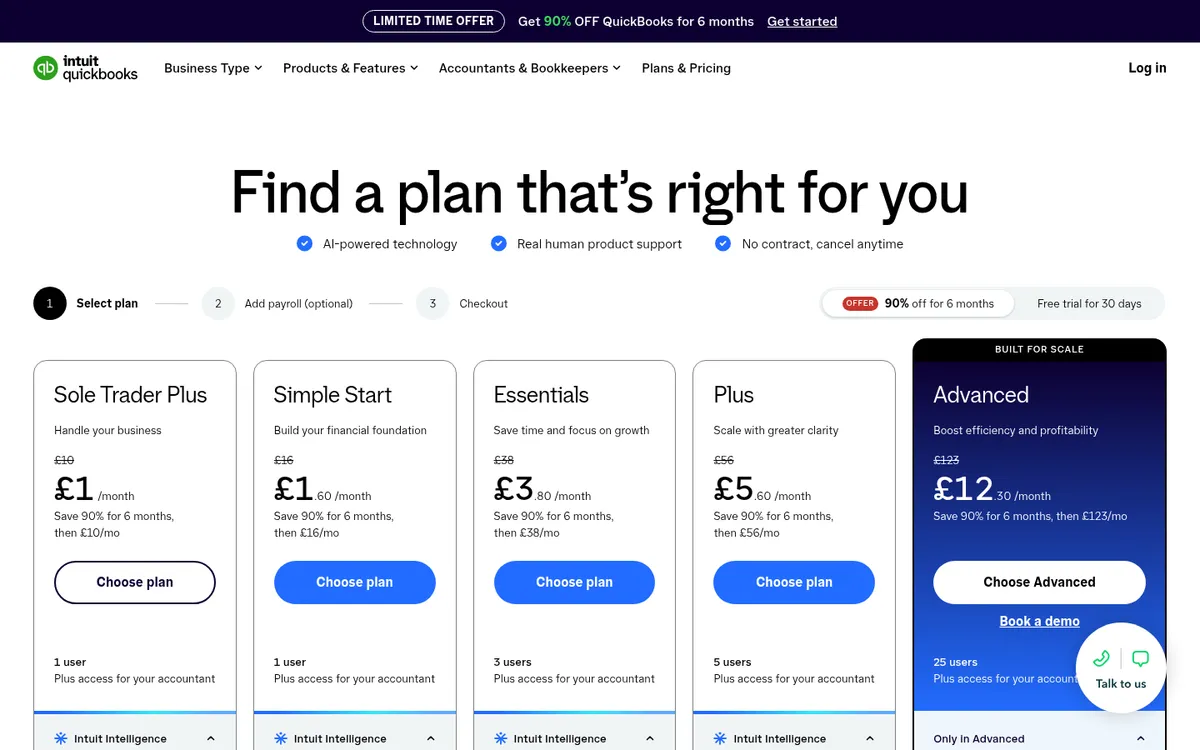
QuickBooks Online has purchase orders on Plus and Advanced only. You create and email the PO, then link it to a bill or expense when the supplier invoices. Sage 50 Accounts has purchase orders in the Professional edition, along with project costing, and you can set orders to recur.
Both work for buying, but neither ties orders to a construction budget or warns you before a package goes over. If you run Sage, our Sage purchase order software page shows how Planyard sits on top.
Best for: Small contractors already on QuickBooks Plus or Sage 50 Professional.
Watch out for: No PO approval workflow on QuickBooks Plus (workflow automation is an Advanced feature), and Sage 50 Professional is desktop software with a higher price.
Pricing: QuickBooks Plus £56, Advanced £123. Sage 50 Accounts Professional from £234.
How to Choose
- You run a few jobs on Xero and buy from a handful of suppliers: start with Xero purchase orders, and move to a construction tool when you need committed cost by job.
- Your finance team wants approval rules across the whole business: ApprovalMax on Xero or QuickBooks, or Zahara if you want POs and invoice processing in one place.
- You buy a lot of materials and want deliveries matched to invoices: LiveCosts.
- You are replacing your whole finance and operations system: Access Coins Evo or Archdesk.
- You are an SME main contractor or developer on Xero, QuickBooks or Sage and want each order to update the job budget and the CVR: Planyard, with a published price and a 14-day trial.
Whatever you pick, set one rule first: no order, no job. Contractors who stick to it know their margin is real, because every cost was agreed before it was spent. For the wider purchasing picture, including tendering and supplier selection, see our guide to construction procurement software.
"Everything has a PO linked to a job number. No one does a job without a purchase order, so when I look at margin I know it’s the true margin."
Read more
Related Guides
- Best Construction Cost Tracking Software for UK Contractors
- Best Invoice Approval Software for Construction Companies
Every order on the budget, every invoice checked
Planyard links purchase orders to the job budget, matches supplier invoices to the PO and sends approved costs to Xero, QuickBooks or Sage. Try it free for 14 days.