
Last verified: October 2026
Friday afternoon, and the contracts manager has hours arriving by text, WhatsApp photo and a paper sheet left in the van. By Monday they are in a spreadsheet for payroll. Nobody checks them against the job budget until the month-end cost report, and by then the groundworks package has eaten three weeks of extra labour.
Payroll only needs the hours. The reason to track time on a construction job is to see what those hours cost against the budget line while there is still time to protect the margin, and most time tracking apps stop before that point. So this guide splits the tools by the job you need done: clocking people in and paying them, or putting labour cost into the job budget. Skip to the section that matches your problem.
Planyard is our product. We rank it only in the labour cost section, where it fits, and we list what it does not do.
We compare nine tools that UK contractors use, with October 2026 prices in pounds where the vendor publishes them, and say which accounting and payroll software each one connects to.
Construction Time Tracking Software Compared
Prices are per month excluding VAT for the cheapest plan that includes what is listed. Where the vendor only bills in US dollars, the price is shown in dollars.
| Job | Software | Best for | Starting price | Hours to job or cost code | GPS or geofence | Connects to |
| Labour cost into the job budget | Planyard | Labour cost against the budget line | £82 per project manager | Yes, cost code at entry | No | Xero, QuickBooks |
| Clock-in, attendance and payroll | TimeKeeper | UK site clock-in with payroll export | £3.33 per employee (annual) | Jobs on Pro (£5) | Geofence on Pro | BrightPay, Xero Payroll, Sage 50, Moneysoft |
| Clock-in, attendance and payroll | QuickBooks Time | Firms already on QuickBooks Online | £6 per user + £16 base | Jobs and projects | Yes | QuickBooks Online |
| Clock-in, attendance and payroll | Deputy | Rotas and shift-based teams | £3.25 per user (£20 minimum) | Locations and areas | Geofence | Payroll and HR integrations |
| Clock-in, attendance and payroll | Jibble | Free clock-in for any team size | Free; paid plans by request | Projects | Yes | Xero, QuickBooks |
| Clock-in, attendance and payroll | Clockify | Cheap timesheets with labour cost reports | Free (5 users); $3.99 per user | Projects and tasks | GPS on Pro | QuickBooks |
| Clock-in, attendance and payroll | Connecteam | Small crews that want clock-in plus forms | Free (under 10 users); $29 for 30 users | Jobs | Yes | Payroll integrations |
| Clock-in, attendance and payroll | Tradify | Trades firms running many small jobs | £34 per user | Jobs | No | Xero, QuickBooks, Sage |
| Clock-in, attendance and payroll | Xero Projects | Small firms whose books are in Xero | £70 (Xero Ultimate, 10 users) | Projects and tasks | No | Xero |
What to Look For in Construction Time Tracking Software
Proof of attendance or cost allocation
A time clock answers “was he on site, and for how long?” A job-cost timesheet answers “what did that hour cost, and which part of the job did it go on?” Payroll needs the first. The quantity surveyor and the project manager need the second. Some firms need both, and run a clock-in app for payroll alongside a cost tool for the budget.
Hours against cost codes, not just jobs
Logging hours against “Smith Road” tells you the job is over. Logging them against “Smith Road, 03 Substructure, labour” tells you why. If you already run a cost code structure, check the app can use it at the point of entry rather than leaving the office to recode timesheets later.
Approval before the hours hit anything
A foreman or project manager should approve hours before they go to payroll or the budget. Look for approvals that can differ by project, an audit trail of edits, and locked periods so last month’s sheets cannot change after payroll has run.
Employees, CIS subcontractors and agency labour
UK sites mix PAYE employees, self-employed CIS subcontractors and agency labour. Only employees go through payroll. For the other two, hours are a check on the invoice: if the agency bills 60 hours and your records show 48, you want to know before you pay. Most clock-in apps assume everyone is an employee.
Payroll and accounts links that exist in the UK
Many of the best-known construction time apps are American and integrate with US payroll providers. For a UK firm, check for Xero Payroll, Sage, BrightPay, Moneysoft or QuickBooks, and check the integration is available on UK accounts, not just listed on the website.
Site reality and UK GDPR
Sites lose signal, so offline clock-in matters. Older operatives may not install an app, so a shared kiosk tablet or a link by text helps. GPS and facial recognition are lawful in the UK when they are proportionate and workers are told, but the ICO expects you to justify them. Location at clock-in and clock-out is easier to defend than tracking all day.
"All in all, between the two of us on the finance side, we are saving 10 to 12 hours every single day. The administrative time savings have been immense."
Read more
Best for Labour Cost Against the Job Budget
1. Planyard – Best for Labour Cost Against the Job Budget
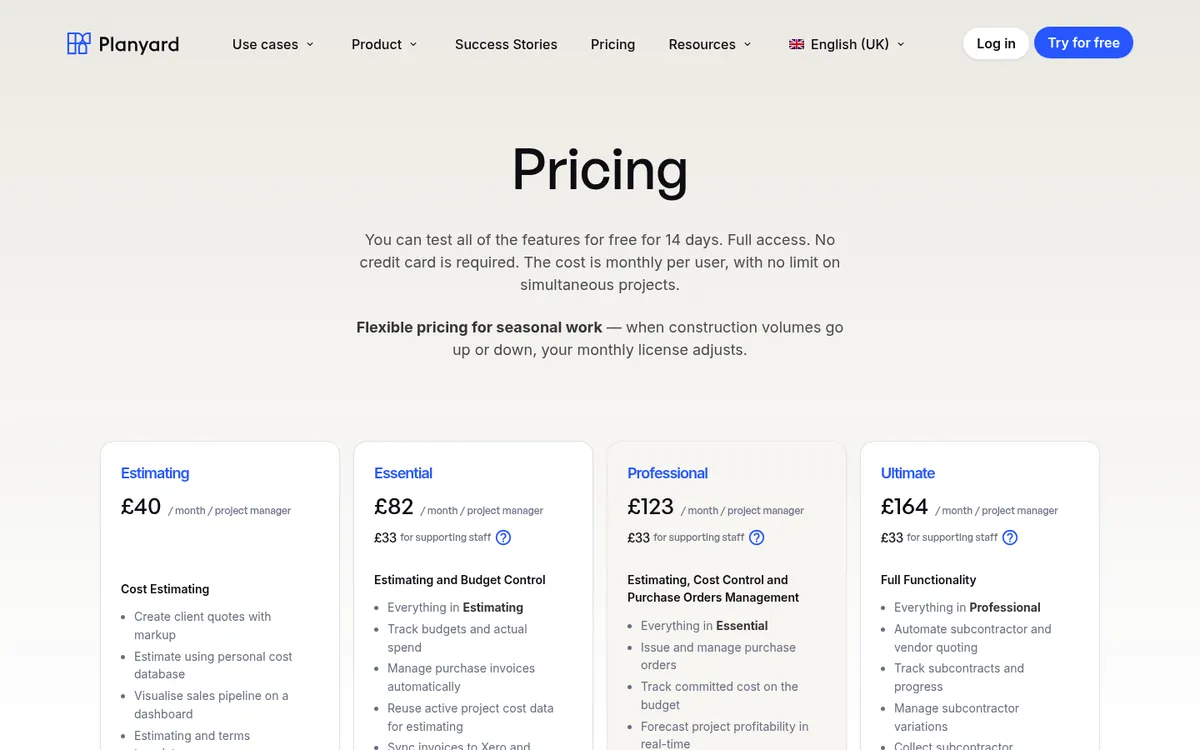
Planyard is construction cost control software, and its timesheets are there to put labour cost on the budget. It is not a time clock. Workers get a link by email, SMS or WhatsApp and log hours against the project cost code from their phone, with no app to install and no login. They can add photos, notes and a percentage complete.
A project manager or QS approves the sheet, and the labour cost lands on the budget line it belongs to. If the groundworks gang is burning through its labour allowance, you see it that week and can act while the margin is still there, instead of finding out from the month-end cost report. The same sheets cover crews, plant and rented labour. When an agency or labour-only gang invoices, you check the bill against the approved hours before you pay it.
Approved hours go to Xero or QuickBooks as summaries per project, per worker and per period, ready for payroll and job reports. The timesheet detail stays in Planyard next to the budget, supplier invoices and the rest of the job’s costs.
Best for: Contractors who want labour cost against budget every week, including firms that pay a lot of labour-only or agency gangs.
Pair it with: A clock-in app such as TimeKeeper or QuickBooks Time if you need GPS clock-in, geofencing or facial recognition. Planyard has none of those, and it does not run payroll.
Pricing: Timesheets are included from the Essential plan at £82 per project manager per month, which also covers budgets, actuals and the Xero, QuickBooks and Sage integrations. Professional at £123 adds committed costs and profit forecasting. Supporting staff are £33 per month. 14-day free trial. See pricing.
"When we were looking for a platform to help us track project budgets in more granular detail than Xero allows, we arranged demos with several software providers. After reviewing the options, we ultimately chose Planyard, and we have now been using it for nearly a year.
One of the key things that stood out during the demonstrations was how easy the budget screen is to understand. For a UK construction business, handling CIS deductions correctly was a major consideration for us. In Xero, labour needs to be coded as CIS labour for HMRC purposes, but we also wanted to track labour costs against specific budget categories such as demolition, internal walls, groundworks, etc. Planyard allows us to do exactly that.
Another feature I really appreciate is how Purchase Orders link directly to the committed cost column in the budget. This means that even before the invoice arrives, we already know how much of the budget has been committed and how much remains available for each element of the project.
With Xero, raising a purchase order was easy, but it didn't properly handle part-invoicing against a PO. We had to manually calculate and adjust the remaining balance ourselves. In Planyard, this is handled automatically, which saves a lot of time and eliminates errors.
One of the biggest operational improvements for us has been reducing the number of spreadsheets that different stakeholders were maintaining separately. With Planyard, everyone is now looking at the same set of data, but using it for different purposes — whether that's QS budget control, project management decisions, or finance reporting.
Overall, Planyard has been a game changer for both our Quantity Surveying and Finance teams, and we are very happy with our decision to implement it."

Get labour hours onto the job budget this week
Send a test timesheet, approve it and see the labour cost land on the budget line. Works with Xero and QuickBooks. 14-day free trial, no credit card.
Best for Clock-in, Attendance and Payroll
These apps prove who was on site and for how long, and send the hours to payroll. Most can tag hours to a job or project, and a few report labour cost per job, but none of them holds a construction budget with cost codes, orders and subcontract costs.
2. TimeKeeper – Best for UK Site Clock-in with Payroll Export
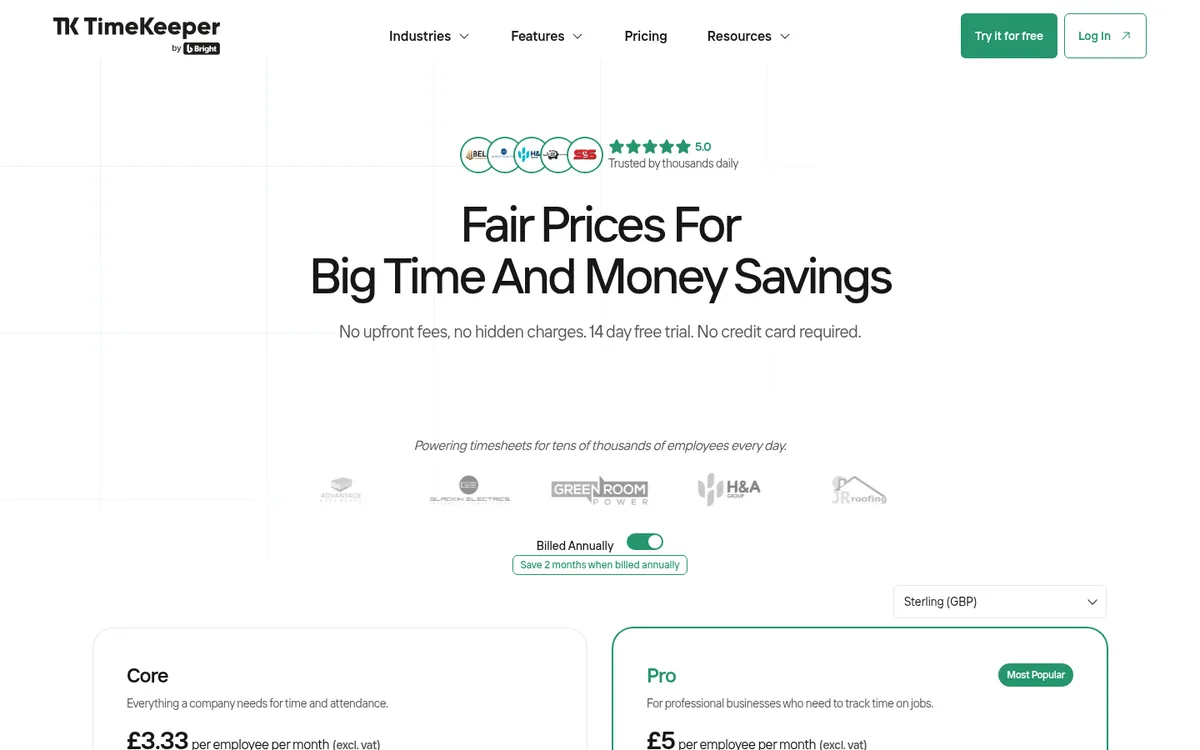
TimeKeeper is built for UK and Irish construction and field service firms. Operatives clock in from a mobile app, a web browser or a shared kiosk tablet with facial recognition, and the office sees who is in and where. Leave, expenses and manual timesheet entry are included on the Core plan.
The Pro plan adds the construction parts: geofenced job sites, time tracked on jobs and activities, a job scheduler, job notes and photos, and job costing reports. Payroll integrations include BrightPay, Xero Payroll, Sage 50 and Moneysoft, which is a better UK fit than most US apps offer.
Best for: UK contractors with site crews who want reliable clock-in and a clean payroll export.
Watch out for: Job costing covers the time recorded in TimeKeeper. It does not see your orders, subcontractor costs or the wider budget.
Pricing: Core £3.33 per employee per month and Pro £5 per employee per month, both billed annually and excluding VAT. Monthly billing costs more (two months are free on annual). 14-day free trial.
3. QuickBooks Time – Best for Firms Already on QuickBooks Online
QuickBooks Time, formerly TSheets, is one of the most widely used time apps in construction, and in the UK it is sold as an add-on to QuickBooks Online. Workers clock in from a mobile app with GPS, or from a shared time clock kiosk, and hours are assigned to customers and jobs. Approved time flows into QuickBooks for payroll and invoicing.
Elite adds project tracking with estimates against actuals, timesheet signatures, mileage tracking and geofenced reminders to clock in and out. That gets you closer to job costing, but the comparison is at project level in QuickBooks Time, not against a construction budget with committed costs.
If QuickBooks is your ledger, it is the low-friction choice. Our QuickBooks Online vs Planyard comparison and the QuickBooks alternatives page cover where QuickBooks stops for contractors.
Best for: Small and mid-sized firms whose accounts and payroll are already in QuickBooks Online.
Watch out for: It needs a QuickBooks Online subscription. Hours are not tied to cost codes or a control budget, and the base fee makes it dearer than per-employee apps for small teams.
Pricing: Premium £6 per user per month plus a £16 base fee (one admin included). Elite £8 per user plus a £30 base fee. Prices exclude VAT. 30-day free trial.
4. Deputy – Best for Rotas and Shift-Based Teams
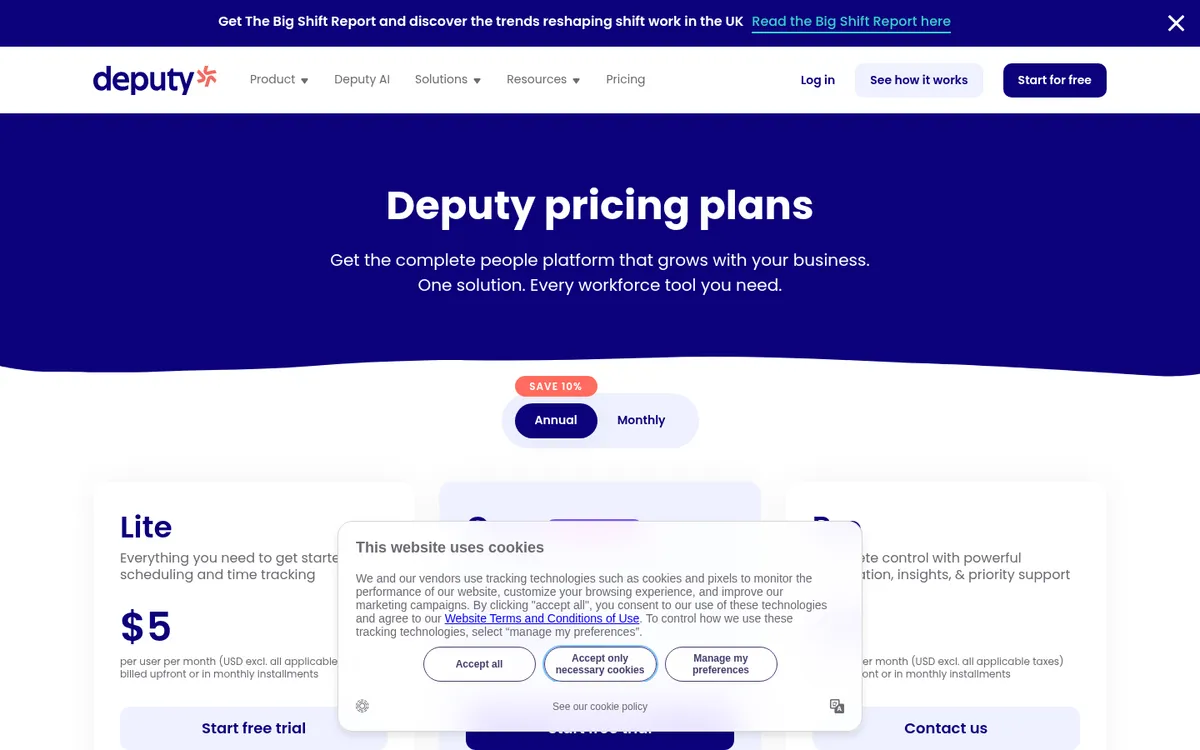
Deputy is a workforce management tool built around rotas, timesheets and time clocking. Lite covers basic rotas, timesheets and leave accruals. Core adds timesheet auto-approval, biometric clocking, wage and labour budgets and labour law compliance checks. Pro adds advanced timesheets, location hierarchies and pay centres.
It suits construction businesses that schedule by shift: facilities maintenance, plant yards, merchants, or a contractor with a large directly employed workforce on fixed rotas.
Best for: Firms that plan labour as rotas and shifts and need compliance with working time rules.
Watch out for: Its labour budgets follow rotas and locations rather than project cost codes. There is a minimum spend of £20 a month on monthly plans.
Pricing: Lite £3.25, Core £4.25 and Pro £6.50 per user per month excluding VAT, with a £20 minimum monthly spend. Add-ons for HR, messaging and analytics cost extra.
5. Jibble – Best Free Clock-in for Any Team Size
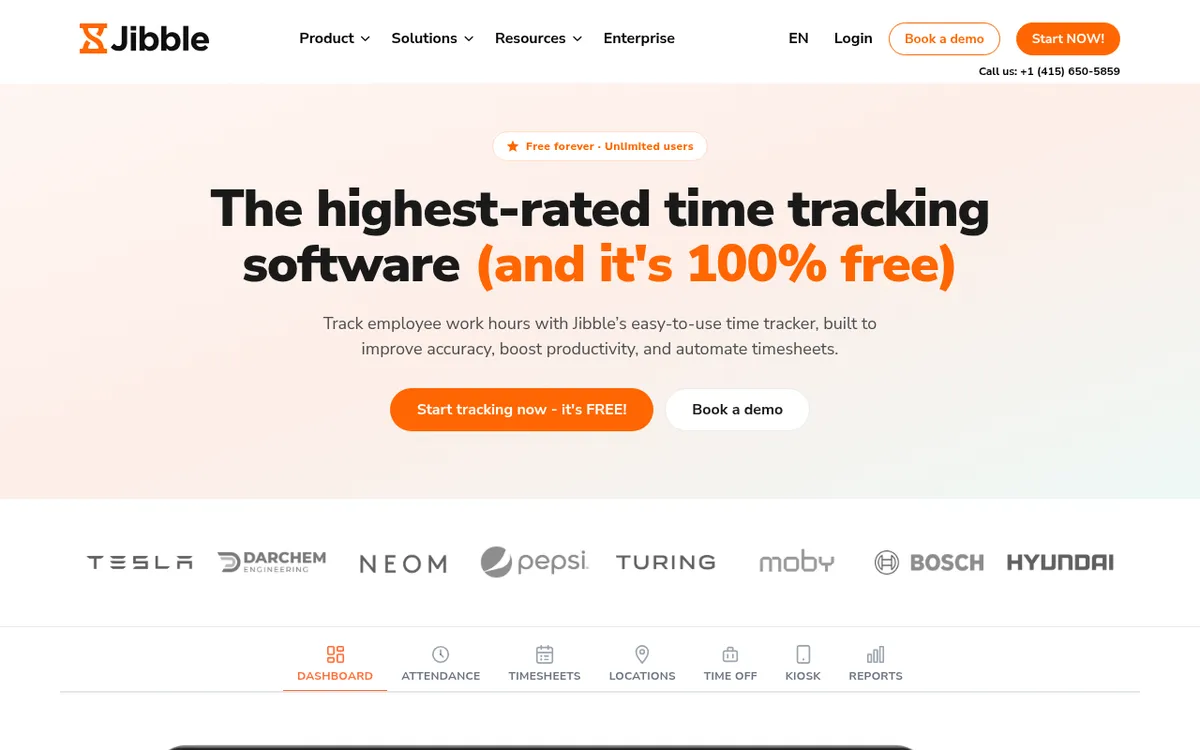
Jibble’s free plan covers unlimited users, with mobile and web clock-in, basic timesheets and integrations with Slack, Microsoft Teams and QuickBooks. Its feature list includes GPS stamps on each clock-in, geofences per site, face recognition and selfie capture, a shared kiosk, offline mode and project time tracking. Approved timesheets export to Xero or QuickBooks.
For a contractor that just wants to stop paper sign-in sheets, it is hard to beat on price. It sits on many US and UK lists for that reason.
Best for: Firms that want to replace paper sign-in sheets at no cost.
Watch out for: It is a general time and attendance tool. Projects are a label on the time, not a budget, and you will need a paid plan for more advanced verification and reporting.
Pricing: Free for unlimited users. The pricing page did not list paid plan prices in October 2026, so ask Jibble for a quote if you need paid features.
6. Clockify – Best Cheap Timesheets with Labour Cost Reports
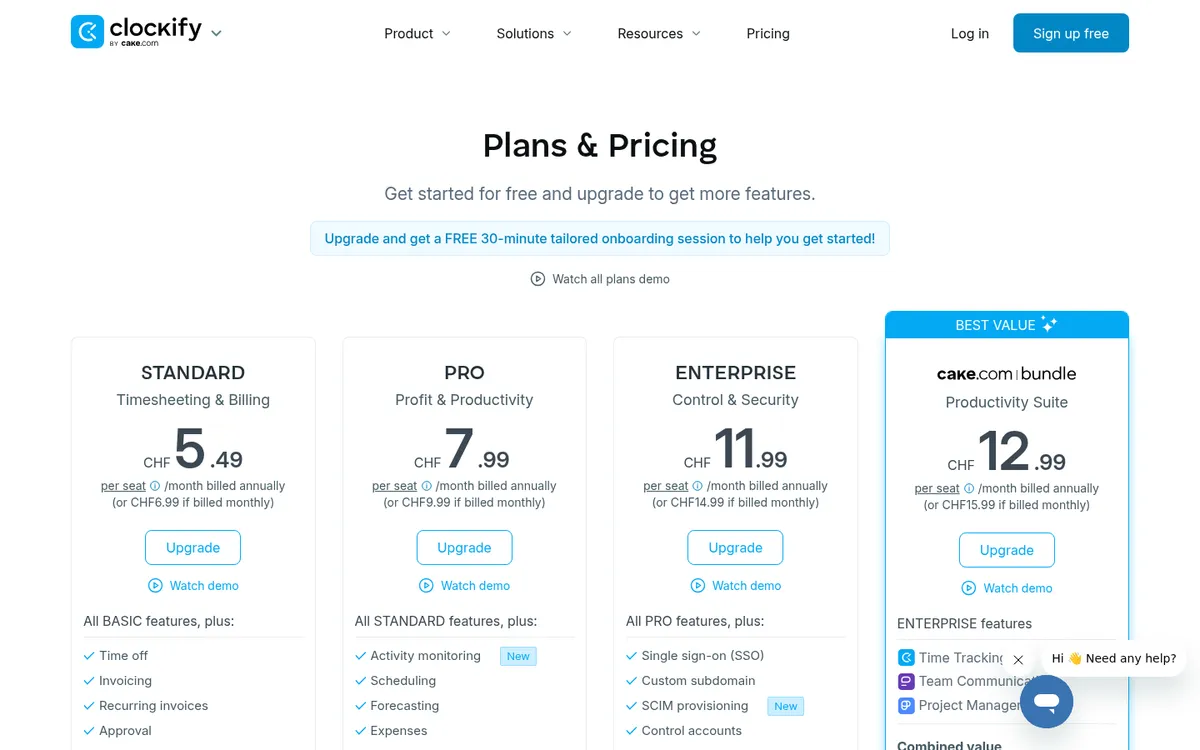
Clockify is a general time tracker that now includes kiosk clock-in, breaks, time approval, locked timesheets and a QuickBooks integration. On the Pro plan it adds labour cost and profit reports, budgets and estimates per project, scheduling, expenses and optional GPS tracking.
It is good value for a small firm that wants hours per project and a rough view of labour cost against a project budget, and the kiosk mode works for operatives without an email address.
Best for: Small firms that want project timesheets and labour cost reports for a few pounds per person.
Watch out for: Billed in US dollars. The construction fit is generic: no cost codes in the construction sense, and the free plan is limited to five users and one month of reports.
Pricing: Free for up to five users. Basic $3.99, Standard $5.49, Pro $7.99 and Enterprise $11.99 per user per month billed annually, or $4.99, $6.99, $9.99 and $14.99 billed monthly. Time approval needs Standard; labour cost and GPS need Pro.
7. Connecteam – Best for Small Crews Who Want Clock-in Plus Forms
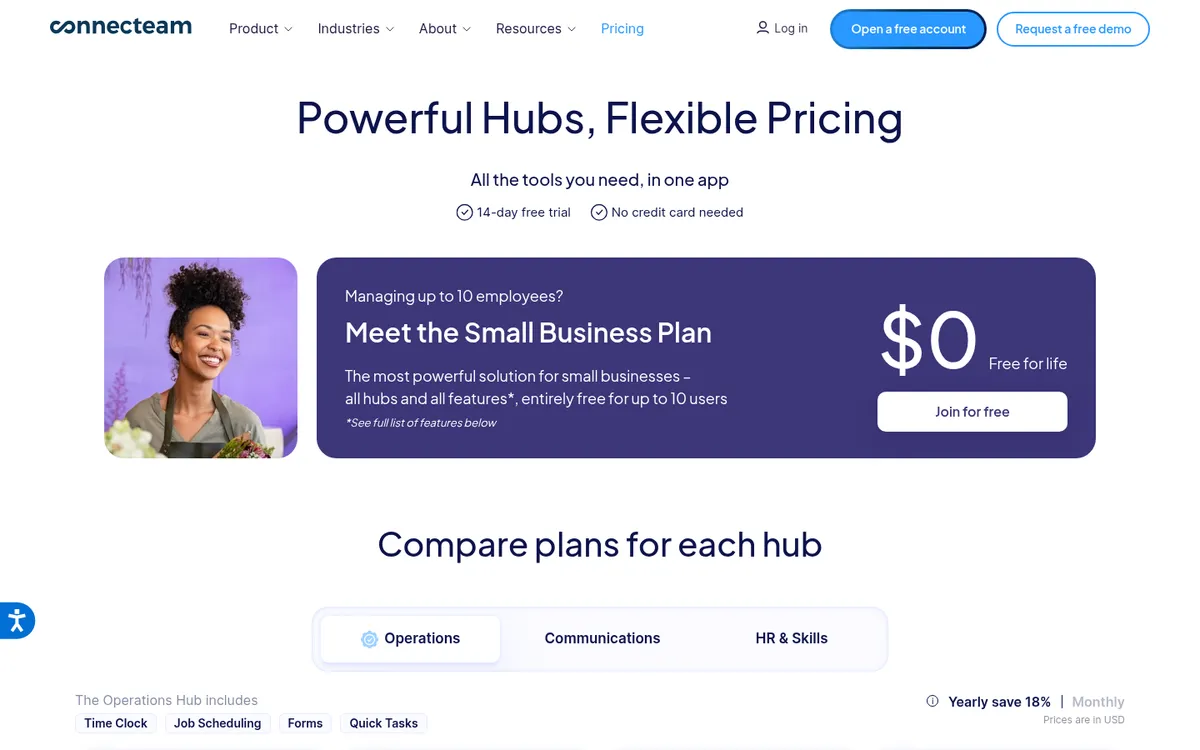
Connecteam’s Operations hub combines a GPS time clock, job scheduling, forms and checklists in one app. Pricing is flat for the first 30 users, which suits small and mid-sized crews. Advanced adds auto clock-out and up to 10 geofenced sites; Expert adds unlimited geofences and API access.
The forms are useful on site: daily reports, toolbox talks and inspection checklists can sit in the same app the crew already opens to clock in.
Best for: Crews of up to 30 who want time tracking, scheduling and site forms in one app.
Watch out for: Prices are in US dollars only. Jobs organise the schedule and the time; it does not hold a construction cost budget.
Pricing: Free Small Business plan for teams under 10. Operations Basic $29, Advanced $49 and Expert $99 per month for the first 30 users billed annually ($35, $59 and $119 monthly), then a per-user charge. 14-day free trial.
8. Tradify – Best for Trades Firms Running Many Small Jobs

Tradify is job management software for trades: quotes, scheduling, job cards, invoicing and timesheets in one app. Staff record time on their phone against the job they are on, and the office can run timesheet reports per job and see what each job is costing in labour.
It syncs with QuickBooks Online and two ways with Xero and Sage, which covers most UK trades firms.
Best for: Electricians, plumbers, heating engineers and other trades firms doing many small service jobs.
Watch out for: It is priced per user, and time tracking is one part of a job management suite. Contractors running a few large projects with subcontract packages will outgrow it.
Pricing: From £34 per user per month, billed month to month with no contract. 14-day free trial.
9. Xero Projects – Best for Small Firms Whose Books Are in Xero
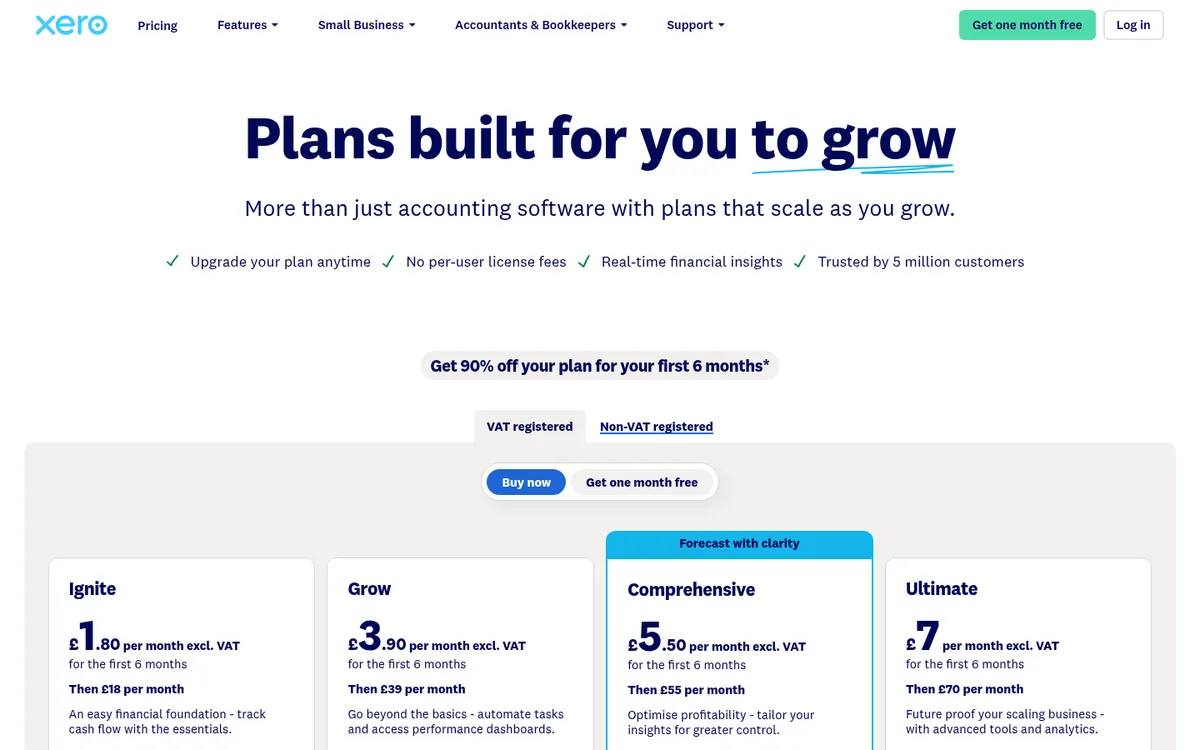
Xero Projects lets staff track time against a project and its tasks, with a timer or manual entry on the web or the mobile app. Bills and expenses can be assigned to the same project, and the dashboard shows revenue, cost and margin per project with budget against actual. Time can be turned into an invoice without re-entry.
For a small builder billing time and materials, that is enough. For a contractor with packages, subcontract orders and cost codes, it is thin: there is no construction cost code structure, no subcontract commitments and no forecast to complete. See Xero Projects vs Planyard and Xero Projects alternatives.
Best for: Small firms already on Xero that want time and cost per job in the same place as the accounts.
Watch out for: Projects is only included in the Ultimate plan, so moving up from Grow or Comprehensive just for time tracking costs more than a dedicated app. It records time for invoicing and project margin; it is not designed as a site clock-in system.
Pricing: Included in Xero Ultimate at £70 per month excluding VAT, with 10 project users, then £5 per extra user. Xero often advertises an introductory discount for new customers; this is the regular price.
How We Chose
We started from the tools that rank for construction time tracking in the UK and US, plus the ones UK contractors name in trade forums such as the r/Construction thread on timesheet apps. We kept tools that UK firms can buy and use today, checked each price on the vendor’s own pricing page in October 2026, and looked for UK payroll and accounting links. We then split the list by job: eight tools are clock-in and payroll apps, and one puts labour cost into the job budget. ClockShark appears on many lists, but it bills in US dollars on a three-year contract with North American support hours, so we left it out.
How to Choose by Firm Type
Small builder or trades firm, under 10 people
Start free with Jibble, Clockify or Connecteam if you only need to stop paper timesheets. If you quote and invoice small jobs all day, Tradify gives you time tracking inside the job. If your accountant already runs QuickBooks Online, QuickBooks Time saves an integration.
Contractor with 10 to 100 site staff
You probably need two things. A clock-in app for payroll, where TimeKeeper is the strongest UK option and QuickBooks Time the easiest if you are on QuickBooks. And a cost tool that puts approved hours against the budget, alongside orders and subcontractor costs. That second part is where Planyard sits.
Firms paying a lot of labour-only or agency gangs
Payroll apps do little for you here, because these workers are not on payroll. What you need is a record of hours by job that you can match to the invoice before it is paid. Planyard does that check on the timesheet itself.
Directly employed workforce on rotas
Deputy is built for rotas, working time compliance and labour budgets by location. It is a better fit for a maintenance or facilities contractor than for a project-based builder.
"Planyard has been one of the easiest systems to implement. Project managers really like it because, previously, we were trying to force a finance system into their workflow; whereas this is a dedicated project management system, they understand exactly how it works. It doesn’t take much training at all – usually just a couple of hours to get them on board."
Read more
Next Step
Pick the clock-in app your payroll needs, then make sure the hours also land on the job. If you want labour, orders and subcontractor costs in one budget that updates weekly, see how Planyard timesheets work with job costing, or read our guide to the best construction job costing software.
Put approved labour hours on the job budget
Planyard timesheets post approved hours to cost codes, show labour cost against budget and send clean summaries to Xero or QuickBooks. 14-day free trial.