
Last verified: October 2026
It is month end at a 40-person main contractor. The commercial manager is pulling costs out of Sage, subcontractor valuations out of a spreadsheet and site orders out of email, and the board wants to know why the CVR still takes a week. Someone says the word ERP.
Construction ERP software puts accounts, job costing, procurement, subcontractor payments and payroll into one system. For a contractor with a finance team and several companies in the group, that can be the right call. For a smaller business, a full ERP often adds more work than it removes. This guide covers both: nine systems ranked for UK and US contractors with what they cost, and the lighter route for firms that mainly need cost control. UK tools are priced in GBP and US-only figures in USD, labelled where they appear.
Construction ERP Software Compared
Prices are as published in October 2026, excluding VAT or sales tax. Most ERP vendors price on application, so “Quote” means the vendor publishes no figure.
| Tool | Type | Market | Best for | Starting price | Accounting |
| Planyard | ERP-lite: cost control on top of your ledger | UK, US, AU | SME main contractors under about 50 staff | £82 / $105 per PM per month | Xero, QuickBooks, Sage, MYOB |
| Access Coins Evo | Full construction ERP | UK&I, US | Mid to large contractors and homebuilders | Quote, per user, three-year term | Own general ledger |
| Eque2 Construct and Evision | Job costing add-on or full ERP | UK | Growing contractors on Sage or Xero | Quote | Sage 50, Sage 200, Sage Intacct, Xero, Business Central |
| 4PS Construct | Full ERP on Microsoft Business Central | UK, Europe | Firms standardising on Microsoft | Quote, plus Business Central from £61.50 per user per month | Business Central |
| Xpedeon | Full construction ERP | UK and five other countries | Large multi-entity contractors and offsite builders | Quote | Own general ledger |
| RedSky | Modular construction ERP | UK, Ireland, MENA | Contractors and housebuilders wanting to start with a few modules | Quote | Own general ledger |
| Causeway Project Accounting | Project accounting layer | UK | Contractors keeping Oracle, Sage or Xero for finance | Quote | Oracle, Sage, Xero |
| Sage Intacct Construction | Cloud financials for construction | US, UK | Multi-entity contractors and developers | Quote (reported from $13,200 per year, USD) | Own general ledger |
| Procore | Project management with financials | UK, US | Large projects needing field and office in one platform | Quote, by annual construction volume | Connects to Sage Intacct and other ERPs |
How We Chose
We started from the systems UK contractors shortlist and added the two names that dominate US shortlists. Each tool had to be sold today, built for construction, and able to run job costing against a budget. We checked plan names, prices and product claims on each vendor’s own site in October 2026. Where a vendor publishes no price we say so, and the only third-party figures we quote are named. Planyard is our product. We have listed it first because it is the option most readers of this page should rule in or out before booking ERP demos, and we say plainly below what it does not do.
We removed CoConstruct, which has been folded into Buildertrend, and dropped Buildertrend and JobNimbus because they are residential project and sales tools rather than ERPs. If you are comparing lighter tools in that space, see our guide to construction ERP alternatives for small contractors.
Do You Need a Construction ERP at All?
Most contractors who search for an ERP want four things: live job costs per project, a proper process for subcontractor applications and invoices, budget against actual without spreadsheets, and a forecast of the final margin. None of those needs an HR module or a new general ledger. They need a construction cost system that talks to the accounting software you already have.
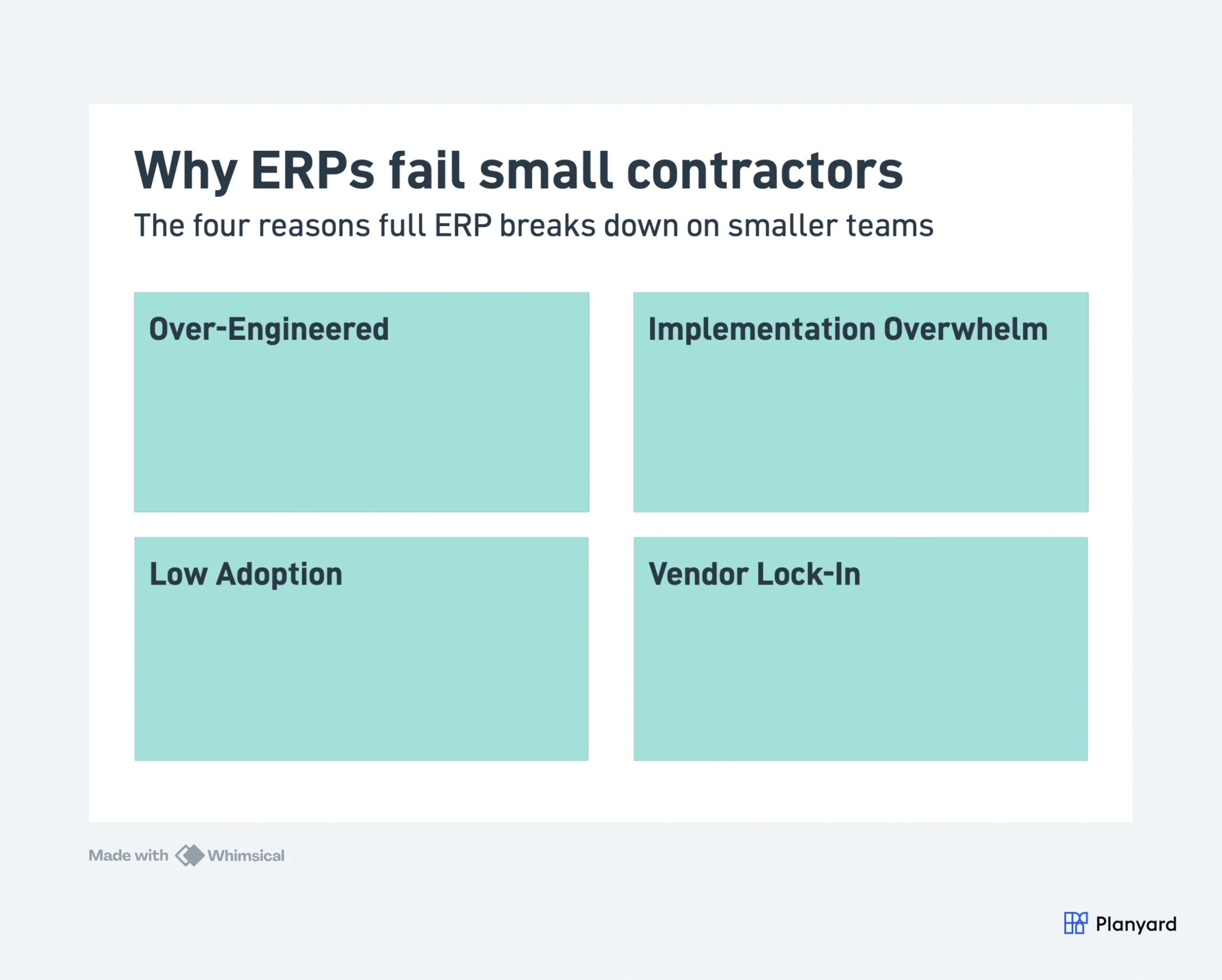
At smaller firms the rollout usually goes wrong in the ways shown above. A 15-person business pays for plant, HR and compliance modules it never opens, and nobody has time to own the project. If site managers need days of training to raise a purchase order, orders go back to phone calls and only accounts use the system.
An ERP does make sense if several of these are true:
- 50 or more employees, with finance and IT people who can own the system
- Several companies or divisions under one group, such as contracting, development and maintenance
- A large direct workforce on payroll across several PAYE schemes, or union and prevailing wage rules in the US
- Audit or reporting requirements that need one integrated trail, for example a listed parent or public sector frameworks
- Plant, stock or housebuilding sales that need to sit in the same ledger as project costs
If you tick one or none, look at the ERP-lite route first. If you tick three or more, go straight to the ERP profiles.
The 9 Best Construction ERP Systems for UK and US Contractors
1. Planyard – Best ERP-Lite Option for SME Main Contractors
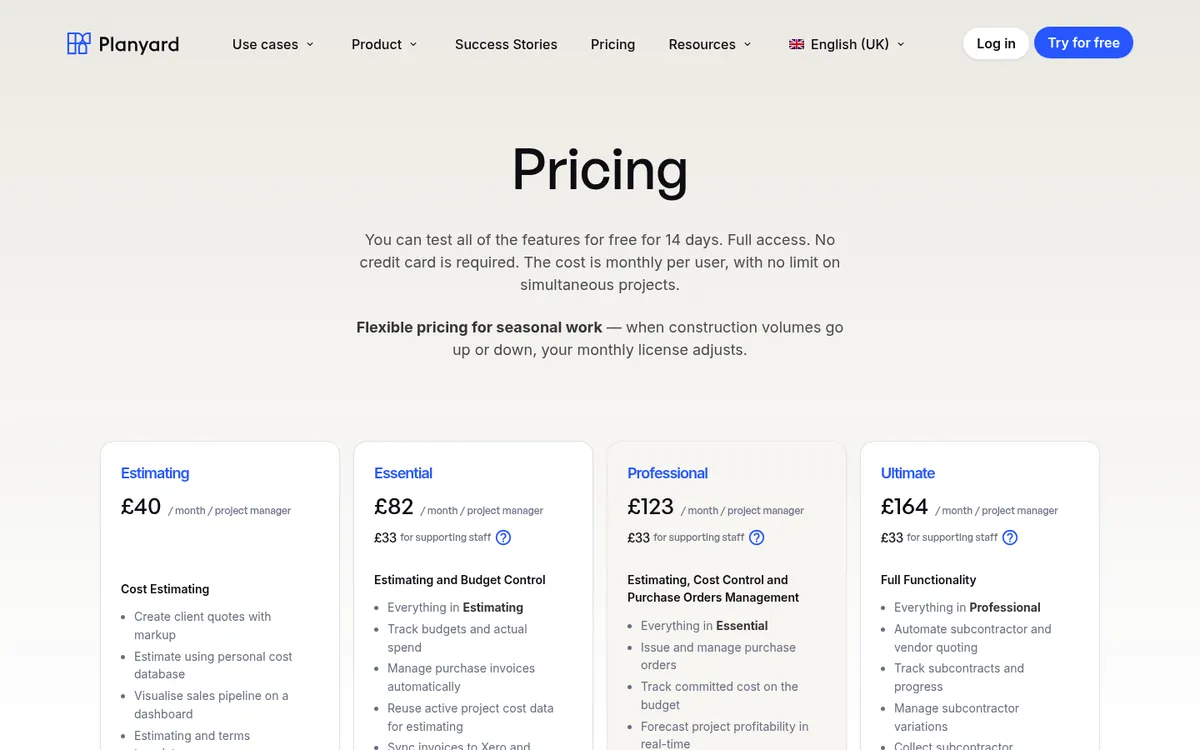

Planyard is not an ERP. It does the commercial half of one: budgets, purchase orders, subcontract orders, invoice approval, client valuations, CVRs and cost-to-complete forecasting. Your general ledger, payroll and VAT stay in Xero, QuickBooks, Sage or MYOB, and approved costs sync across. On CIS, Planyard sets the labour and materials split on the subcontract order and your accounting software applies the deduction and files the return.
The difference from an ERP is setup. A team can import a budget and have its first project live in half a day, and most move the whole portfolio across in one to two weeks. Pricing is public, per project manager, with no implementation fee.
"I’ve used other systems in the past that you need 3 or 4 days of training before you can even raise a purchase order on the system. With Planyard, you can just raise your first purchase order in 5 minutes in one go. You just Planyard it!"
Read more
Best for: Main contractors and developers with up to about 50 staff who want ERP-level cost control and keep their accounting software.
Watch out for: No payroll, HR, plant management or general ledger. If you need those in one system, you need one of the ERPs below. Client valuations, variations and retention start on Professional; subcontractor applications and tendering are in Ultimate.
Pricing: £82 (Essential), £123 (Professional) or £164 (Ultimate) per project manager per month; supporting staff £33. In the US: $105, $158 or $210 (USD). 14-day free trial, see pricing.
2. Access Coins Evo – Best for Mid to Large Contractors and Homebuilders
Access Coins Evo is the current name for COINS, the construction ERP The Access Group bought and has since renamed and updated. It covers financials, job costing, procurement, payroll, project management and HR, with homebuilder modules for plot tracking, land appraisal and customer care. CVR pulls from live project data, and CIS verification, deductions and returns run inside the system. Access says over 70% of the top UK homebuilders use it. A separate US edition targets speciality contractors, with payroll that handles union agreements and prevailing wage.
It is a big system, and it is priced and contracted like one. If you are weighing it against something lighter, see Access Coins vs Planyard and our list of Access Coins alternatives.
Best for: Contractors and homebuilders with a finance team, several companies in the group and a large direct workforce.
Watch out for: A standard three-year initial term. Implementation is scoped to your modules and size, and Access publishes no timeline.
Pricing: Quote only. Priced per user with annual, quarterly or monthly billing; implementation is costed into the first contract.
3. Eque2 Construct and Evision – Best for Growing Contractors on Sage or Xero

Eque2 offers two routes. Construct adds job costing, CVR, applications for payment, retention, CIS and variations to Sage 50, Sage 200, Sage Intacct or Xero, and is aimed at contractors up to about £25m turnover. Evision is a full cloud ERP on Microsoft Dynamics 365 Business Central for firms above that, with a housebuilding edition that runs from land appraisal to aftercare. Eque2 says more than 3,000 construction businesses use its software.
The two-tier setup means you can start with Construct on your current ledger and move to Evision later. Compare it with Planyard on Eque2 vs Planyard or see Eque2 alternatives.
Best for: UK contractors on Sage or Xero who expect to grow into a full ERP.
Watch out for: Construct and Evision are different products, so moving between them is a migration.
Pricing: Quote only.
4. 4PS Construct – Best for Contractors Standardising on Microsoft
4PS Construct is a construction ERP built on Microsoft Dynamics 365 Business Central, covering finance, project management, CRM, planning, plant, estimating, service and maintenance. 4PS says it has more than 450 construction customers and 600 ERP implementations, and it won Construction Management Software of the Year at the 2025 Construction Computing Awards. It runs in Microsoft’s cloud, on premise or in your own private cloud.
It fits contractors who already run Microsoft 365 and want their ERP on the same stack. Service and maintenance is a strong module for firms with a facilities arm. See 4PS Construct vs Planyard.
Best for: Mid-sized contractors with a service and maintenance division who want one Microsoft-based system.
Watch out for: You pay for Business Central licences on top of 4PS, and you need a partner to implement it.
Pricing: Quote only for 4PS. Microsoft lists Business Central Essentials at £61.50 and Premium at £84.60 per user per month, paid yearly.
5. Xpedeon – Best for Large and Multi-Entity Contractors
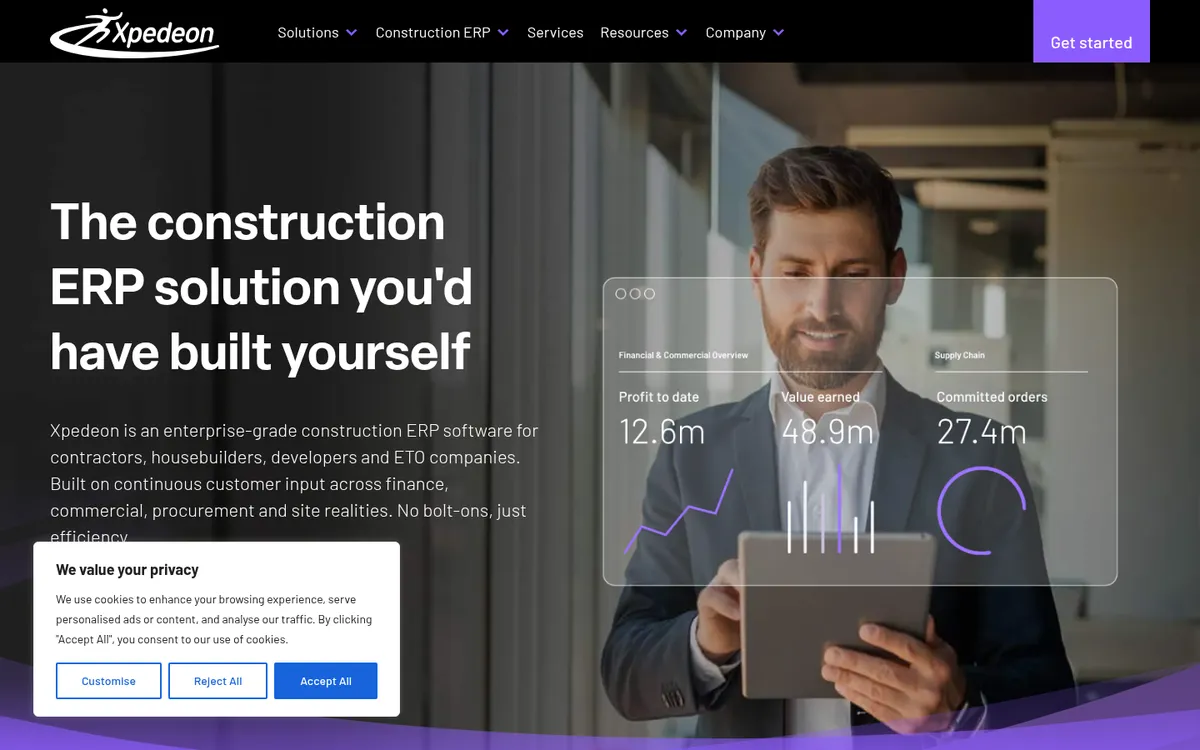
Xpedeon is an enterprise construction ERP for contractors, housebuilders, developers and engineer-to-order manufacturers. Its modules run from job costing, CVR, contract and subcontractor management through procurement, inventory, plant, HR and payroll, CRM and customer service. It supports multi-company and multi-currency setups and holds ISO 27001 and SOC 2 certifications. Xpedeon reports 30,000 users across six countries; JN Bentley, a water and environmental contractor with over 1,500 staff, is one of its UK references.
Best for: Large contractors, joint ventures and offsite or modular builders that need manufacturing and construction in one ledger.
Watch out for: Built and priced for enterprises. Small contractors will pay for far more system than they use.
Pricing: Quote only.
6. RedSky – Best Modular ERP for UK and Irish Contractors
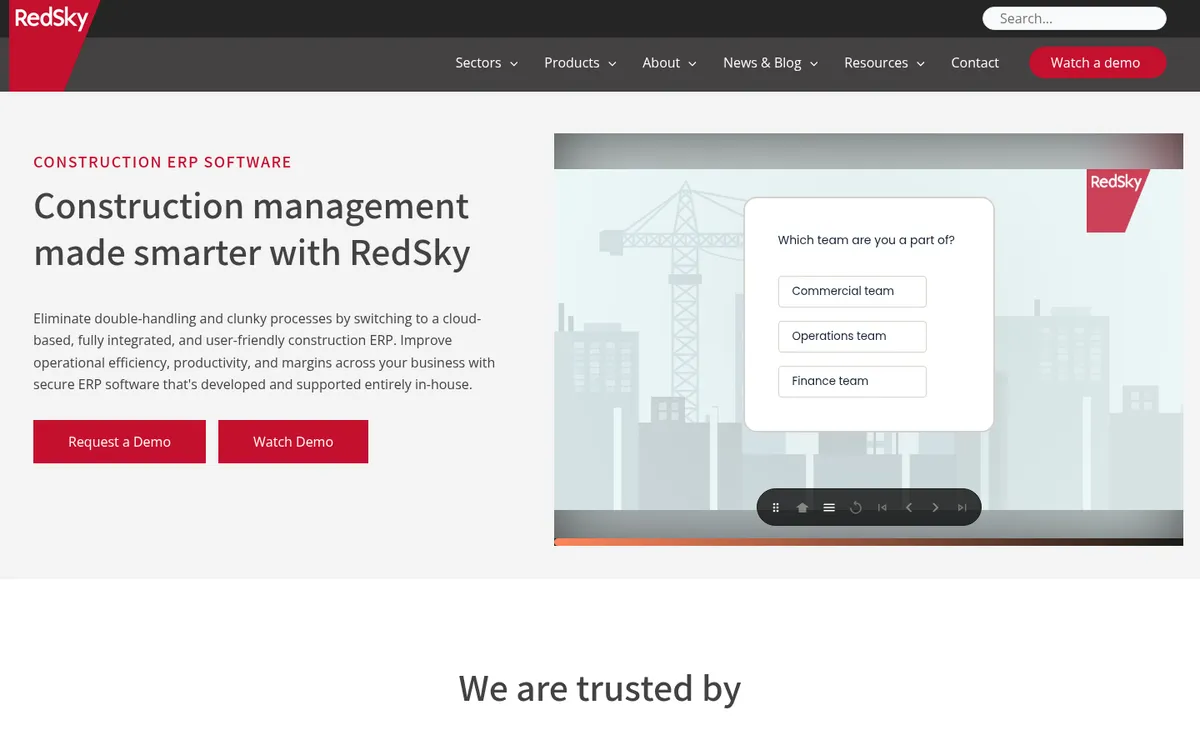
RedSky is a cloud construction ERP sold in the UK, Ireland and the Middle East. You buy the modules you need: construction financials, CVR, payroll and HR, subcontractors and CIS, procurement, invoice and GRN registers, estimating, document management and Making Tax Digital. Housebuilders get plot valuations, house type maintenance and sales. RedSky says 50,000 people use its software each day.
Best for: Contractors and housebuilders who want a full ERP but would rather phase it in module by module.
Watch out for: A full ERP still needs an owner inside your business, even when you start small.
Pricing: Quote only.
7. Causeway Project Accounting – Best for Keeping Your Existing Finance System
Causeway Project Accounting sits between your finance system and your projects. It captures labour, plant, material and subcontractor costs at source, tracks committed, accrued and actual cost, and builds CVRs and payment applications from live data. It connects to Oracle, Sage and Xero and to planning, estimating and payroll tools. Causeway sells estimating and tendering in the same suite.
It is the closest thing in this list to Planyard’s approach at a larger scale. Your ledger stays put, and the construction logic lives in Causeway.
Best for: Contractors with an established finance system who need CVR and project accounting on top of it.
Watch out for: It does not replace your general ledger or payroll, so you still run two systems.
Pricing: Quote only.
Need ERP-level cost control without the rollout?
Budgets, orders, valuations and CVRs on top of Xero, QuickBooks or Sage. First project live in half a day, 14-day free trial.
8. Sage Intacct Construction – Best for US Multi-Entity Contractors
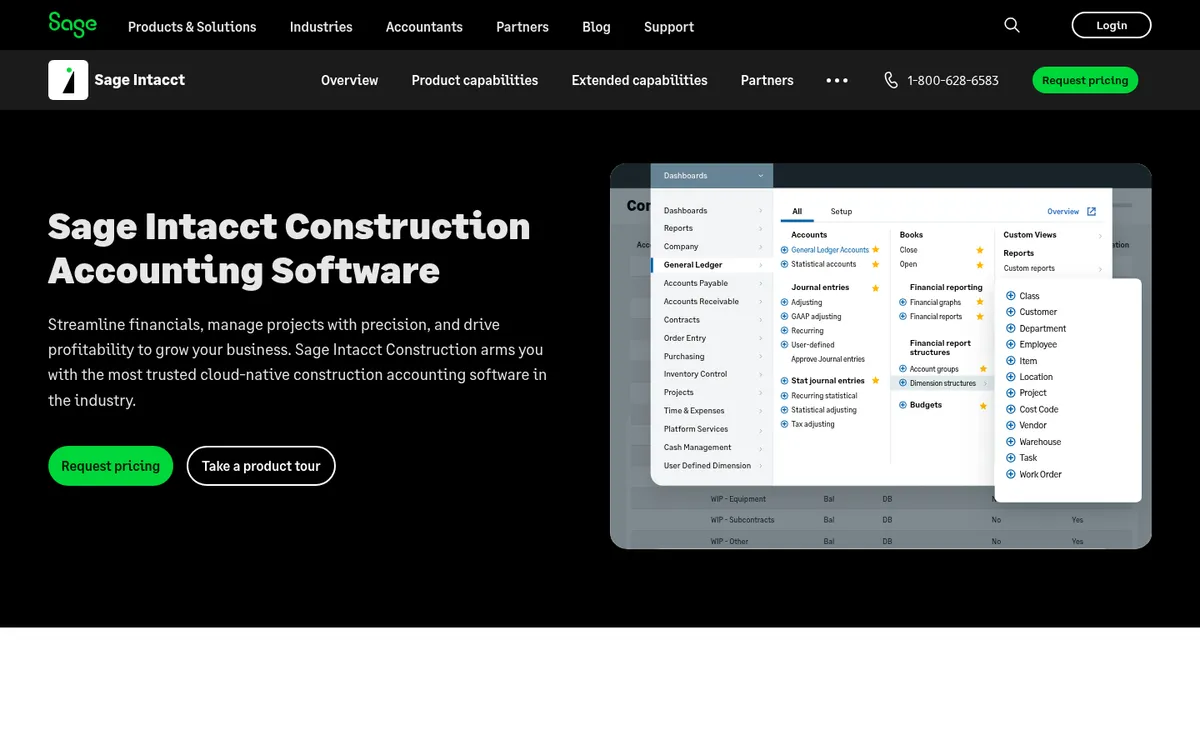
Sage Intacct Construction is Sage’s cloud financials for contractors and real estate developers. It handles fixed price, time and materials and cost-plus contracts, AIA billing, automated WIP schedules with over and under billing entries, and multi-entity consolidation. It has an open API, and Sage lists Procore and Autodesk among its partners. Sage partners have sold it in the UK since 2025, but most of its customers and partners are in the US.
See Sage Intacct Construction vs Planyard for how the two split the work.
Best for: US contractors and developers running several entities who need WIP reporting and consolidation.
Watch out for: UK features such as CIS depend on your implementation partner. It is a financial system, so field and project management come from another tool.
Pricing: Quote only. Reseller Cargas reports a starting subscription of $13,200 a year for one user, a customer average of $30,000 to $35,000 a year, and implementation at 1 to 1.5 times the annual subscription (all USD).
9. Procore – Best Project Platform to Pair With an ERP

Procore is not an ERP, but it turns up on most ERP shortlists. Its financials module covers budgets, commitments, change orders and invoicing from the project side, and it connects to ERPs such as Sage Intacct for the ledger and payroll. Procore includes unlimited users and data, which helps on large projects with many outside parties.
Compare it on Procore vs Planyard or see Procore alternatives.
Best for: Contractors on large projects who want site and office on one platform and already have an ERP or accounting system.
Watch out for: No general ledger or payroll. Pricing scales with construction volume, so a busy year costs more.
Pricing: Quote only. An annual fee per product, based on annual construction volume in the US or annual turnover in the UK.
Other Names on US Shortlists
US buyers will also see CMiC, Trimble Viewpoint Vista, Foundation Software, Acumatica Construction Edition, and Sage 100 Contractor and Sage 300 Construction and Real Estate. These are US-built systems with AIA billing, certified payroll and US tax handling, and they are rarely sold in the UK. We have not profiled them here.
ERP or ERP-Lite: What You Pay in Time and Money
The licence is the smaller part of an ERP decision. The bigger cost is the time your best commercial and finance people spend scoping, migrating and training while still running the business. Planyard’s own target is a first project live the same day and a whole portfolio in one to two weeks. ERP vendors scope each implementation, and none of the nine publish a typical timeline.
| Full construction ERP | ERP-lite (Planyard on your ledger) | |
| Licence | Quote, often on multi-year terms | £82 to £164 per PM per month, monthly |
| Implementation | Scoped project with a partner; Sage Intacct reported at 1 to 1.5 times annual subscription (USD) | No fee; first project in half a day |
| General ledger and payroll | Included | Stay in Xero, QuickBooks, Sage or MYOB |
| Job costing, POs, CVR | Included | Included |
| Who runs it | Finance and IT owner | Commercial manager or QS |
If your problem is that nobody can see a job’s margin until month end, start with cost control. You can add an ERP later if the business outgrows its accounting software, and your cost codes and budget history will move with you.
"I believe too many companies currently rely on spreadsheets or feel forced to purchase massive, bloated software that takes months—if not a year—to learn, only to use about 10% of the features. Smaller to mid-size companies would be much better off focusing on Planyard. It allows you to integrate quickly and track job costs effectively without wasting time, manpower, and money trying to figure out 5,000 different features you don't actually need."
Read more
"I came from a heavyweight enterprise ERP at a UK Tier 1 contractor, so I saw how bloated software hurts financial control. At an Australian SME I still need that Tier 1 budget discipline, just without the bloat.
Planyard hits the sweet spot: structured budgets, strong cost controls, and a professional ERP-level feel, but simple enough that I set it up myself in a few days. It is now our gatekeeper for purchase orders and handles tax and retention smoothly.
Real financial clarity without the spreadsheet headaches."

How to Choose
- Write down the five reports you need every month and ask each vendor to show them on your data in the demo.
- Ask who will own the system internally. If the answer is your commercial manager in their spare time, choose the lighter option.
- Price the full contract: licences, implementation, training, support and the initial term, not the per-user figure alone.
- Check the UK or US specifics you rely on: CIS, reverse charge VAT and retention in the UK; AIA billing, WIP and certified payroll in the US.
For the accounting side of the stack, see our guide to the best construction accounting software.
Next Step
If you are not sure you need an ERP, try Planyard on one live project first. You will know within a week whether job costing and CVRs on top of your accounting software cover what you need.
See your job margins before month end
Try Planyard on a live project with Xero, QuickBooks or Sage. 14-day free trial, no implementation fee.