If your UK construction firm runs on Sage Accounting, the ledger, VAT and CIS returns are covered. What Sage does not do is run the job: budgets per project, purchase orders against those budgets, subcontractor applications, retention, and a cost value reconciliation you can trust before month-end.
Planyard is our product. We rank it where it fits, say what it does not do, and checked every other tool’s price on the vendor’s own site.
This guide reviews the tools UK contractors put in front of Sage to close that gap, and where each one fits.
It covers Sage Accounting, the cloud product, first. If you are on Sage 50 or Sage 200 the same tools apply, but the handoff to Sage is by email forward or CSV export rather than an API sync.
"I found it quite tricky to maintain accurate project records in our accounting software because it was constantly lagging behind the actual reality of the project's finances."
Read more: Higgihaus Developments
How we judged the options
A tool made this list only if it does more than connect to Sage. It has to remove work from a UK construction finance team:
- Posting, not re-keying. Does an approved cost reach Sage Accounting as a coded bill with the PDF attached, without anyone typing it in?
- QS-first workflows. Applications for payment, certification and retention as native features, not workarounds.
- CIS-ready bills. Labour and materials split and supplier linkage kept, so Sage applies the deduction and reverse charge correctly.
- Live CVR. Committed cost and cost to complete inside the project, rather than paid invoices in Sage.
1. Planyard
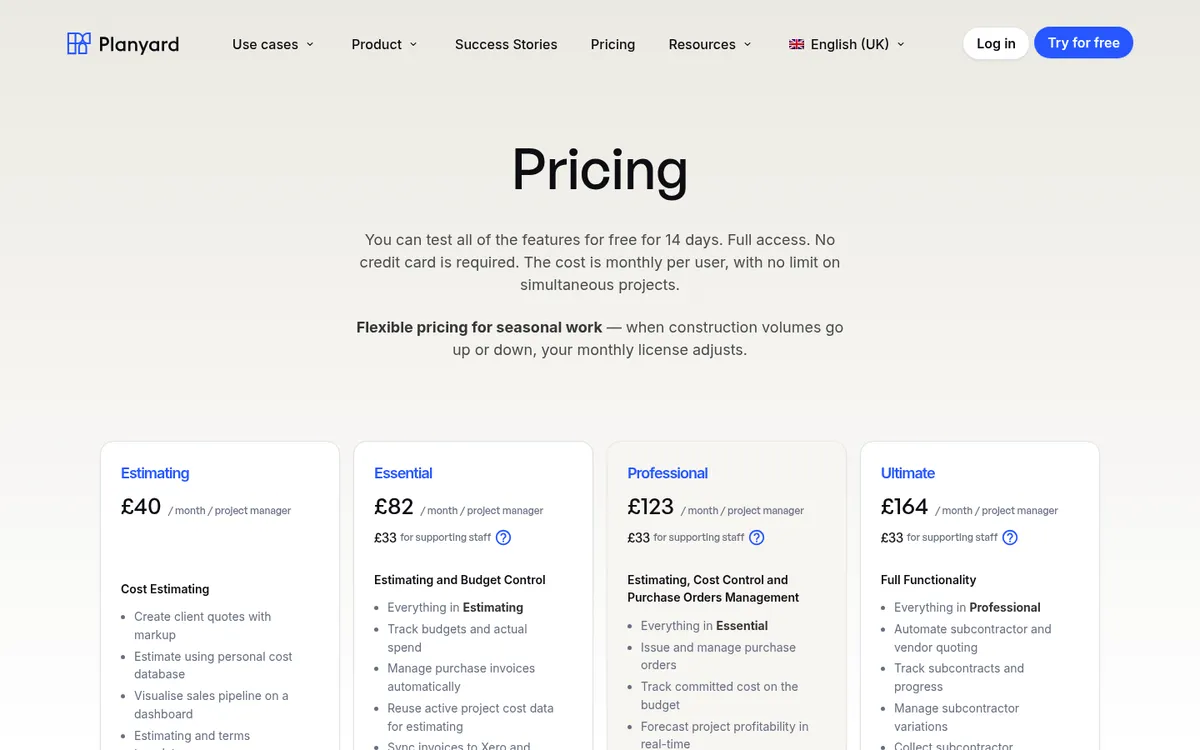
Best for: live cost control and job costing in front of Sage Accounting
Planyard is the project cost layer that sits in front of Sage Accounting. Budgets are imported from the estimate, purchase orders and subcontracts commit cost against them, invoices are matched to orders and approved by the project team, and each approved bill posts to Sage with supplier, nominal code, VAT and the PDF.
Contacts sync both ways.
- Strengths: live in days; UK valuations, retention and variations built in; CVR and cost to complete update with every approval; native Sage Accounting sync with a basic email or CSV handoff for Sage 50 and 200.
- Limits: not a payroll, HR or site-management tool. It does project financial control and nothing else.
- Compare Sage Accounting and Planyard or read about the Sage Accounting integration.
2. Eque2 Construct for Sage

Best for: contractors staying on Sage 50 or Sage 200 who need applications and retention inside Sage
Construct for Sage is the long-standing construction add-on for Sage Accounts. It records applications for payment, valuations and retention against the Sage ledger and has a large UK installed base.
- Strengths: valuations and retention in the same system as the accounts; CIS handled in Sage; established partner network.
- Limits: built around Sage 50 and 200, not Sage Accounting; approvals and live forecasting are thin; implementation is partner-led and takes weeks.
- Compare Eque2 and Planyard.
3. Sicon Construction for Sage 200
Best for: Sage 200 sites that want construction modules inside the ERP
Sicon adds job costing, applications, retentions and CIS to Sage 200 as native modules. If you are committed to Sage 200 and have a finance team to run it, it keeps everything in one database.
- Strengths: deep Sage 200 integration; WIP, stock and job costing in one place.
- Limits: only relevant to Sage 200; project teams work in finance screens; partner implementation measured in months.
- Compare Sage 200 and Planyard.
4. Sage Intacct Construction
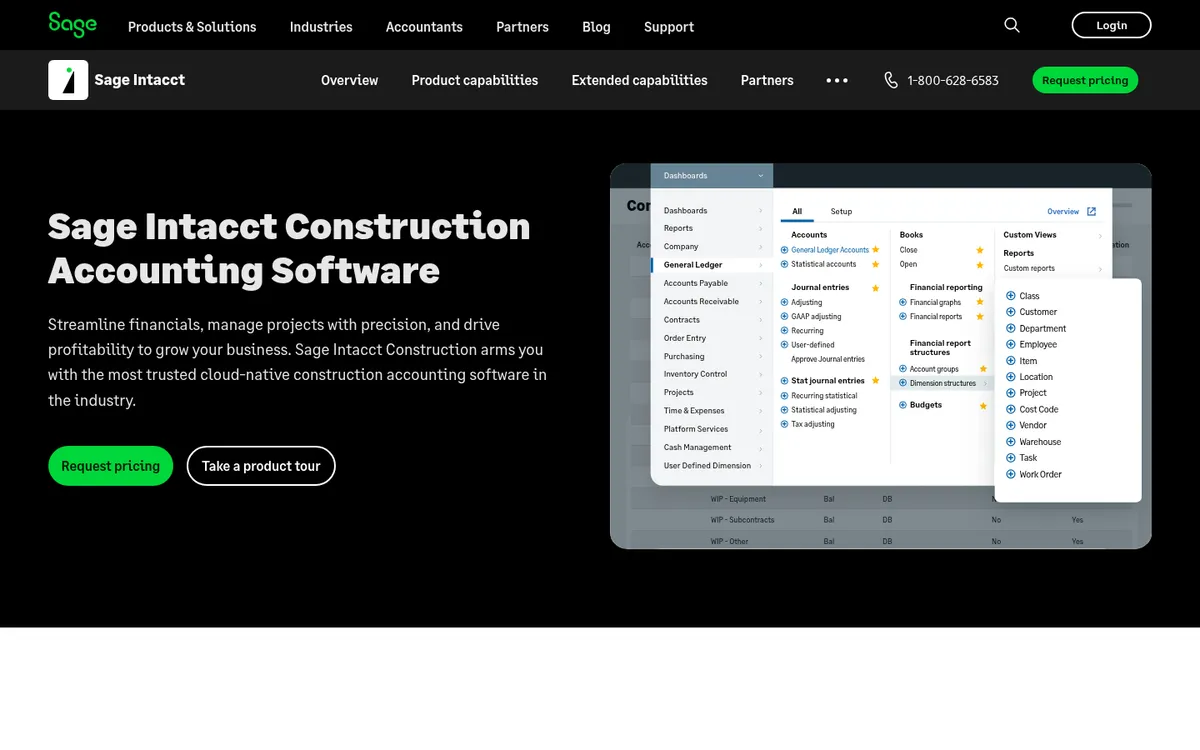
Best for: larger contractors ready to change accounting system
Sage Intacct Construction is Sage’s cloud financials product for construction, launched in the UK in 2025. It is a replacement for Sage Accounting or Sage 200 rather than a layer on top, with multi-entity consolidation, WIP and project accounting.
- Strengths: strong financial reporting and consolidation; open API.
- Limits: a migration project with bespoke pricing; project operations still need another tool.
- Compare Sage Intacct Construction and Planyard.
5. Payapps

Best for: subcontractor application management on its own
Payapps handles applications for payment and certification in line with the Construction Act, with connectors to accounting systems. It does the payment process well and does not attempt budgets, orders or forecasting.
- Strengths: compliant application and certification workflow; subcontractor portal.
- Limits: no cost to complete or budget control, so a main contractor still needs another tool for CVR.
- Compare Payapps and Planyard.
Summary: the Sage construction stack
| Capability | Sage Accounting alone | Construct for Sage | Sicon (Sage 200) | Planyard |
|---|---|---|---|---|
| Native sync with Sage Accounting | n/a | ❌ | ❌ | ✅ |
| Budget per job with cost codes | ❌ | ➖ | ✅ | ✅ |
| POs against budget with approvals | ❌ | ➖ | ✅ | ✅ |
| Applications, certification, retention | ❌ | ✅ | ✅ | ✅ |
| Live CVR and cost to complete | ❌ | ➖ | ➖ | ✅ |
| CIS applied on posted bills | ✅ | ✅ | ✅ | ✅ via Sage |
| Time to live | Instant | Weeks | Months | Days |
Which one?
On Sage Accounting and want the project side automated: Planyard, connected in minutes. On Sage 50 or 200 and happy to stay: Construct for Sage or Sicon for accounts-side applications, or Planyard with the email and CSV handoff if the priority is live cost control for the project team.
Outgrowing the ledger itself: Sage Intacct Construction, with a proper migration plan.
Book a 15-minute Sage Accounting + Planyard demo or start at the Sage Accounting for construction hub.

 Go to site for