Last verified: October 2026
If you run a building business on MYOB, the ledger is rarely the problem. GST, BAS, payroll and the TPAR all work. What MYOB does not do is tell you, mid-job, what you have committed to spend, what you can still claim and what margin the job will finish on.
The real decision is what runs the project side and which ledger it posts to. This page covers the ledgers and construction systems Australian builders move to, and the cost-control layer that works on top of MYOB, Xero or QuickBooks. Prices are in AUD and were checked on each vendor’s Australian site in October 2026.
Why builders look beyond MYOB
- MYOB Business Lite and Pro track a job’s progress, profit and loss, and expenses. A budget per job needs AccountRight Plus or Premier.
- There is no contract record, so the claimed-to-date value, approved variations and retention held sit in a spreadsheet.
- Purchase orders and subcontracts are not counted against the job until the bill is entered, so committed cost is invisible.
- Subcontractor payment claims under each state’s Security of Payment Act are assessed outside MYOB, often in Excel.
- AccountRight Plus and Premier still include Windows software, and some features are desktop only, which suits the office more than the site.
MYOB does the ledger, GST, BAS, STP payroll and TPAR well. The options below are about where the project side lives and which ledger it should post to.
What to look for
- Job costing per cost code, with budget against actual that updates as bills are approved.
- Committed cost: purchase orders and subcontracts counted against the budget when they are issued.
- Progress claims, variations and retention as built-in workflows, for your client and your subbies.
- A forecast of the final cost and margin on each job.
- A native sync to your ledger, so approved costs are entered once with the right account and GST.
- Set-up in days, without a partner-led implementation.
- Pricing an SME can predict.
Quick comparison
Prices are the standard monthly rate after any introductory offer. MYOB, Xero and Reckon include GST, Buildxact and Planyard exclude it, and the other vendors do not say on their pricing pages.
| Route | What changes | Construction depth | Progress claims and retention | From (AUD/mo) | Best for | Time to adopt |
| MYOB + Planyard | Nothing in MYOB; Planyard added on top | Budgets, committed cost, forecast, claims, retention, MYOB sync | Yes (Professional); subcontractor claims on Ultimate | MYOB from $70 + Planyard from $166 per PM | Builders whose accountant works in MYOB | Days |
| Xero + Planyard | Ledger moves to Xero | Same Planyard layer | Yes, in Planyard | Xero Grow $78 + Planyard | Builders changing ledger who want the larger app marketplace | Days after migration |
| QuickBooks Online + Planyard | Ledger moves to QuickBooks | Same Planyard layer | Yes, in Planyard | QuickBooks from $33 + Planyard | Builders whose accountant prefers QuickBooks | Days after migration |
| Reckon One | Ledger moves to Reckon | Projects and timesheets on Premium | No | $24 | Small trades on a tight budget | Days after migration |
| Buildxact | Estimating and job management added; ledger stays | Estimate-based job costing on Pro | Invoicing only | $199 + GST | Residential builders who quote a lot | Weeks |
| MYOB Acumatica | Upgrade to MYOB’s cloud ERP | Job costing, AP approvals, compliance documents | Check in a demo | Quote only | Mid-size builders staying with MYOB | Months |
| Premier | Replace the ledger with a construction ERP | Accounting, job costing, project management | Check in a demo | Quote only | Mid-size builders wanting one system | Months |
| Jobpac Connect | Replace the ledger with a construction ERP | Accounting, contract valuation, forecasting | Contract valuations | Quote only | Commercial and civil contractors | Months |
How we chose
We started from what Australian builders search for when MYOB stops being enough, and from the ledgers and construction tools Australian accountants actually work with. Each option was checked on the vendor’s own Australian site in October 2026 for plan names, prices and what each plan includes. Where a vendor publishes no price, we say so. Planyard is our own product, so its section lists what it does not do as well.
1. MYOB + Planyard – Best for Keeping MYOB
Stay with MYOB and add the project layer. Nothing changes in the ledger, and your accountant keeps the file they know. Planyard holds the budget for each job by cost code, the supplier bills approved by the project manager, and a live view of budget against actual.
When a bill is approved in Planyard it is sent to MYOB with the quantities, prices and the original invoice PDF. Your MYOB contacts load into Planyard, and you can map budget lines to your MYOB accounts so the bookkeeper does not have to pick them. See the Planyard and MYOB integration.
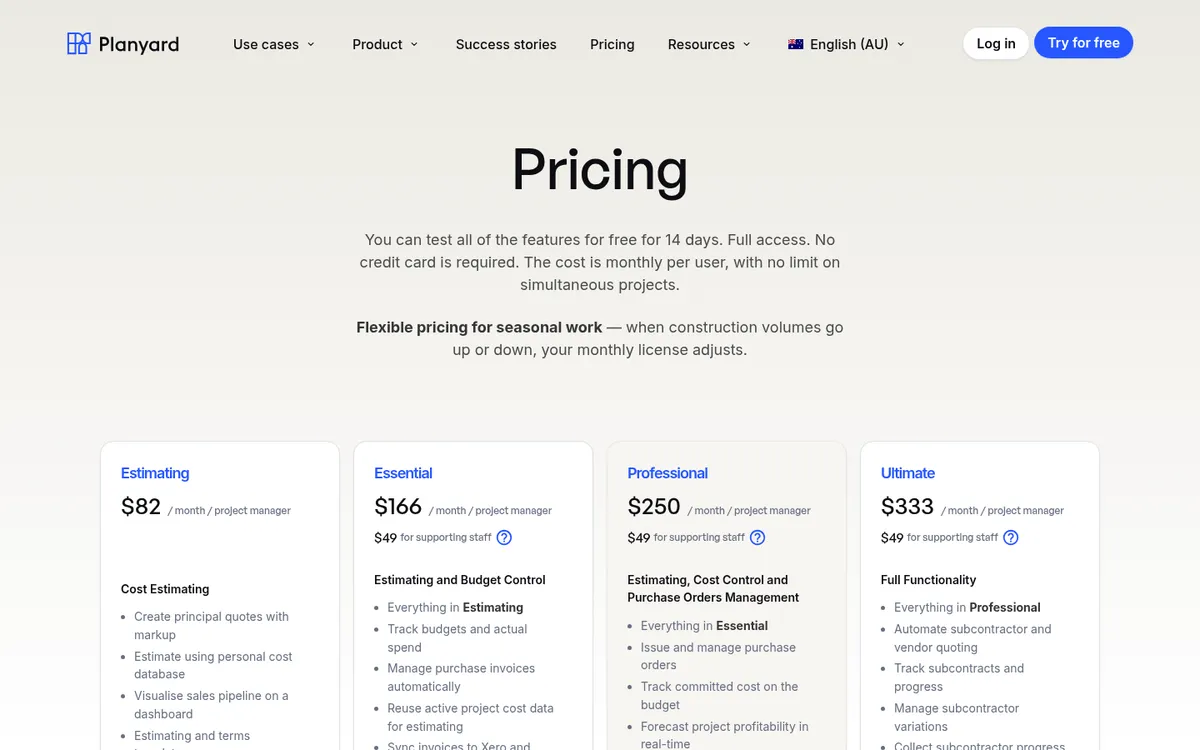
Professional adds purchase orders and committed cost, a forecast of each job’s final margin, and client contracts with progress claims, variations and retention. Ultimate adds subcontractor quoting, subcontracts and subcontractor progress claims that subbies submit online; when you approve a claim the subcontractor receives a payment schedule report.
The Keane Group, an industrial builder in Queensland, moved project reporting out of Excel and now saves three to four days of work every month.
Best for: Builders running 2 to 30 jobs whose accountant works in MYOB.
Watch out for: Planyard has no payroll, no BAS lodgement and no takeoff, so you still need MYOB. The Estimating plan alone does not sync to accounting.
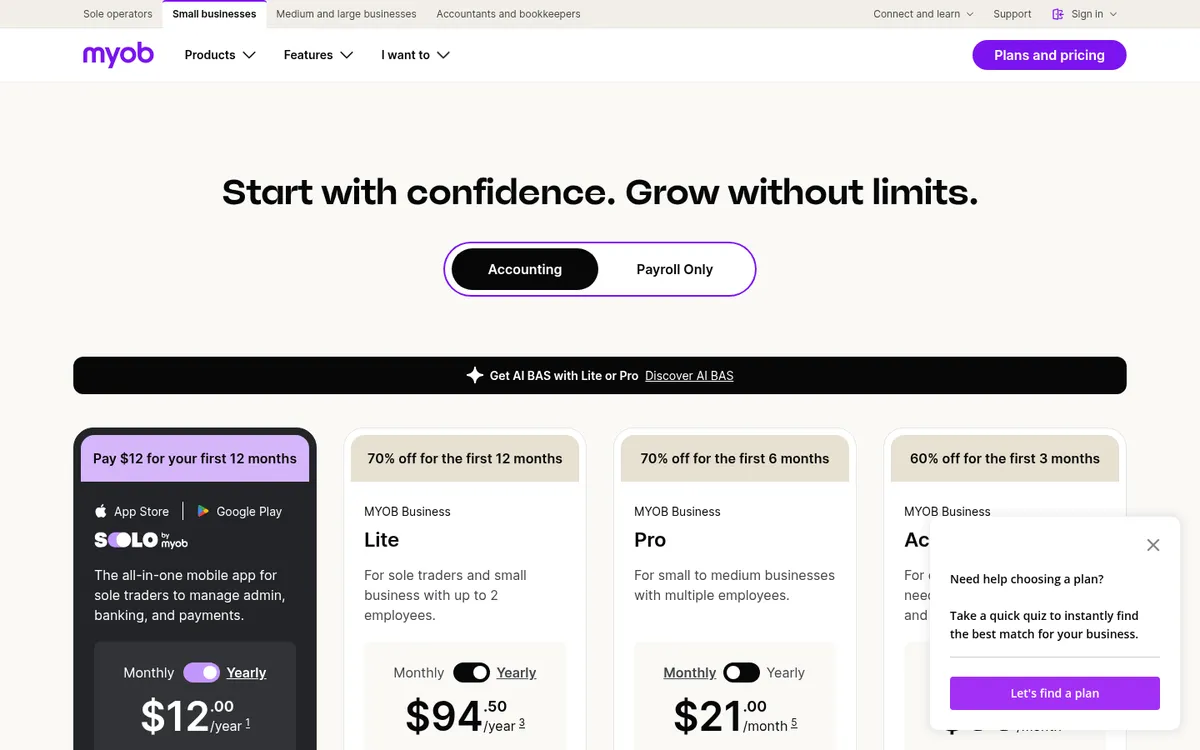
Pricing: Planyard Estimating $82, Essential $166, Professional $250, Ultimate $333 per project manager per month; supporting staff $49. Enterprise on quote. 14-day free trial. See Planyard pricing. MYOB Business Pro $70 a month, AccountRight Plus $165.
"If I were still relying solely on Excel to track and present the financial positions of our projects, I would be losing significant time every single month. By implementing the streamlined processes that Planyard supports, I’m saving at least three to four days of work every month that would have otherwise been spent on manual data entry and reconciliation."
Read more
2. Xero + Planyard – Best for Changing Ledger
Xero is the other ledger most Australian accountants know, and the default for a large share of bookkeepers. Every plan tracks GST and lodges BAS, and the app marketplace is the largest of the three big ledgers.
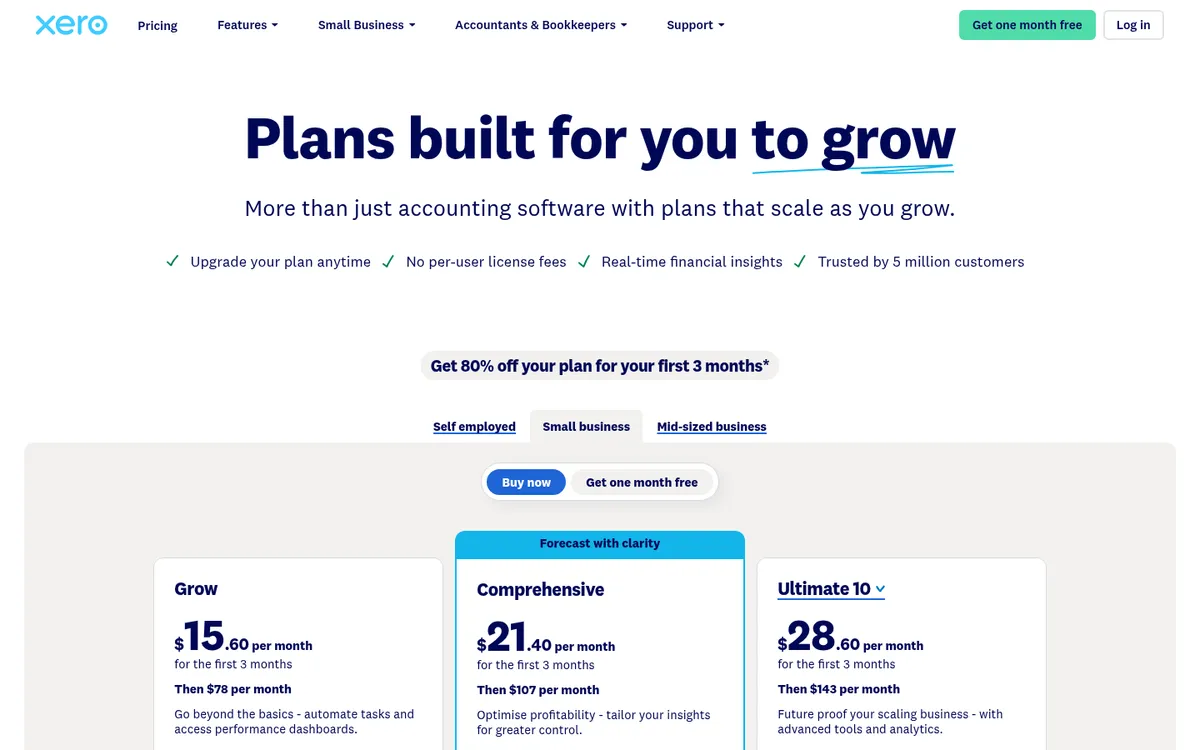
Job tracking only arrives on the top tier: Ultimate 10 includes projects for 10 users. On Grow and Comprehensive builders use tracking categories, which show spend per job and nothing about budgets, commitments or contracts. The same Planyard layer applies, with approved bills posted to Xero by cost code.
Best for: Builders who are changing ledger anyway and want cloud accounting their bookkeeper already knows.
Watch out for: Moving off MYOB is an accountant-led migration. Xero Projects tracks time and cost, not contract value, claims or retention. See job costing with Xero.
Pricing: Grow $78, Comprehensive $107, Ultimate 10 $143 a month including GST, with 80% off the first three months for new customers. Compare Xero and Planyard or see Xero alternatives for construction.
3. QuickBooks Online + Planyard – Best for Builders Whose Accountant Runs QuickBooks
QuickBooks Online covers GST and BAS lodgement on every plan. The Plus plan adds project management, budgeting and up to 40 classes and locations, which is the cheapest way to per-job reporting among the big three ledgers.
Fewer Australian accountants and construction apps default to QuickBooks than to Xero or MYOB, so check before you move. Planyard syncs approved bills to QuickBooks the same way it does for MYOB and Xero.
Best for: Price-conscious builders who want project reports in the ledger and an accountant who already uses QuickBooks.
Watch out for: Projects tracks income and cost, not contracts, claims or retention.
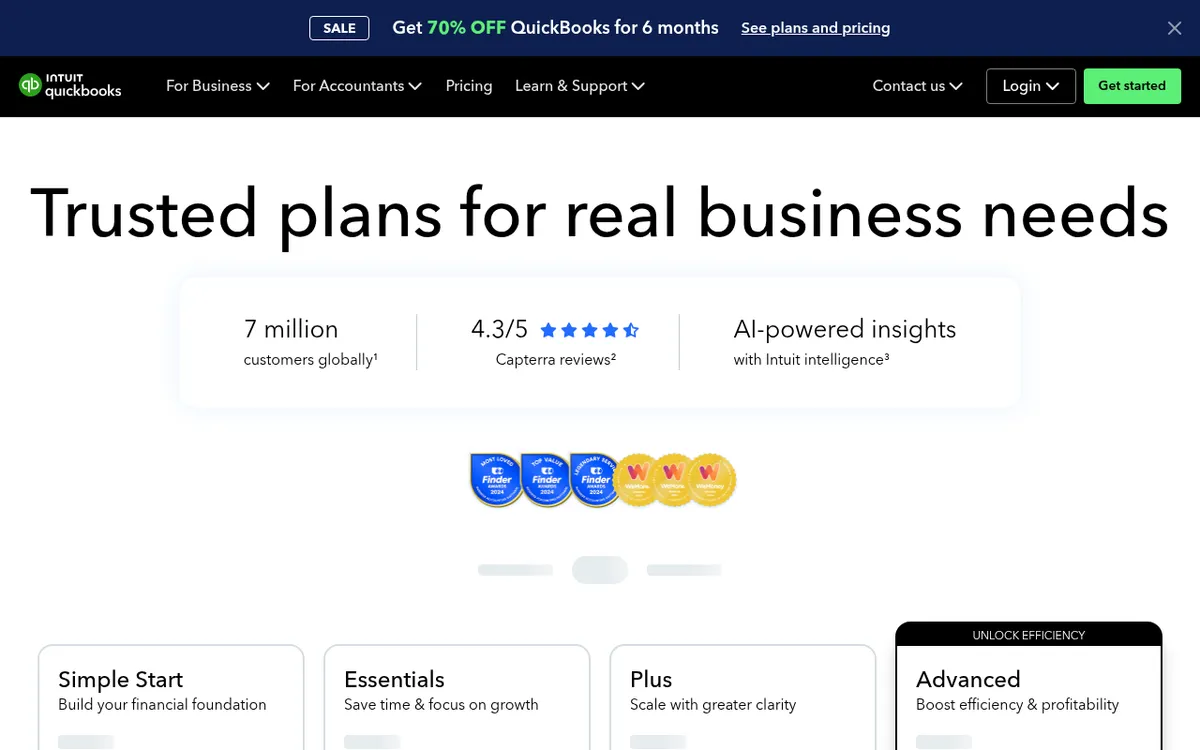
Pricing: Simple Start $33, Essentials $60, Plus $84, Advanced $125 a month, with 70% off for six months for new customers. See QuickBooks Online and Planyard compared or QuickBooks alternatives for construction.
Keep MYOB. Add the job costing it is missing.
Planyard tracks budgets, commitments, progress claims and retention per job and sends approved bills to MYOB. 14-day free trial, no credit card.
4. Reckon One – Best for Small Trades on a Tight Budget
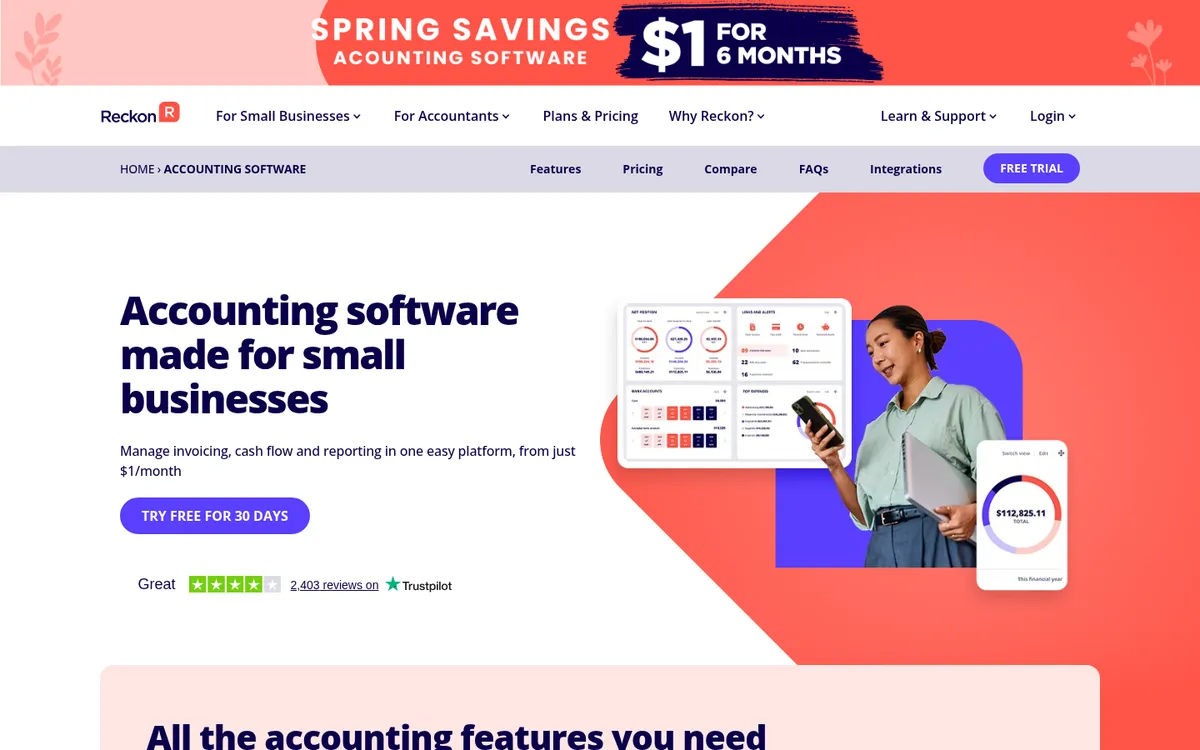
Reckon is an Australian company and Reckon One is its cloud ledger. Accounting Plus covers invoicing, bank feeds, budgets and GST for BAS. Accounting Premium adds timesheets and unlimited project management, and the Ultimate plan includes unlimited payroll and inventory.
It is the cheapest like-for-like replacement for MYOB Business if all you need is a ledger with job profit reports.
Best for: Sole traders and small trade businesses who want to cut the monthly bill.
Watch out for: A smaller app ecosystem and fewer bookkeepers who know it. No contract, claim or retention tracking, and payroll is a separate subscription below Ultimate.
Pricing: Accounting Plus $24, Accounting Premium $46, Ultimate $85 a month including GST. Payroll Essentials from $16 a month. Long introductory offers apply.
5. Buildxact – Best for Residential Builders Who Quote a Lot
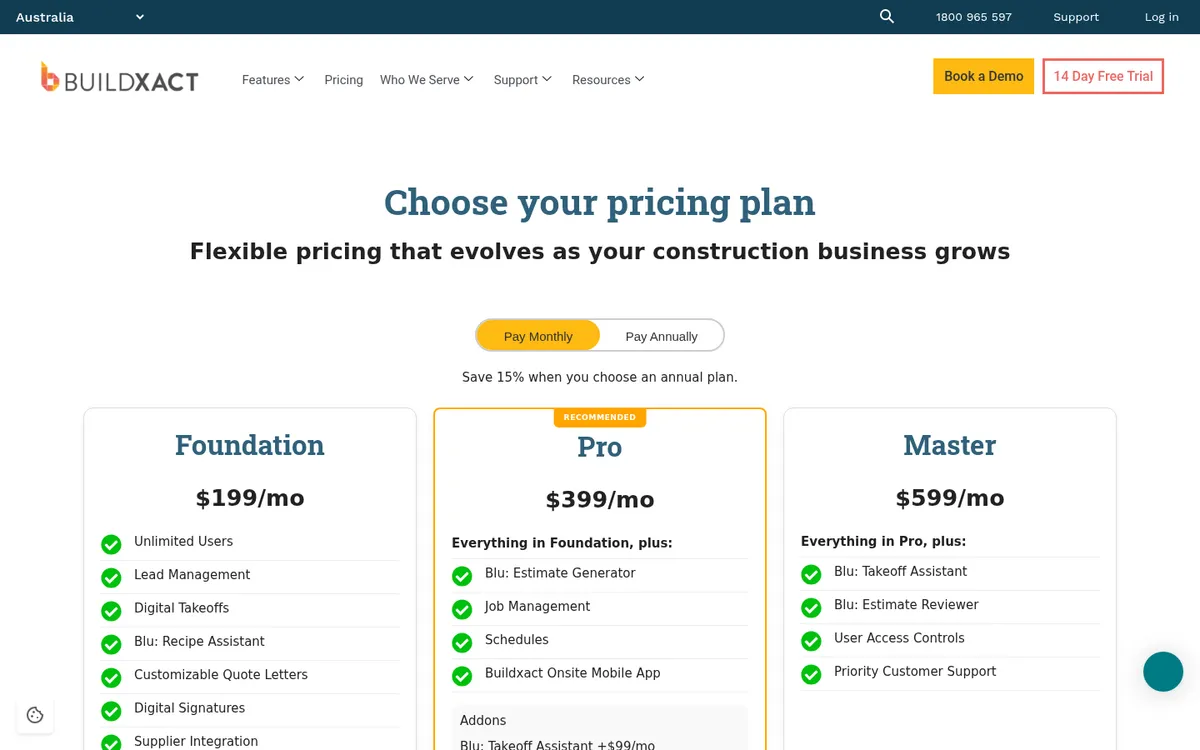
Buildxact is an Australian estimating and job management tool for residential builders and renovators. It starts with takeoff and estimating, and the Pro plan adds job management, schedules and the Buildxact Onsite mobile app. Job costs are reported against the same items used to build the estimate.
It does not replace MYOB. You keep a ledger alongside it, and its strengths are in winning and running residential work more than in commercial contract administration.
Best for: Residential builders and renovators who want estimating, quoting and scheduling in one place.
Watch out for: The entry price is high if you only need job costing. Check which accounting integrations your plan includes before you buy.
Pricing: Foundation $199, Pro $399, Master $599 a month plus GST, with 15% off on annual plans. Unlimited users. See Buildxact and Planyard compared.
6. MYOB Acumatica – Best for Staying with MYOB and Moving Up

MYOB Acumatica, formerly MYOB Advanced, is MYOB’s cloud ERP for mid-sized businesses, with a construction edition. MYOB lists real-time job costing across labour, materials and equipment, budgets linked to contracts and accounting, accounts payable approval workflows, compliance documents such as insurance certificates and deeds of release, and daily field reports.
It suits builders with a finance team who want one database and to stay with MYOB. It is sold and implemented through MYOB partners.
Best for: Mid-size builders already in the MYOB family with a financial controller and an implementation budget.
Watch out for: Moving to it means an ERP implementation with a partner, and the cost depends on edition, users and the implementation work.
Pricing: Quote only. MYOB does not publish a price on its site.
7. Premier – Best All-in-One for Mid-Size Builders
Premier is a cloud construction ERP sold in Australia, New Zealand, North America and the UAE. It puts accounting, job costing, project management and field operations in one system, so your accounts move off MYOB and into Premier.
Best for: Builders and fit-out contractors who want one system for accounts and jobs and are ready for an implementation project.
Watch out for: Pricing is not published, and the move needs an implementation project.
Pricing: Quote only.
8. Jobpac Connect – Best for Commercial and Civil Contractors
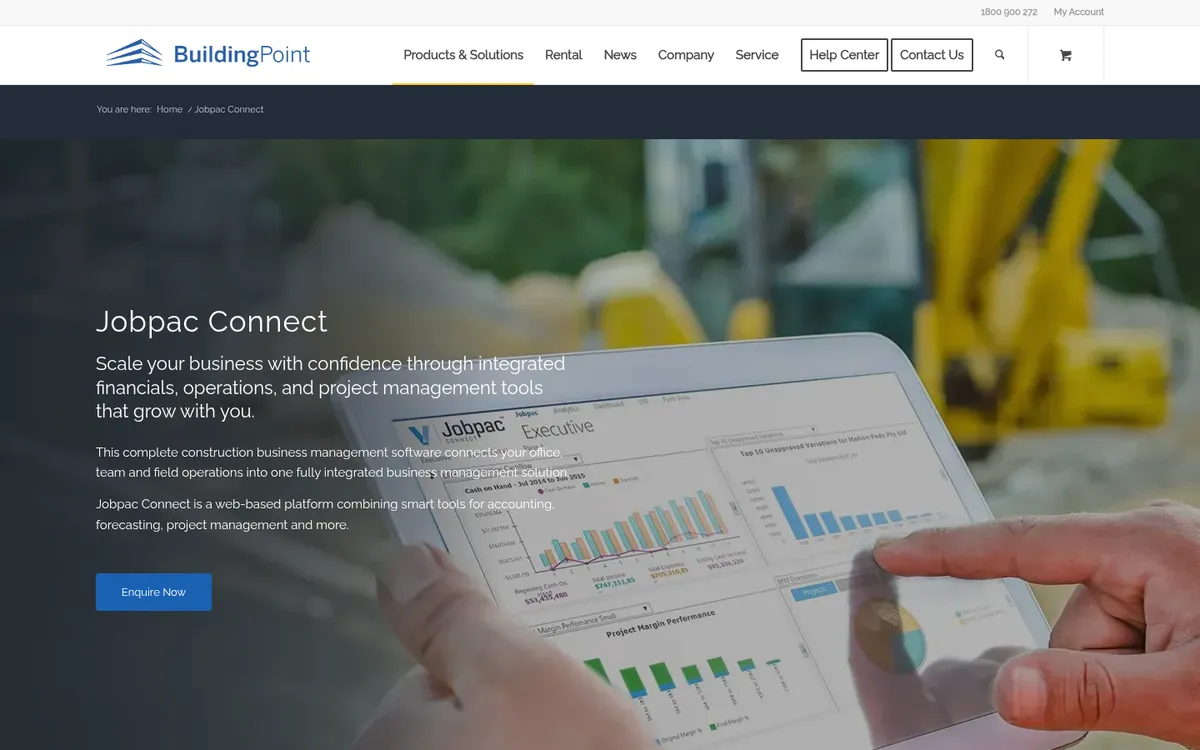
Jobpac Connect is a construction ERP built for the Australian and New Zealand market and sold here through BuildingPoint Australia. It combines construction accounting, contract valuation and forecasting tied to the ledger, cash flow forecasting and a mobile app for timesheets.
Best for: Commercial builders and civil contractors with a finance team and many contracts running at once.
Watch out for: A full ERP implementation sized for larger firms. Too much for a builder with a handful of jobs.
Pricing: Quote only.
"I came from a heavyweight enterprise ERP at a UK Tier 1 contractor, so I saw how bloated software hurts financial control. At an Australian SME I still need that Tier 1 budget discipline, just without the bloat.
Planyard hits the sweet spot: structured budgets, strong cost controls, and a professional ERP-level feel, but simple enough that I set it up myself in a few days. It is now our gatekeeper for purchase orders and handles tax and retention smoothly.
Real financial clarity without the spreadsheet headaches."

Our recommendation
Most Australian builders can keep MYOB for GST, BAS, payroll and the TPAR and put Planyard on top for budgets, commitments, progress claims and retention.
If you are changing ledger anyway, Xero is the one most bookkeepers know, and QuickBooks or Reckon make sense when your accountant uses them. Look at MYOB Acumatica, Premier or Jobpac Connect only when the ledger itself is what you have outgrown and you have a finance team to run an ERP. For a wider view, see our guide to the best construction accounting software in Australia.
See every job's margin without leaving MYOB
Set up your first job in an hour and send approved bills straight to MYOB. 14-day free trial, no credit card.