
Last verified: October 2026
A groundworks contractor has four jobs on site, all showing a margin on the cost report. Next Friday two subcontractor payments, a plant hire invoice and the VAT bill fall due, and the biggest client has just knocked a valuation back by £60,000. The accounting software says the bank is fine for 30 days. Nobody can say what happens in week six.
Most cash flow forecasting software is built for the company bank balance: it reads invoices and bills from Xero or QuickBooks and projects them forward. In construction you also need project cash flow, meaning what each job will need to pay out and when the client will actually pay, and that comes from budgets, orders and valuations that your accounts package never sees. This guide compares both kinds, with October 2026 prices in GBP where the vendor publishes them.
Company Cash Flow and Project Cash Flow
Company-level tools such as Float, Fathom, Futrli and the forecasts built into Xero and Sage start from your ledger. They know about invoices you have raised and bills you have entered. They do not know that you have a £180,000 groundworks subcontract with £120,000 still to apply for, or that the client’s QS will certify around 90% of next month’s application and hold back 5% retention.
Project-level tools start from the job. They forecast cost from the budget and the committed orders, and income from the valuation programme, then roll every job up into a portfolio view. That is where a construction business finds out early that three jobs will hit their cash low point in the same month. Forecasting cash flow in construction walks through the S-curve, payment terms and retention in detail. A contractor with one or two jobs can get by with the company view; with more, the company forecast needs the project forecasts feeding it.
Cash Flow Forecasting Software Compared
Prices are per month excluding VAT, as published by each vendor in October 2026. Where a vendor only publishes US dollars, the price is shown in USD.
| Software | Level | Works with | Forecast horizon | Starting price | Best for |
| Planyard | Project and portfolio | Xero, QuickBooks, Sage | To project completion | £82 per project manager | Contractors with several live jobs |
| Float | Company | Xero, QuickBooks Online | 13 weeks, 12 to 36 months | £99, or £79 billed annually | A 13-week bank view with scenarios |
| Fathom | Company and group | Xero, QuickBooks, Sage, MYOB, Excel | Up to 5 years, monthly | $59 for one company (USD) | Three-way forecasts and board reports |
| Futrli by Sage | Company | Sage Accounting, Xero, QuickBooks Online | Daily, plus 3-way | £40 | Sage Accounting users |
| Cash Flow Frog | Company, by job if tracked in the books | QuickBooks, Xero, Sage Intacct and others | Up to 36 months | $69 to $249 by revenue (USD) | A low-cost rolling forecast |
| Xero (built in) | Company | Xero | 30 to 180 days by plan | Included from £18 | Xero users who want a short view |
| Sage and QuickBooks (built in) | Company | Own ledger | Short term to 24 months | Included in the plan | Firms already on Sage or QuickBooks |
| Excel | Project | Anything you export | Whatever you build | Free | One project S-curve |
How We Chose
We started from the UK search results for cash flow forecasting software and the tools UK accountants and contractors name most, then checked each vendor’s own pricing and feature pages in October 2026. Tools that no longer exist were dropped. We judged each on four things that matter in construction: whether it can forecast by project, how it handles late and partial payments, which UK accounting packages it connects to, and what it costs for a firm with £2m to £20m turnover. Planyard is our product, so we have kept its section to what it does and does not do.
The Best Cash Flow Forecasting Software for Construction
1. Planyard – Best for Project Cash Flow
Planyard is construction cost control software, and cash flow forecasting is built on the same budgets, orders and valuations the commercial team already keeps. A project manager or QS forecasts cost and income month by month to completion, either at package level by percentage complete or line by line against each budget item. The Remaining column shows what is still to be placed in a future month, so nothing is forgotten.
Each month the forecast is revised. Past months fill in with actual costs, and the forecast for the months ahead stays as last entered until someone updates it. Directors see every active and warranty-period project on one dashboard, with a marker showing which project managers have signed off this month’s forecast. Approved subcontractor applications usually show two to three weeks before the invoices reach accounts, which gives finance an early view of what has to be paid.
On Essential, forecasts run from invoice and payment dates. Professional adds forecasting from subcontract and purchase orders and from budget items, plus client valuations, variations and retention, which are the numbers that move project cash flow most. See the construction cash flow forecasting page for screens.
Best for: Main contractors and specialist subcontractors running several jobs at once who need to know when each job will need cash.
Watch out for: Planyard forecasts project income and costs. It does not project your bank balance, overheads, payroll or VAT, so most firms pair it with Xero’s forecast or a tool like Float for the company view.
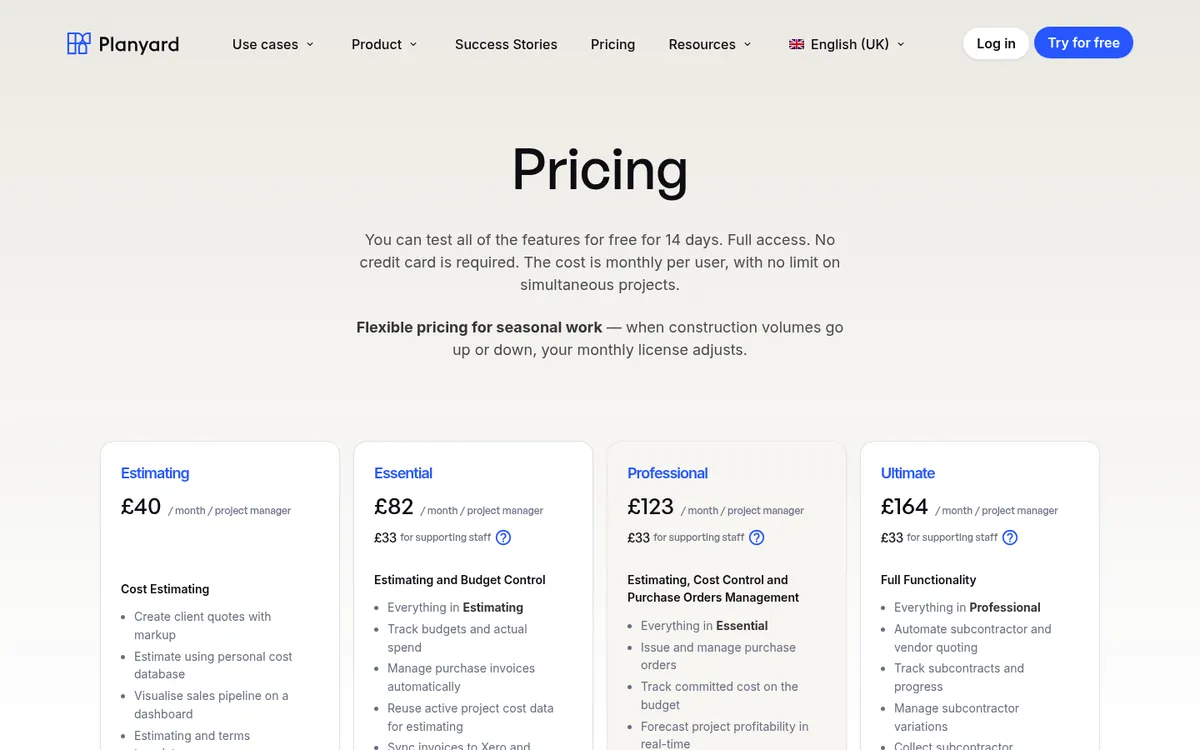
Pricing: Essential £82, Professional £123, Ultimate £164 per project manager per month; supporting staff £33. 14-day free trial. Full details on the pricing page.
"With Planyard, I have great visibility of who I'm going to pay coming up, so I can plan our cash flow. Cash flow is the most important thing in the construction industry – if it runs out, you're in deep trouble. Having that visibility makes a real difference."
Read more
2. Float – Best for a 13-Week Company Cash View
Float reads invoices and bills from Xero or QuickBooks Online through a read-only connection and turns them into a rolling cash forecast: a 13-week view for day-to-day decisions and a monthly view behind it. You can set an expected payment date on any invoice, split an invoice into part payments, and build up to eight scenarios to test a new job or a delayed payment before you commit.
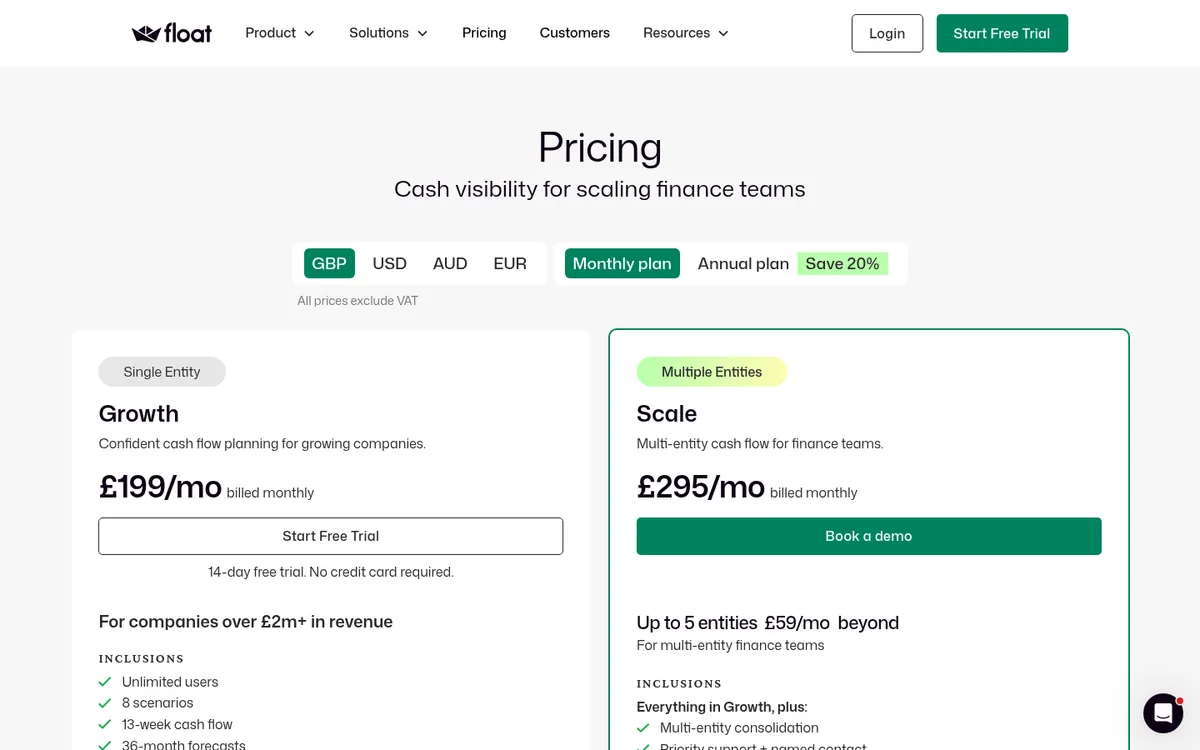
For a contractor, part payments and late-payer dates are the useful bits, because construction clients rarely pay the full application on the due date. Float prices by revenue: Essentials is for companies under £2m and caps the monthly forecast at 12 months; Growth, above £2m, extends it to 36 months.
Best for: Finance directors and bookkeepers on Xero or QuickBooks Online who want a proper weekly bank forecast with scenarios.
Watch out for: It only connects to Xero and QuickBooks Online; Sage Intacct is on a waitlist. It sees what is in the ledger, so a subcontract with £100,000 still to apply for does not appear until someone enters it.
Pricing: Essentials £99 a month (£79 billed annually), Growth £199 (£159), Scale £295 (£235) for up to five entities. Unlimited users. Optional guided onboarding £99 on Essentials. 14-day free trial.
3. Fathom – Best for Three-Way Forecasts and Reporting
Fathom, owned by The Access Group since 2022, combines management reporting, KPIs and cash flow forecasting. Its forecasts are three-way, so profit and loss, balance sheet and cash flow move together, and they run monthly, quarterly or annually up to five years ahead. It connects to Xero, QuickBooks, Sage, MYOB and Excel, and can forecast by division if you use tracking categories or classes.
That suits a contractor that reports to a bank, a bonding provider or a board, because the forecast and the reporting pack come from one place.
Best for: Contractors and their accountants who want board-ready reports and a long-range forecast in one tool.
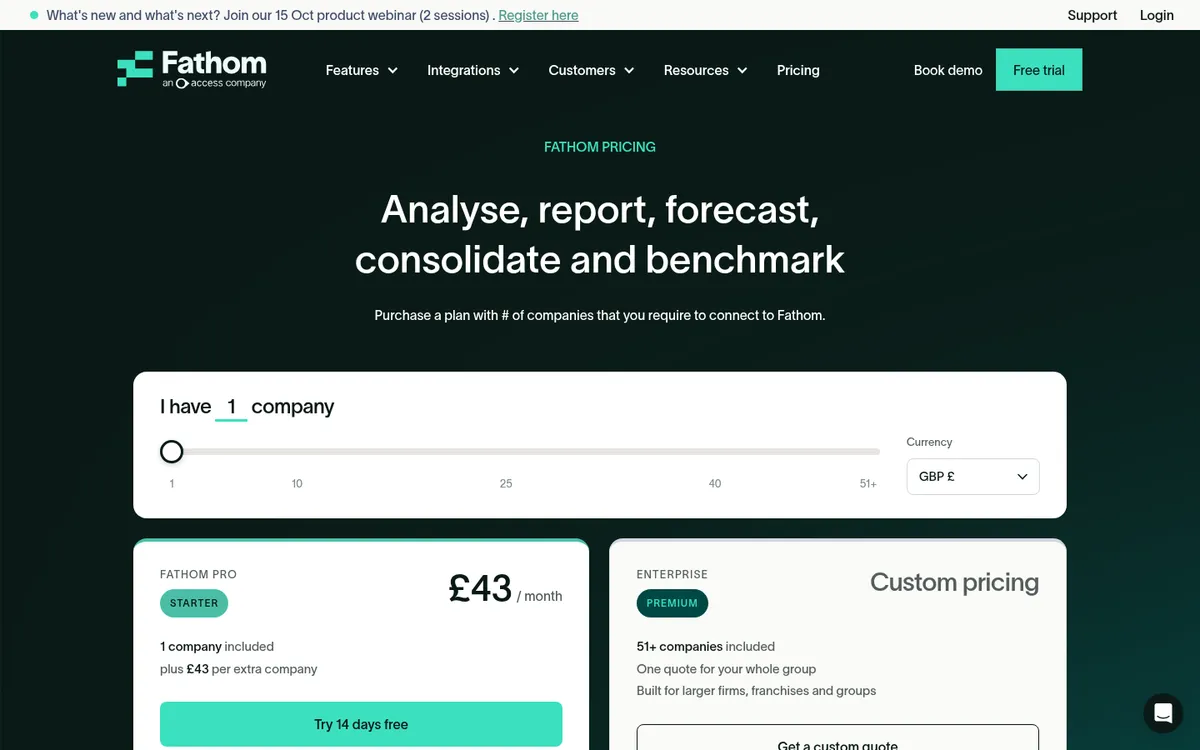
Watch out for: There are no daily or weekly forecasts, so it is not the tool for next month’s payment run. Pricing on Fathom’s site is per connected company and listed in US dollars.
Pricing: Fathom Pro from $59 a month for one company, plus $59 for each extra company (USD, excluding tax). 14-day free trial.
4. Futrli by Sage – Best for Sage Accounting Users
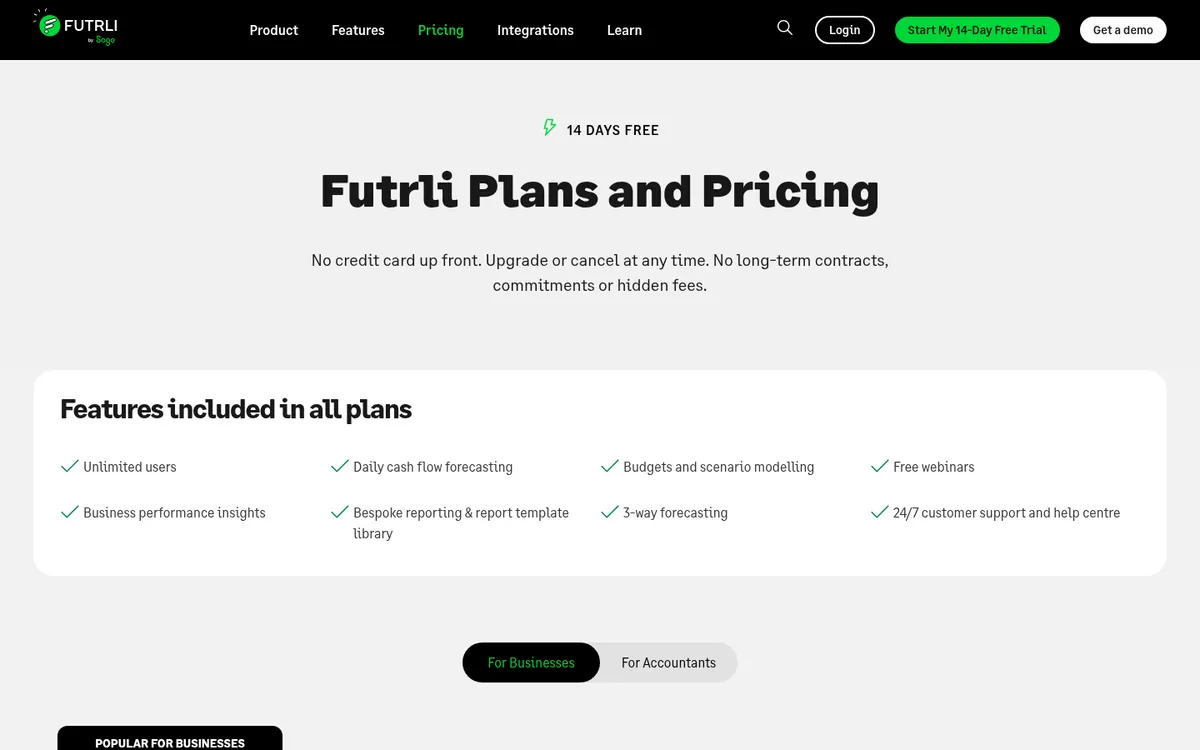
Sage bought Futrli in 2022 and still sells it as a standalone product. It pulls data from Sage Accounting, Xero or QuickBooks Online and builds daily cash flow forecasts alongside three-way forecasts, budgets and scenarios. Every plan includes unlimited users and the full feature set.
It is the most natural fit if your books are in Sage Accounting, which Float does not connect to.
Best for: Small contractors on Sage Accounting who want a dedicated forecasting tool.
Watch out for: Like the other company-level tools it forecasts from the ledger, not from your orders or valuations.
Pricing: From £40 a month for a single licence. 14-day free trial, no card required.
See project cash flow before it reaches the bank
Forecast every job from budgets, orders and valuations, and give directors one view across the portfolio. 14-day free trial, no credit card.
5. Cash Flow Frog – Best Low-Cost Rolling Forecast

Cash Flow Frog builds a rolling forecast from QuickBooks, Xero, Sage Intacct, Zoho Books, FreshBooks or Odoo, or straight from a bank feed. You can view it daily, weekly, monthly or quarterly up to 36 months out, set expected payment behaviour per customer, and switch between scenarios. If you already tag income and costs to jobs in your books, you can drill into which project is draining cash.
It markets a construction page and covers retention and slow-paying clients, though the examples are written for the US market.
Best for: Small firms that want a straightforward rolling forecast for less than Float.
Watch out for: Pricing is in US dollars and is set by annual revenue. Per-project views depend on jobs being tracked accurately in the ledger, which few small contractors manage.
Pricing: From $69 a month up to $1m revenue, rising to $249 above $20m (USD), with 20% off annual billing. 14-day free trial.
6. Xero – Best Free Starting Point for Xero Users
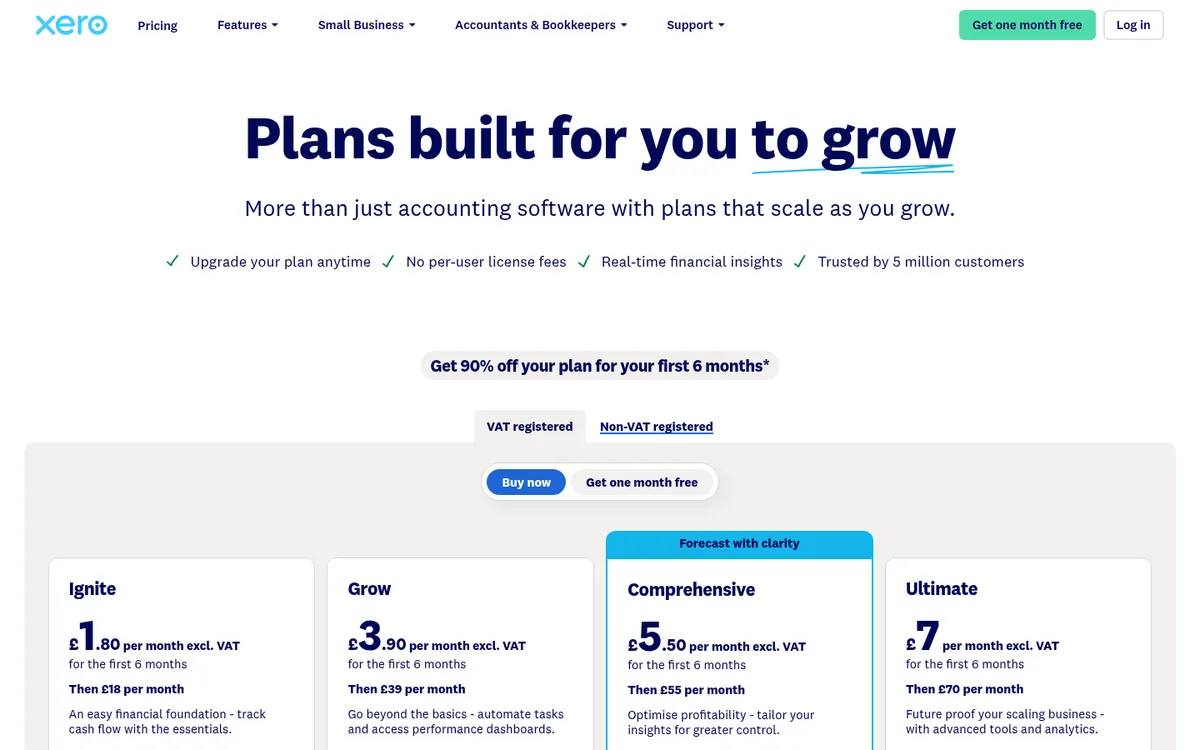
Every Xero plan includes a short-term cash flow forecast built from bank balances, open invoices and bills. The horizon grows with the plan: 30 days on Ignite, 60 on Grow, 90 on Comprehensive and 180 on Ultimate. Xero also handles CIS calculations on every plan, which matters for most UK contractors.
For a small firm this is often enough. Once you need scenarios, longer horizons or anything by project, Xero’s own pages send you to its app marketplace. Xero vs Planyard explains where project cost control sits next to it.
Best for: Xero users who want a free look at the next one to three months.
Watch out for: The forecast only knows what is already in Xero, and there is nothing by project.
Pricing: Ignite £18, Grow £39, Comprehensive £55, Ultimate £70. Contractor CIS returns +£5.
7. Sage and QuickBooks – Best If You Already Use Them
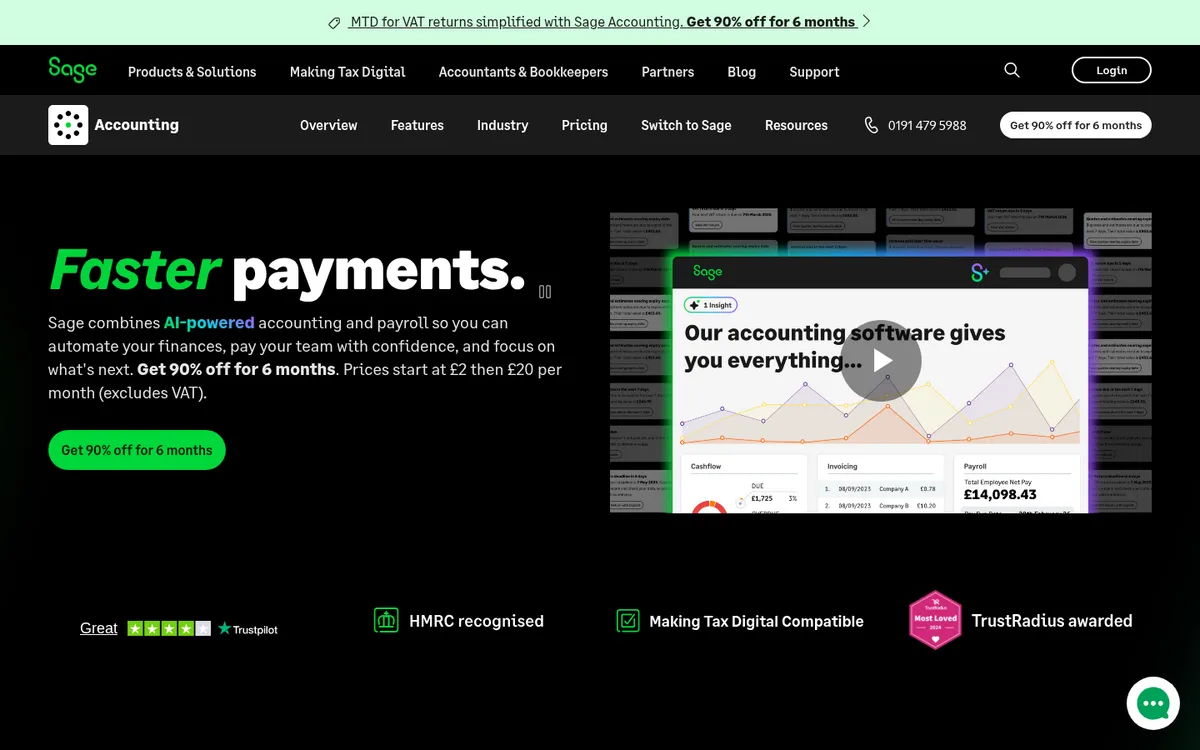
Sage Accounting shows a cash flow forecast on its dashboard, and Sage 50 has a Cash Flow Forecast window under Bank accounts where you choose which bank accounts to include, tick transactions in or out and add manual entries. QuickBooks Online includes a cash flow planner and a projection up to 24 months ahead built from recurring income and expenses.
These are reasonable for a firm already on one of these packages. See Sage 50 vs Planyard and QuickBooks Online vs Planyard for how project cost control works alongside them.
Best for: Firms on Sage or QuickBooks who want a quick view without another subscription.
Watch out for: All of them forecast from the ledger and need manual entries for anything not yet invoiced, such as future valuations or committed subcontract costs.
Pricing: Sage Accounting Start £20, Standard £43. Sage 50 Standard £115, Professional £234. QuickBooks Simple Start £16, Essentials £38, Plus £56, Advanced £123.
8. Excel – Best for a Single Project S-Curve
Most QS teams still build project cash flow in a spreadsheet: an expenditure S-curve from the programme, an income curve lagged by the payment terms, and retention taken off each month. For one project it works well and costs nothing.
The trouble starts with the third or fourth job. Each spreadsheet is updated by a different person at a different time, actuals are typed in from the accounts, and there is no total across projects. Excel vs Planyard covers the switch.
Best for: A single large project, or a firm testing what it needs before buying software.
Watch out for: No portfolio view, no link to actual costs and no record of how the forecast has changed.
Pricing: Free with Microsoft 365.
"If I were still relying solely on Excel to track and present the financial positions of our projects, I would be losing significant time every single month. By implementing the streamlined processes that Planyard supports, I’m saving at least three to four days of work every month that would have otherwise been spent on manual data entry and reconciliation."
Read more
What Happened to Fluidly?
Fluidly still turns up in older lists of UK cash flow software. OakNorth agreed to buy it in December 2021 and closed the Fluidly app in spring 2023, so it is no longer an option. Float, Futrli and Cash Flow Frog are the closest replacements.
How to Choose
One or two jobs, books in Xero or QuickBooks: start with the forecast built into your accounting software, and keep a spreadsheet for the project itself.
A finance person who needs a weekly bank view: Float on Xero or QuickBooks, Futrli on Sage Accounting. Fathom if the bank or board also wants monthly reports.
Several live projects with subcontract packages: the company tool cannot see what is committed but not yet invoiced. Forecast each job in Planyard from budgets, orders and valuations, and let the approved bills flow to Xero, QuickBooks or Sage so the company forecast picks them up.
Cash flow is one half of forecasting. The other is whether each job will finish at the margin you priced it at. The best construction forecasting software compares tools for cost-to-complete and final margin, and why commitments matter for forecasting explains why orders are the best early signal of future cash out.
"Planyard gives our MD a chance to make good, informed decisions, whereas before he was worried about making those decisions because he didn't really know where we were. Even when we can see difficult times ahead, at least we can plan for them now."
Read more
Next Step
Keep the company forecast in the tool your accountant already uses. Then make sure what goes into it is right: committed subcontract costs, realistic valuation dates and retention. Planyard handles the project side and syncs with Xero and Sage.
Project cash flow your finance team can rely on
Forecast every job from budgets, orders and valuations, see the portfolio on one dashboard, and sync approved costs to Xero, QuickBooks or Sage. 14-day free trial.