
You’re running three projects simultaneously. Each has its own spreadsheet budget, a different QS updating it at different intervals, and a monthly reconciliation process that always seems to surface a surprise. You’re spending more time maintaining the tracking system than actually making decisions from it.
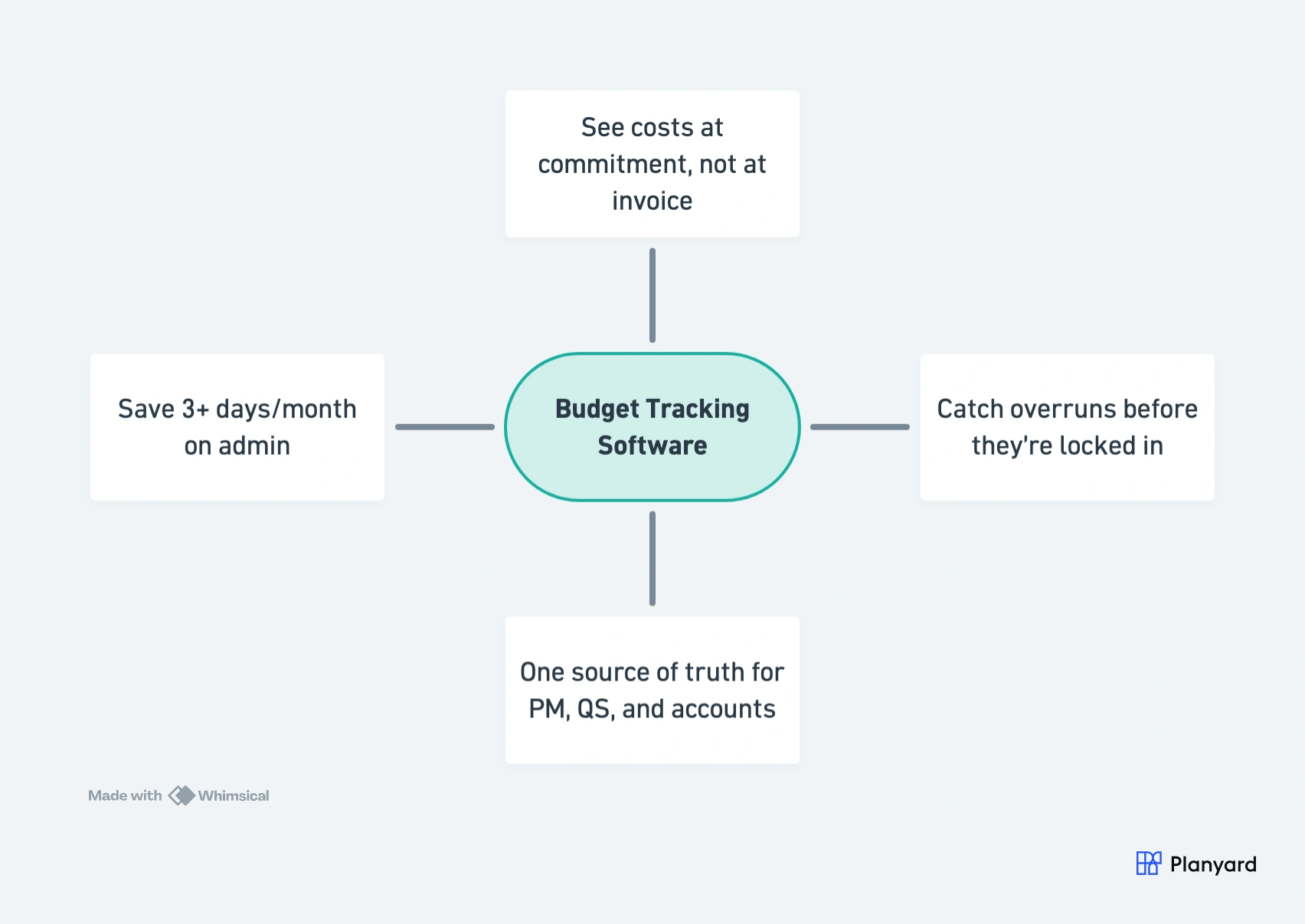
This is the reality for most growing construction firms – and it’s exactly the problem that project budget tracking software solves. Budget tracking software captures costs at commitment – not invoice – giving you a live forecast that updates automatically. Teams typically save 3+ days per month on admin and catch overruns before they’re locked in.
In this article, we cover eight specific benefits – from real-time cost visibility to accounting integration – and when it makes sense to make the switch from spreadsheets.
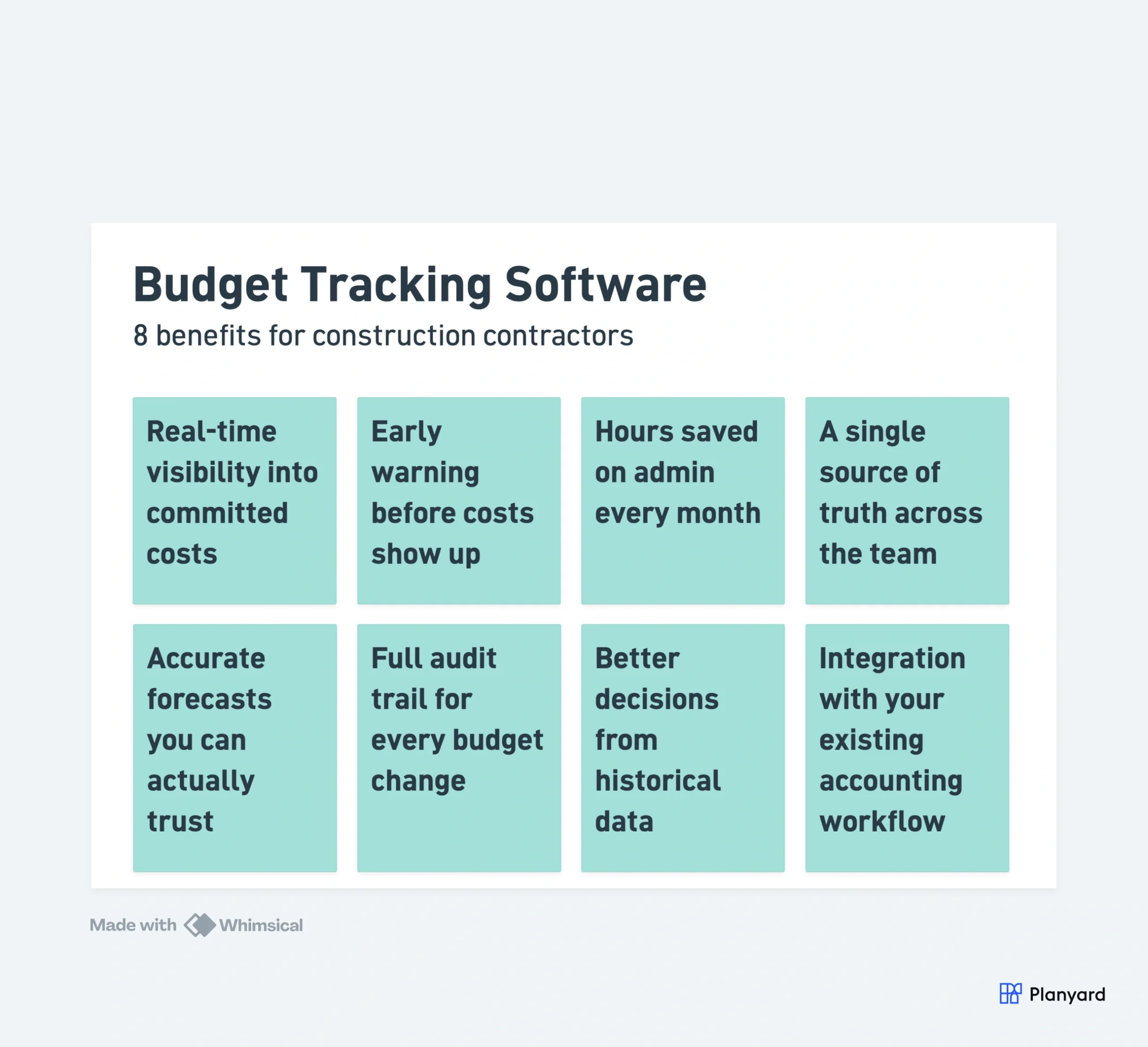
1. Real-time visibility into committed costs
The biggest shift isn’t better spreadsheets – it’s seeing costs when commitments are made, not when invoices arrive 4-6 weeks later. Budget tracking software captures every purchase order, subcontract, and variation the moment it’s approved, updating your forecast automatically.
This means you see your true financial position today – not a month-old snapshot that’s already out of date. When a QS raises a subcontract or approves a variation, the budget updates instantly. No waiting for invoices, no manual spreadsheet updates, no reconciliation lag.
"In Planyard the budget is always up to date and the costs are trackable by line items (cost codes). Additionally, I see immediately when I start to exceed the budget for any of the items and can do corrections."
Read more
2. Early warning before overruns become locked in
When you only reconcile monthly, cost overruns are already committed by the time they appear on any report. Research from the RICS consistently shows that early cost intervention is the single biggest factor in project profitability. With real-time tracking, you see budget pressure the moment a subcontract value exceeds the allowance – giving you weeks of lead time to negotiate, re-scope, or flag the issue to your client.
The difference between catching an overrun at commitment stage versus invoice stage is often the difference between fixing it and absorbing it. A subcontract that comes in 15% over budget is manageable if you spot it before work starts. It’s a margin hit if you only see it when the invoice arrives.
"We can spot the budget risks several months in advance and have a real-time forecast for end costs and profitability."
3. Hours saved on administration every month
Manual budget tracking – downloading bank statements, cross-referencing invoices against POs, updating formulas, reconciling with accounting – consumes days of project manager and QS time every month. Budget tracking software automates the data flow between commitments, invoices, and forecasts.
Teams typically report saving 3+ days per month on budget administration alone. That’s time freed up for procurement decisions, client management, and actually running the project. Over a year, that’s more than a month of productive time returned to each QS or PM on your team.
"In summary, the most important thing for the company was to have an overview and control over costs, and to be able to immediately see where a cost has been entered and verify if everything is correct."
Read more
4. A single source of truth across the team
Spreadsheet budgets fracture the moment two people need the same data. The PM has one version, the QS has another, and accounting has a third. Nobody agrees on the current position because everyone’s working from a different snapshot.
Budget tracking software provides one live dataset that everyone works from. When a variation is approved, everyone sees it immediately – no emailing updated files, no version conflicts, no “which spreadsheet is current?” conversations. New team members see the full history from day one without needing to decode someone else’s spreadsheet system.
One live budget your whole team can trust
Replace scattered spreadsheets with a single source of truth that updates as you work.
5. Accurate forecasts you can actually trust
A budget forecast is only as good as the data feeding it. Spreadsheet forecasts rely on manual updates that are often weeks behind reality – meaning the forecast you’re reporting to your board or client is always optimistic.
With budget tracking software, forecasts update automatically from committed costs. The number you see is the number you can trust – no gap between “project margin” and “accountant margin”. Directors get reliable portfolio-level margin visibility without waiting for month-end consolidation.
"Using Planyard gives me a lot more certainty that the figures we are looking at are accurate and reflect the true status of the budget."
Read more
6. Full audit trail for every budget change
Every variation approval, budget transfer, and cost code adjustment is logged with who made it, when, and why. This isn’t just good practice – it’s essential for:
- Dispute resolution – proving what was agreed and when
- Regulatory compliance – Building Safety Act documentation requirements
- PM handovers – new team members understand the full history without archaeology
- Post-project reviews – understanding where and why budgets deviated
In spreadsheets, audit trails don’t exist. You can see the current number but not how it got there. With proper budget tracking, every change is traceable – which matters when a client disputes a variation six months after the fact.
7. Better procurement decisions from historical data
When every project’s actual costs are captured against a consistent cost code structure, you build a library of real cost data. With job costing software, this happens automatically rather than requiring manual data collection. Over time, this means:
- More accurate estimates based on actual outturn costs, not guesswork from three projects ago
- Better subcontractor benchmarking – you know what work actually costs across different project types
- Stronger negotiating position when you can compare quotes against historical data
- Faster tender pricing because you’re drawing from real numbers, not assumptions
8. Integration with your existing accounting workflow
Budget tracking software doesn’t replace your accounts package – it feeds it. The best tools integrate directly with Xero, QuickBooks, and Sage, syncing invoice data automatically. This eliminates double data entry and ensures that your project-level cost data always matches your company accounts.
The result: no more month-end arguments between the PM and the accountant about what’s been spent. Data enters the system once – at the point of commitment – and flows through to your accounts without anyone re-keying it.
When do you need budget tracking software?
If you’re managing a single small project, a well-structured spreadsheet might be enough. But the moment you hit any of these triggers, dedicated software pays for itself immediately:
- Running 3+ active projects simultaneously
- Multiple people need to view or update budget data
- Monthly reconciliation regularly surfaces cost surprises
- Your PM’s figures and your accountant’s figures never match
- You’re spending more time maintaining the tracker than making decisions from it
Get started without disruption
Planyard lets you import your existing spreadsheet budget and start tracking commitments against it in hours – not months. Real-time forecasts, automatic invoice matching, and integration with Xero, QuickBooks, and Sage. No lengthy implementation. No change management.
See your project budgets in real time
Import your existing spreadsheet budget and start tracking commitments against it today.