
Dext, formerly Receipt Bank, is one of the most popular ways to get supplier invoices and receipts out of a shoebox and into Xero, QuickBooks or Sage. Plenty of construction companies use it. The trouble starts when the invoice is in the ledger and the project manager still cannot see what it did to the job budget.
Last verified: October 2026
This guide covers what Dext does well, where it stops for a contractor, and six alternatives worth a look. Two of them replace Dext like for like. The others are construction platforms that capture invoices as part of a wider cost control process.
Dext Alternatives Compared
| Tool | Best for | Starting price | Accounting integrations | Project cost tracking | Verdict |
| Planyard | Cost control on top of your accounting software | £82 per project manager per month | Xero, QuickBooks, Sage, MYOB | Yes: budgets, POs, subcontracts, forecasts | Pick it when invoices need to land on a job budget |
| AutoEntry | Like-for-like Dext replacement | £15.45 per month (50 credits) | Xero, QuickBooks, Sage | No | Cheap, flexible capture with unlimited users |
| Hubdoc | Xero users on a tight budget | Included with Xero; $12 USD a month standalone | Xero, QuickBooks Online | No | Free if you already pay for Xero |
| Procore | Large contractors wanting one platform | Quote only | QuickBooks, Sage and others | Yes | Strong but heavy for a small firm |
| Buildertrend | US residential builders | $499 USD per month | QuickBooks, Xero | Yes | Built for US home builders, now includes CoConstruct |
| eSUB | US trade subcontractors | Quote only | QuickBooks and others | Yes | Field and project management for US subcontractors |
What Dext Does Well
Dext is cloud software that captures receipts, bills and invoices and pulls out the supplier, date, amounts and VAT. You photograph a receipt in the van, forward a PDF to your Dext email address or upload in bulk, and the extracted data is published to Xero, QuickBooks or Sage already coded.
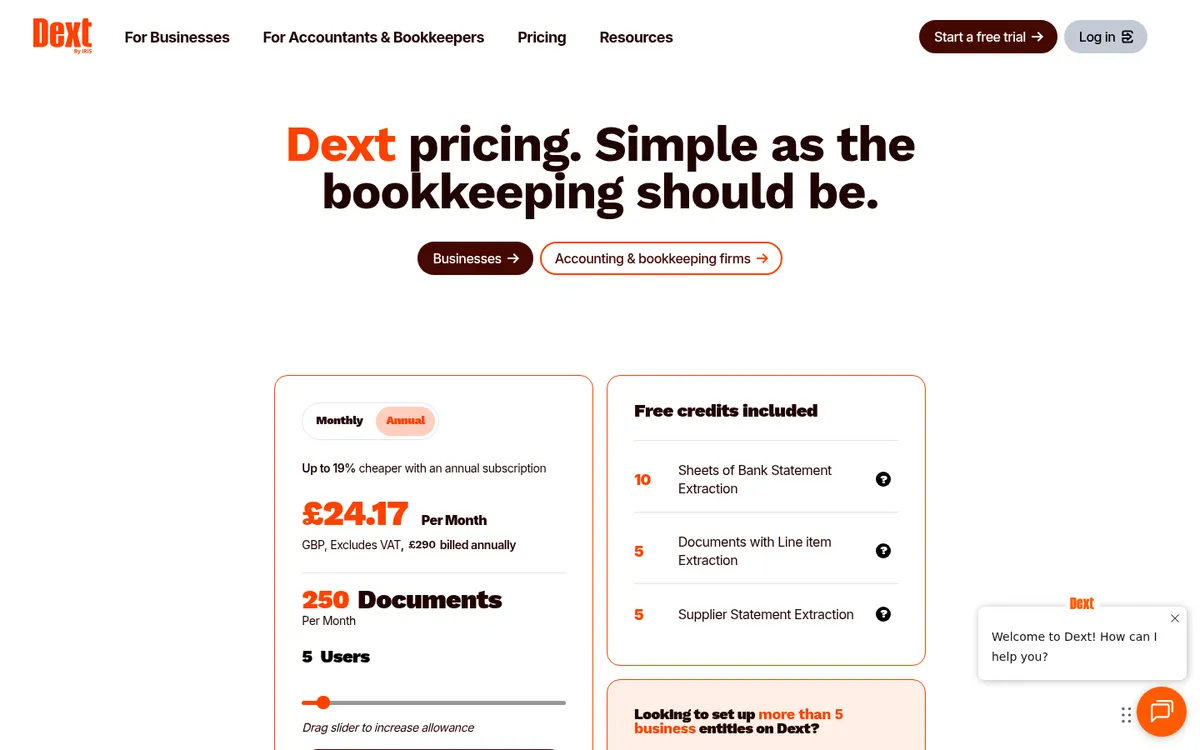
For a construction company that handles a steady flow of supplier bills, that removes most of the typing. Dext also stores the documents, supports several currencies, has simple claim and approval steps for expenses, and sells add-ons such as bank statement extraction, AI Assist and Dext Payments. Business plans start at £24.17 a month billed annually for 5 users and 250 documents a month.
Why Construction Companies Look Beyond Dext

Dext is a bookkeeping tool. It gets a document into the ledger quickly and accurately, and that is where its job ends. A contractor needs a few more things to happen to that invoice:
- It should be checked against the purchase order or subcontract it belongs to, so overcharges are caught before payment.
- It should move the project budget, so committed and actual costs are current without someone rekeying them into a spreadsheet.
- It should go to the person who ordered the work for sign-off, and that person is usually a site or project manager, not the bookkeeper.
- It should feed a forecast, so you know the margin on each job before month-end.
With Dext alone, those steps happen by hand in Excel or a second system. That is why firms that have outgrown spreadsheets tend to look either for cheaper capture (AutoEntry, Hubdoc) or for a construction platform that does capture and cost control together.
How We Chose
We looked for tools that read supplier invoices or bring them into a construction cost process, and that a UK or US contractor can buy today. We checked every price on the vendor’s own pricing page in October 2026. Where a vendor does not publish a price, we say “Quote only”. We dropped CoConstruct from earlier versions of this list because it has been folded into Buildertrend.
The Best Dext Alternatives for Construction
1. Planyard – Best for Cost Control on Top of Your Accounting Software

Planyard is construction financial management software for small and mid-sized contractors. It sits between your site team and Xero, QuickBooks, Sage or MYOB. Invoices come in by email, the Outlook and Gmail add-ins or a bulk upload; Planyard reads them with OCR, matches them to the purchase order or subcontract, sends them for approval and updates the project budget. Approved invoices then go to your accounting software, so your bookkeeper keeps the ledger they already use.

What it covers beyond invoice capture:
- Budgets and cost tracking by cost code, with committed costs from orders and subcontracts
- Invoice management with matching to orders and approval workflows
- Subcontractor payment applications and retention
- RFQs and bid comparison, turning the winning bid into an order
- Cost and profit forecasting and CVR reports
"What I really like about Planyard is that you can take that zip file, unzip it, and essentially just dump all the invoices in at once. The system goes through and automatically picks out invoice numbers, dates, and other key details. Then, just assigning the cost codes is so much faster. The amount of stress that saves me is something I don't think I could even quantify."
Read more
Best for: contractors who already use Xero, QuickBooks, Sage or MYOB and want each invoice checked against an order and posted to a job budget.
Watch out for: it is not a receipt scanner for every expense in the business, and OCR plus invoice approval workflows start on the Professional plan. Planyard does not replace your accounting software.
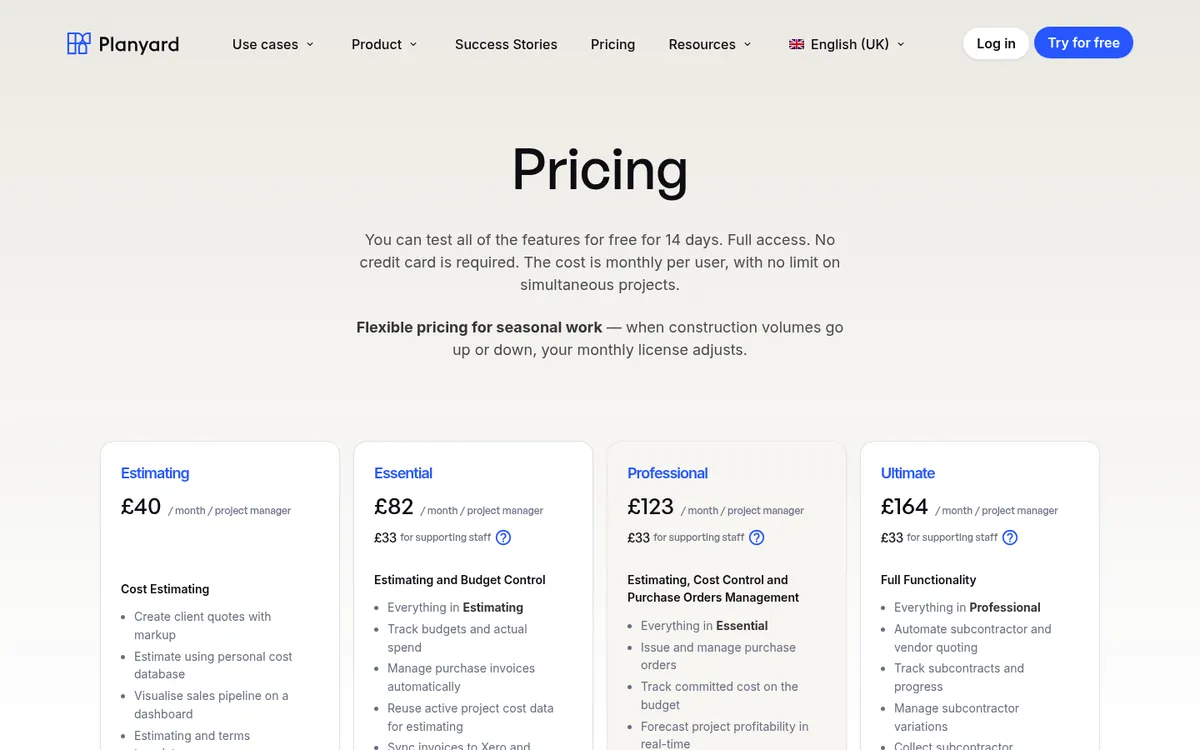
Pricing: Essential £82 per project manager per month (invoice import, Outlook and Gmail add-ins, accounting sync); Professional £123 adds OCR, purchase orders and approval workflows; Ultimate £164 adds subcontract orders, subcontractor payment applications and RFQs. Supporting staff £33. 14-day free trial. See the Dext vs Planyard comparison and pricing page.
Get invoices onto the job budget, not just into Xero
Planyard reads your supplier invoices, matches them to orders and subcontracts and updates project costs before syncing to your accounting software. 14-day free trial.
2. AutoEntry – Best Like-for-Like Dext Replacement
AutoEntry does the same core job as Dext: it extracts data from purchase and sales invoices, receipts, bank statements and supplier statements and posts it to Xero, Sage or QuickBooks. The difference is the pricing model. You buy a monthly allowance of credits rather than a plan sized by users, so every plan includes unlimited users and unlimited cloud storage, and all plans have the same features.
Its supplier statement reconciliation matches invoices to monthly supplier statements, which helps if you buy most materials on account from a few merchants. Unused credits roll over for up to 90 days, and you can pause or downgrade at any time.
Best for: firms that want Dext-style capture with lots of users, for example site staff photographing receipts, at a predictable cost.
Watch out for: like Dext, it stops at the ledger. Line-item extraction and statements use extra credits, so check your monthly volume with the credit calculator.
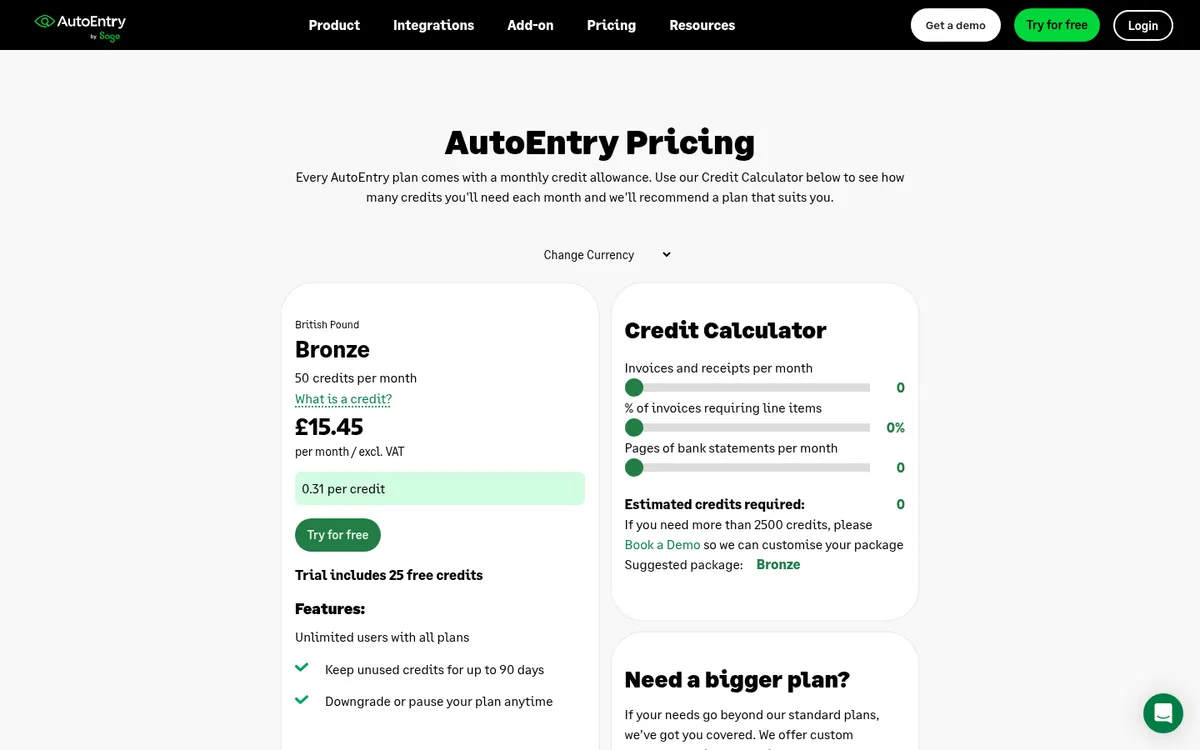
Pricing: from £15.45 per month excluding VAT for 50 credits (Bronze), with larger credit bundles up to 2,500 credits a month and custom packages above that. One standard invoice uses one credit. The trial includes 25 free credits.
3. Hubdoc – Best Free Option for Xero Users
Hubdoc captures bills, receipts and statements by mobile photo, desktop upload, email forwarding or scanning, extracts the key data and syncs it to Xero or QuickBooks Online. Xero owns it, and in the UK it is included in Xero’s Simple, Ignite, Grow, Comprehensive and Ultimate plans, so many contractors already have it and do not know.
It is lighter than Dext. You get capture, extraction, storage and publishing, without the add-ons or the more detailed review and approval tools.
Best for: small builders on Xero who want to stop typing in bills and are happy with basic capture.
Watch out for: it does nothing for project budgets or approvals, and the free deal only applies when Hubdoc is connected to a Xero subscription.
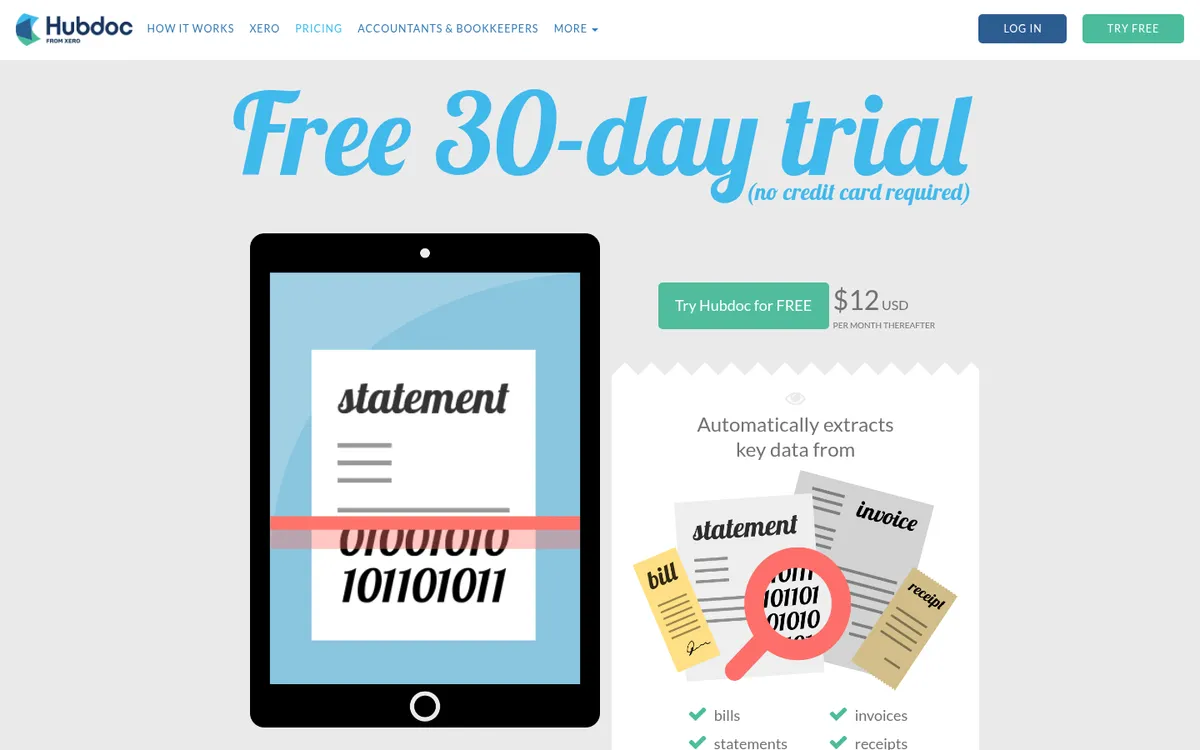
Pricing: included with Xero UK plans; on its own $12 USD per month after a 30-day free trial. Xero plans run from Ignite at £18 to Ultimate at £70 a month.
4. Procore – Best for Large Contractors Wanting One Platform

Procore is a construction management platform covering project management, quality and safety, and financials. Its financial tools handle budgets, commitments, change orders and subcontractor invoicing, and it connects to accounting systems including QuickBooks and Sage. Contracts include unlimited users, support and data storage.
For a Dext user, Procore is a big jump: you would be replacing your project management process as well as your invoice capture. If that is the plan, read our Procore vs Planyard comparison and the Procore alternatives page.
Best for: larger contractors who want site, document and financial management in one system and have the budget and time to implement it.
Watch out for: cost and set-up time. Small firms often pay for far more than they use.
Pricing: Quote only. Procore prices on your products and annual construction volume, with unlimited users.
5. Buildertrend – Best for US Residential Builders
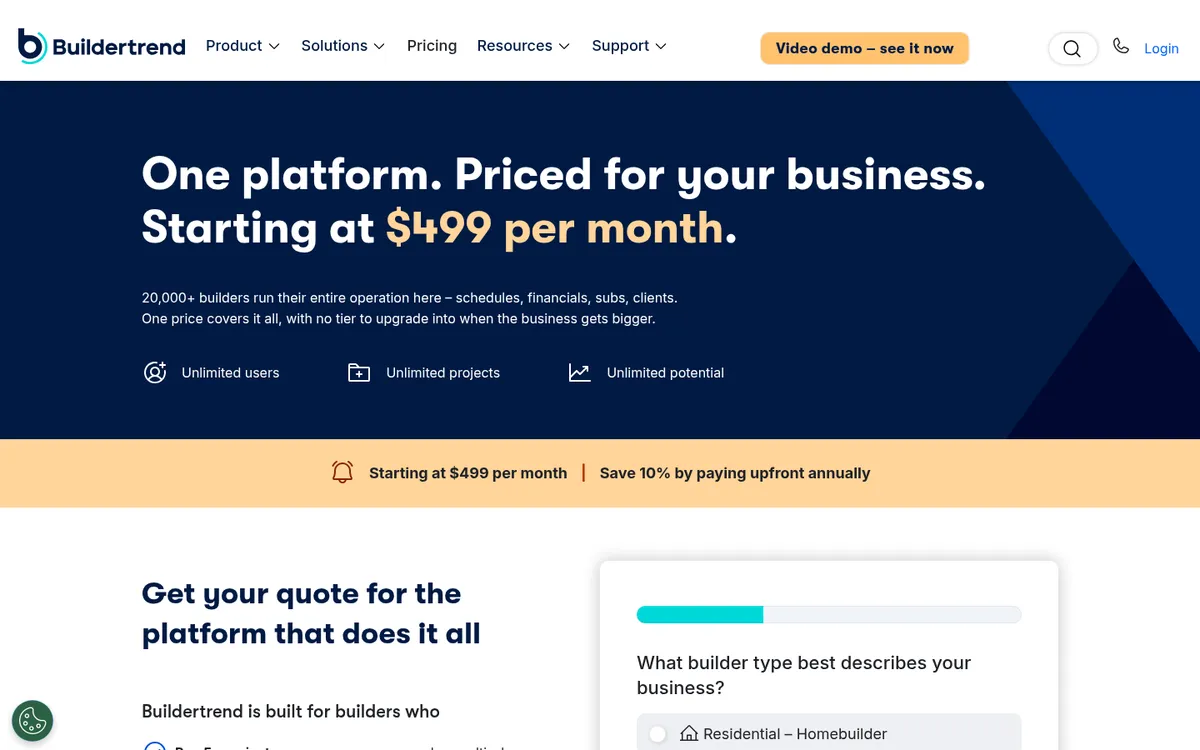
Buildertrend is US construction management software for home builders and remodelers. It covers estimates, budgets, purchase orders and bills, client invoicing, scheduling and a client portal, and it integrates with QuickBooks and Xero. It also now includes CoConstruct, which Buildertrend bought in 2021 and has merged into its own product.
See the Buildertrend vs Planyard comparison and our Buildertrend alternatives page.
Best for: US residential builders and remodelers who want client communication and job financials in one place.
Watch out for: it is priced and built for the US market, and the starting price is high if invoice capture is all you need.
Pricing: starting at $499 USD per month, with 10% off when you pay annually upfront.
6. eSUB – Best for US Trade Subcontractors

eSUB is a cloud and mobile platform for US commercial subcontractors such as electrical, HVAC, plumbing and concrete firms. It covers daily reports, time and materials, document control, purchase orders, change orders, progress billing and job costing, and connects to accounting software.
Best for: US trade contractors who want field reporting and project paperwork connected to job costs.
Watch out for: it is a project management platform, not an invoice capture tool, and it is aimed at the US market.
Pricing: Quote only. eSUB does not publish prices on its website.
What Happened to CoConstruct?
Earlier versions of this article listed CoConstruct. Buildertrend acquired it in 2021, and Buildertrend now describes CoConstruct as fully part of Buildertrend, with remaining customers being moved across. If CoConstruct was on your shortlist, look at Buildertrend instead.
Which Dext Alternative Should You Choose?
If Dext does the job and you only want to pay less, try Hubdoc first if you are on Xero, or AutoEntry if you need lots of users or work in Sage. If the job you actually need done is cost control, so every invoice is checked against an order and shows up on the project budget, pick a construction tool. Planyard fits contractors who want to keep their accounting software; Procore and Buildertrend fit firms ready to move their whole project process onto one platform.
If approval routing is the main gap, our guide to the best invoice approval software for construction companies compares Dext with ApprovalMax, Planyard and others, and the ApprovalMax alternatives article covers approval tools in more depth.
"The integration works quite simply; all receipts and invoices come through me, and then I process them directly through Planyard. That’s made very easy by the app, as well as the Outlook add-in that I use for my emails."
Read more
Stop rekeying invoices into your cost report
Planyard connects invoices, orders and budgets for each project and syncs with Xero, QuickBooks, Sage and MYOB. Try it free for 14 days.