
Managing construction finances is a demanding task for contractors. Every project comes with its own budgets, invoices, subcontractor payments, and cash flow to track. QuickBooks is the accounting tool most contractors already have open, and it covers a good share of that work.
Where QuickBooks runs into trouble is construction-specific job costing. This article looks at what QuickBooks Online covers in 2026, which plan actually includes job costing, and where contractors still need a tool like Planyard alongside QuickBooks to close the gap.
What Makes QuickBooks Useful for Construction Businesses?
QuickBooks is widely used for general financial operations like payroll, invoicing, and tax preparation. For a contractor, that alone is worth something, since it replaces several smaller tools with one place to manage the books.
For construction businesses specifically, QuickBooks Online adds job costing and project profitability tracking on its higher plans. These features help monitor financial health at the project level and across a portfolio of jobs. The catch is that QuickBooks was built as general ledger software first, so contractors usually need to configure it, and sometimes extend it, to fit how construction actually runs.
Does QuickBooks Handle Construction Accounting Well?
QuickBooks can manage a lot of what sits inside construction accounting: expense tracking, subcontractor payments, and job-level profit margins. But construction accounting involves extra workflows that general ledger software was not built for, including change orders, retainage, and comparing budgets to actuals in real time. These need customization or a connected tool, which makes QuickBooks a strong accounting base but an incomplete construction solution on its own.
QuickBooks Online Plans for Construction in 2026
QuickBooks Online comes in four plans, and the plan you pick decides whether job costing is even available. The prices and features below are what quickbooks.intuit.com/pricing showed on October 7, 2026, and they included a limited-time offer of 50% off the listed price for the first three months, which is why you may see both numbers quoted elsewhere.
| Plan | Monthly price | Users | Job costing for construction |
|---|---|---|---|
| Simple Start | $38 | 1 user, 2 accountants | Not available |
| Essentials | $85 | 3 users, 2 accountants | Not available |
| Plus | $140 | 5 users, 2 accountants | Projects, progress invoicing, classes and locations up to 40 |
| Advanced | $340 | 25 users, 3 accountants | Everything in Plus, plus the construction financials add-on (WIP reporting, AIA-style billing, change orders, unlimited classes and locations) |
Source: quickbooks.intuit.com/pricing and quickbooks.intuit.com/online/advanced/industries/subcontractor, verified October 2026. QuickBooks confirms directly that Projects, its job-costing feature, is “available to QuickBooks Online Plus and QuickBooks Online Advanced customers” only, and that progress invoicing is available on Plus and Advanced. Simple Start and Essentials do not get either feature.
The Job-Costing Gap Table: What Each QBO Plan Does and Does Not Cover
The plan table above answers which tier you need. The table below answers the harder question: once you are on the right plan, how much of real construction job costing does QuickBooks Online actually do.
| Job-costing capability | Simple Start | Essentials | Plus | Advanced |
|---|---|---|---|---|
| Costs tracked by job (Projects) | No | No | Yes | Yes |
| Progress invoicing tied to an estimate | No | No | Yes | Yes |
| Classes and locations for cost breakdowns | No | No | Up to 40 | Unlimited |
| Budget vs. actual cost tracking updates automatically | No | No | No, manual comparison only | No, manual comparison only |
| WIP reporting, AIA-style billing, and change orders | No | No | No | Yes, via the construction financials add-on |
| Role-based permissions limited to one job | No | No | No | Custom roles, but not restricted to a single job |
The row that trips people up most is budget tracking. QuickBooks lets you assign a cost to a project, but it does not refresh a budget-versus-actual view automatically as that cost lands. Someone has to pull a report and compare it by hand. For a deeper look at where QuickBooks Online job costing stops short, we cover each of these gaps with screenshots of the actual QBO screens.
What Happened to QuickBooks Desktop for Contractors?
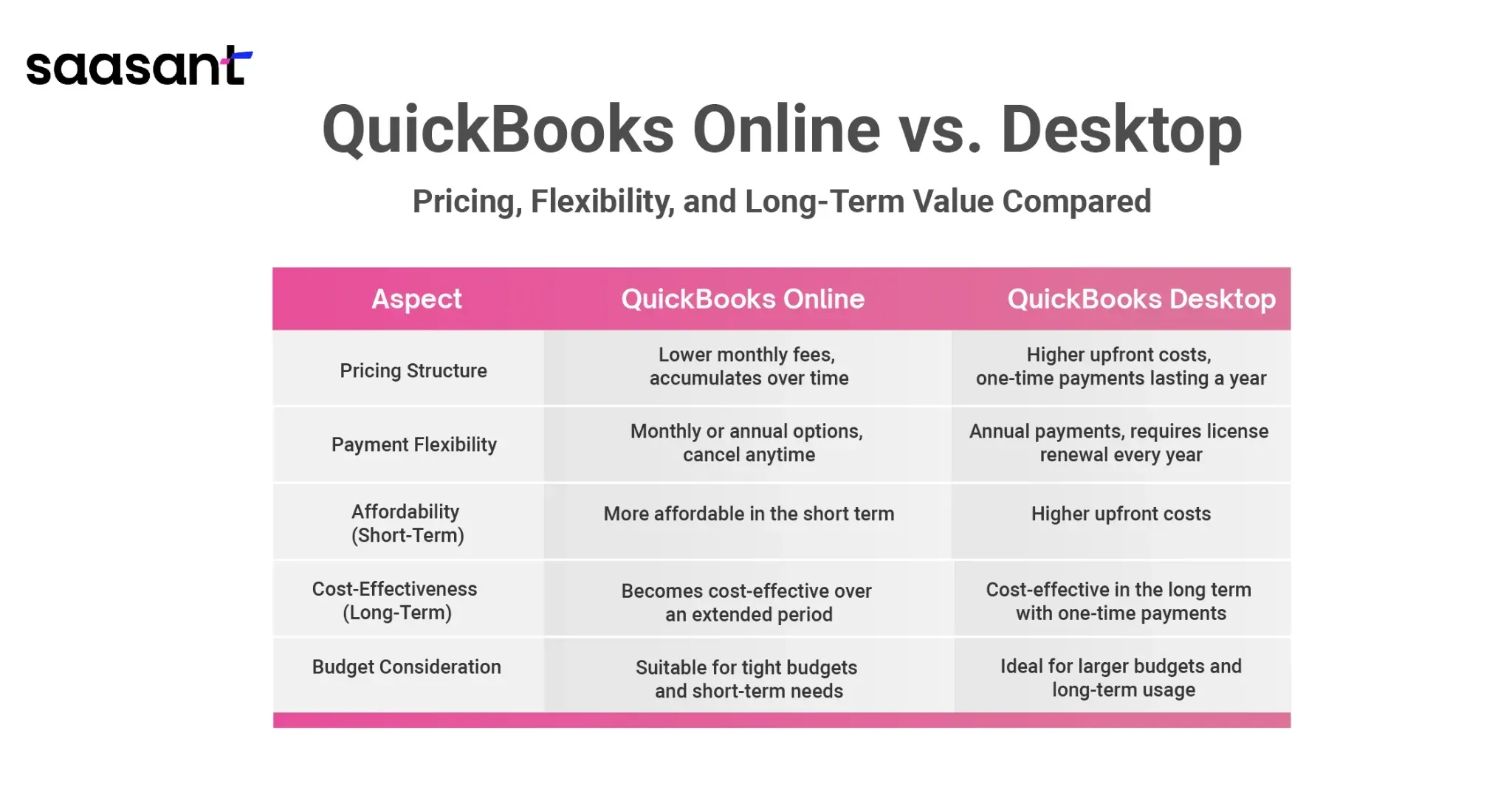
If you have used QuickBooks for a while, you may remember QuickBooks Desktop Premier Contractor Edition as the construction-specific option. That product is no longer sold to new customers. According to Intuit’s own support article (checked October 2026), Intuit stopped selling new subscriptions of QuickBooks Desktop Pro Plus, Premier Plus, and Mac Plus in the US after September 30, 2024. Existing subscribers can keep renewing, but a contractor starting fresh today cannot buy into Premier Contractor Edition.
The same article confirms that QuickBooks Desktop Enterprise was not affected by that change, and Intuit still sells a Construction and Contractors industry edition of Enterprise today. Enterprise pricing is not listed as a flat monthly rate on quickbooks.intuit.com; it is quoted by Intuit’s sales team. If you need job costing without going cloud-based, Enterprise’s Construction edition is the current path, not Premier.

For a construction company setting up from scratch, this points fairly clearly toward QuickBooks Online. Our guide to setting up QuickBooks for a construction company walks through the chart of accounts, cost categories, and project tracking settings for QBO specifically, since that is now the default entry point for new contractors.
Common Challenges When Using QuickBooks for Construction Job Costing
Even on Plus or Advanced, construction companies run into the same handful of problems. None of these are bugs. They are the result of QuickBooks being general accounting software that added construction features on top, rather than construction software with accounting built in.
Subcontractor Payments and Retainage
Handling payments for multiple subcontractors across different jobs gets cumbersome fast. QuickBooks tracks expenses, but it has no dedicated workflow for retainage, change orders, or staged progress payments. Contractors usually patch this with spreadsheets, which adds a second place where numbers can drift from reality.
"The ordering process now only takes about 10 minutes per purchase order, whereas it used to take us roughly 30 minutes before.
And this is not even counting in the time saved on reconciling."

Budget-to-Actual Tracking
As the gap table above shows, QuickBooks offers job costing on Plus and Advanced, but comparing real-time expenses to budget is not automatic on either plan. Construction projects need that comparison to happen as costs are committed, not just after they are paid, so contractors end up pulling reports and checking them by hand.
Change Orders
Change orders are routine in construction. QuickBooks Online Advanced now has a change order feature inside its construction financials add-on, but Plus, Essentials, and Simple Start do not. Without it, a change order has to be tracked outside QuickBooks and the budget updated by hand, which is exactly where costs quietly slip.
A Learning Curve for Field Staff
Project managers and site staff often need to log costs but do not want to learn an accounting system to do it. QuickBooks is built around an accounting workflow, and that mismatch is part of why so many construction teams end up keeping project data in spreadsheets instead of in QuickBooks directly.
Setting Up and Maintaining Integrations
QuickBooks supports integrations through its app store, including Planyard’s own listing there, but setting one up still takes some care. If the chart of accounts or project mapping is off, the two systems can disagree about a number, and someone has to notice and fix it.
QuickBooks for Small vs. Large Construction Businesses
QuickBooks Online works at both ends of the size range, but the right setup looks different depending on how many projects and people are involved.
Small Construction Businesses
A solo contractor or small outfit running one or two jobs at a time can often get by on Simple Start or Essentials for the accounting side, since there is no project-level cost comparison to manage yet. The moment job costing matters, Plus becomes the practical floor, because it is the cheapest plan that includes Projects and progress invoicing at all.
Larger Construction Businesses
Larger contractors managing multiple projects, subcontractors, and bigger budgets usually land on Advanced for the higher user count and the construction financials add-on. Even then, Advanced’s WIP reporting and AIA-style billing cover accounting-side construction needs rather than full project management, so many larger contractors still pair it with a dedicated job-costing tool for day-to-day budget control, subcontractor management, and purchase orders.
| Feature | What it covers for larger contractors |
|---|---|
| Job costing with a connected tool | Real-time tracking of costs by project or phase, updated as they happen rather than at month-end |
| Change order management | Budget and billing adjustments that follow the change order, instead of a separate spreadsheet |
| Reporting across projects | One view of job status across a full portfolio, not just one project at a time |
| Subcontractor payments | Payment approvals and retainage tracked alongside the budget they affect |
Why Contractors Pair Planyard With QuickBooks
QuickBooks is good at the parts of accounting that apply to any business: invoicing, tax prep, and payroll. Planyard connects to QuickBooks to handle the construction-specific side that QuickBooks was never built to do on its own.
- Project budgets update automatically as purchase orders and invoices are approved, instead of waiting for someone to run a report and compare it by hand.
- Subcontractor agreements, retainage, and payment applications live in one place instead of across email and spreadsheets.
- Project managers and quantity surveyors see live project finances without needing a QuickBooks login at all.
- Invoices are matched to the right project and line item through OCR, then the clean, categorized data is sent to QuickBooks.
"I believe too many companies currently rely on spreadsheets or feel forced to purchase massive, bloated software that takes months—if not a year—to learn, only to use about 10% of the features. Smaller to mid-size companies would be much better off focusing on Planyard. It allows you to integrate quickly and track job costs effectively without wasting time, manpower, and money trying to figure out 5,000 different features you don't actually need."
Read more
This split keeps QuickBooks doing what it does well, general ledger accounting, while the day-to-day job costing, budget tracking, and subcontractor work happens in a tool built for construction. Our QuickBooks integration page covers exactly what data moves between the two systems and when.

Choosing the Right QuickBooks Plan for Your Business
If job costing matters to your business at all, Simple Start and Essentials are off the table, since neither includes Projects or progress invoicing. Plus is the realistic starting point for a small to mid-sized contractor. Advanced is worth the jump once you need more than five users, more than 40 classes and locations, or the construction financials add-on for WIP reporting and AIA-style billing.
Whichever plan you land on, treat QuickBooks as the general ledger and add a construction-specific layer on top for the budget tracking, subcontractor management, and reporting that construction projects actually need day to day.
Frequently Asked Questions
Is QuickBooks good for construction?
QuickBooks is good at the accounting basics: invoicing, expense tracking, payroll, and tax prep. For construction-specific work such as job costing by phase, WIP reporting, and tracking retainage, it needs either the Advanced plan’s construction financials add-on or a separate job-costing tool connected to it. Most contractors end up pairing QuickBooks Online with construction software rather than running job costs through QuickBooks alone.
Which version of QuickBooks is best for construction?
For most construction companies, QuickBooks Online Plus or Advanced is the better starting point, since both include Projects for job costing and progress invoicing. Advanced adds unlimited classes and locations plus the construction financials add-on, with AIA-style billing and WIP reports, which makes it the closer fit for a general contractor running several jobs. Simple Start and Essentials do not include job costing at all.
Is there a construction version of QuickBooks Online?
QuickBooks Online Advanced now includes a construction financials add-on with AIA-style invoicing tied to phases, costs, and milestones, plus WIP reporting and change order tracking, according to quickbooks.intuit.com (checked October 2026). It sits on top of the Advanced plan rather than being sold as its own product, which is a change from the old QuickBooks Desktop Premier Contractor Edition that Intuit stopped selling to new US subscribers on September 30, 2024.
How much is QuickBooks for contractors?
As of October 2026, quickbooks.intuit.com/pricing listed QuickBooks Online Simple Start at $38/month, Essentials at $85/month, Plus at $140/month, and Advanced at $340/month, with a limited-time offer of 50% off the first three months. QuickBooks Desktop Enterprise, which carries a separate Construction and Contractors industry edition, is sold at custom pricing through sales rather than a listed monthly rate.
Summary
QuickBooks Online remains a solid accounting base for construction businesses of most sizes, but job costing only exists on Plus and Advanced, and even there it stops at the features in the gap table above. Common hurdles, subcontractor payments, change orders, and budget-to-actual tracking, are the same ones contractors have dealt with for years, and the 2026 construction financials add-on on Advanced closes some of that gap without replacing a dedicated job-costing tool.
Pick the QuickBooks Online plan that matches your job costing needs, then decide whether a connected tool like Planyard should handle the project-level work QuickBooks was not built to do. That combination tends to give contractors better financial control, fewer budget surprises, and projects that stay profitable from estimate to closeout.