Your monthly CVR takes three days. By the time it reaches the directors, the numbers are already stale. Variations agreed on site two weeks ago never made it into the forecast. And your QS spends more time gathering data than actually reviewing it.
CVR software connects your budget, orders, and invoices so the financial picture updates as your team works – not at month-end. Teams that switch typically cut CVR preparation from days to minutes. This guide compares the tools UK contractors evaluate most for live CVR reporting in 2026.
In this guide: a comparison of the six CVR tools UK contractors evaluate most – rated on live reporting, Xero integration, and how fast you can get started.
"The contractor would typically send over an email containing a zip file with about 150 invoices every single month. Trying to manually allocate each of those to the correct invoice in Excel, and then further allocate them to specific cost codes within the building to get a reasonable assessment of our spending by category, was an incredibly time-consuming and frustrating process."
Read more
What to look for when evaluating CVR software
Not every tool that claims to do CVR reporting actually solves the problems contractors face. Before comparing products, get clear on the problems you are trying to fix.
“We were flying blind between month-ends”
The biggest complaint from contractors running CVRs in spreadsheets is that visibility is a monthly event. Between reports, the project team works without a reliable picture of where they stand. Look for software that updates the CVR continuously as costs are committed and invoices approved – not just when someone sits down to rebuild the spreadsheet.
“We were double-entering everything into Xero”
If your accounting team uses Xero, QuickBooks or Sage, you need a tool that feeds approved costs into your ledger automatically. Without this, your QS maintains one set of numbers for project control and your accountant maintains another for the books. That duplication takes time and creates mismatches. Look for a direct accounting integration – not a CSV export.
“Committed costs were missing until the invoice arrived”
A CVR that only shows actuals tells you what you have spent – not what you have agreed to spend. When a subcontract is signed or a PO raised, that commitment should appear in the CVR immediately. This is how you get a true forecast final cost, not a rear-view mirror of invoices already paid.
“Software being too detailed or admin heavy”
Contractors often cite past experience with tools that were so labour-intensive to set up that they eventually gave up. Your team needs to be productive within days, not months. Look for tools where your QS can raise their first purchase order in minutes – not after a three-day training course.
“The director kept asking where we stand and nobody could answer”
Directors and FDs need a portfolio view across all live projects without waiting for individual CVR packs to be compiled. Look for tools that give directors self-service access to live financial data – margin per project, cash exposure, and where variations are building up.
Quick comparison: CVR software for UK contractors (2026)
The table below compares the tools UK contractors evaluate most for cost value reconciliation. We have focused on what matters in practice: how fast you can get started, whether committed costs are visible before invoices arrive, and whether the tool fits alongside your existing accounting software.
| Tool | Best for | Live CVR | Committed costs | Xero / QBO | Get started | Pricing |
|---|---|---|---|---|---|---|
| Planyard | SME contractors and QS teams | ✅ Continuous | ✅ From PO raised | ✅ Direct sync | Hours | Public per-user |
| Causeway CPA | Large enterprise contractors | ✅ Continuous | ✅ Transactional | ❌ Sage / own ledger | Weeks-months | By quote |
| Procore | Multi-module enterprise | ✅ With financial module | ✅ Commitments module | ❌ Limited Xero | Weeks-months | By quote |
| Archdesk | Mid-market, custom reporting | ✅ Dashboards | ✅ Budget tracking | ✅ Xero connector | Weeks | From ~£690/mo (by quote) |
| 4PS Construct | ERP-first (Microsoft-based) | ✅ ERP reports | ✅ Full ERP commitment | ❌ Own ledger | Months | By quote |
| Integrity Software | Sage-integrated workflows | ✅ With Sage | ✅ Within Sage | ❌ Sage only | Weeks-months | By quote |
1. Planyard – best for live CVR without the month-end chase
Best for: UK and Ireland main contractors, residential developers, and commercial teams running 2-50+ projects on Xero, QuickBooks or Sage Accounting.
Planyard connects your project budget, purchase orders, subcontractor valuations, and invoices in one system. The CVR updates automatically as your team works – there is no separate reporting step and no month-end rebuild. Claire Hill, QS at Brown and Bancroft, went from 3-4 days of month-end CVR work to 10-15 minutes after switching.
You start with your budget. Then raise orders against that. Invoices come in against those orders. Everything updates automatically. So you always know where you are.
What sets it apart for CVR:
- Committed costs visible immediately – the moment a PO or subcontract is raised, it shows in the CVR. You see your true forecast final cost, not just invoices already paid.
- Cumulative valuations – the UK industry standard. Subcontractors submit progress via a secure link with no login required. Payment Notices are generated automatically, protecting your firm under the Construction Act.
- Direct Xero, QuickBooks and Sage sync with native CIS – approved invoices drop into your payment schedule automatically. Planyard reads your Xero or Sage contact records so the correct CIS deduction is applied without manual intervention. No double entry.
- Audit trail on every budget movement – every change is recorded with a timestamp. Directors can see exactly when and why forecasts were revised, with increases highlighted. Numbers cannot be silently altered.
- Portfolio dashboard for directors – margin, cash exposure, and project status across all jobs on one screen without waiting for compiled reports.
- Fast onboarding – upload your existing spreadsheet budget and raise your first PO in minutes. Most teams are live on a project within days, not months.
- Built for the Construction Act – valuations, retentions, variations, and CIS handled natively without plugins or add-ons.
Pricing: Transparent per-user GBP plans. 14-day free trial. No setup fees.
"When we used to do our month-end CVRs it could usually take 3-4 days to put them together. It now takes me 10-15 minutes to just quickly go through the jobs and check that I haven’t missed anything."
Read more
See Planyard CVR software | CVR reporting features
2. Causeway Project Accounting – best for large enterprise contractors
Best for: Tier 1 and large Tier 2 contractors with dedicated commercial departments and complex multi-site operations.
Causeway CPA captures labour, plant, material, and subcontract costs at the transactional level and compares them against original and post-tender adjusted budgets. The Project Workbench provides a real-time performance summary with direct navigation to forecasting and valuation views.
CVR strengths:
- Automated CVR from transactional cost data – reduces report preparation time significantly.
- Handles different contract types (JCT, NEC, D&B) with variation management.
- Power BI integration for custom financial dashboards.
- Part of the wider Causeway ecosystem (estimating, supply chain, procurement).
Watch out for: Implementation typically takes months. Pricing is by quote and aimed at larger firms. No native Xero or QuickBooks integration – Causeway operates its own financial ledger or connects to Sage.
Pricing: By quote. Enterprise-level.
3. Procore – best for multi-module construction management
Best for: Large contractors (typically GBP 50M+ turnover) wanting site management, document control, and financials in a single platform.
Procore’s financial management module includes budget tracking, commitments, and cost reporting. The UK version has added features for valuations and cost value reconciliation. It is a broad platform – project management, quality, safety, and financials in one place.
CVR strengths:
- Commitments and change orders tracked across the project lifecycle.
- Budget snapshots and forecasting built into the financial tools.
- Document control and RFIs connected to financial data.
- Large partner ecosystem and marketplace of integrations.
Watch out for: Procore uses net-in-the-month valuations, not cumulative – which creates difficult percentage calculations and is not the UK industry standard. CIS handling relies on third-party integrations that have been reported to misclassify gross and net amounts. Many UK teams still export to Excel for cost-to-complete work. The financial module is part of a much larger (and more expensive) platform – contractors whose primary need is commercial cost control often find the scope and rollout disproportionate. If you use Procore for site and project management, the cleaner approach is to run Planyard for financials alongside it rather than Procore Financials.
Pricing: By quote. Enterprise-level.
4. Archdesk – best for mid-market with custom reporting
Best for: Mid-sized contractors wanting a configurable system with multiple reporting views.
Archdesk provides construction management with financial tracking, including budget vs actual dashboards, profitability reporting, and subcontractor management. It offers different views of project financial data, including CVR-style reporting.
CVR strengths:
- Real-time budget tracking with cost breakdowns.
- Different CVR report types configurable to business needs.
- Connects to Xero and other accounting tools via a one-way sync connector.
- Rated 4.5/5 on Capterra.
Watch out for: UK-specific workflows – cumulative valuations, retentions, and CIS – require configuration rather than being pre-set for JCT or NEC contracts. The Xero connector is one-way, so approved costs sync out but the clean two-way reconciliation that Planyard offers is not available. Implementation takes weeks to months. GBP pricing starts at around £690/month for small teams and is provided by quote only. Some users report the system can feel complex for non-technical users once fully configured.
Pricing: From ~£690/month (GBP, by quote).
5. 4PS Construct – best for ERP-first approach
Best for: Contractors that want an ERP system built on Microsoft Dynamics 365 Business Central.
4PS Construct is a construction-specific ERP that covers estimating, procurement, project management, and financial control. CVR reporting is part of the broader financial module within the ERP.
CVR strengths:
- Full ERP commitment tracking – procurement, invoices, and costs all in one system.
- Construction-specific modules on top of Microsoft Business Central.
- Suitable for larger firms that want accounting and project control in one platform.
Watch out for: This is a full ERP implementation. Expect months of setup, training, and configuration. Not suitable for teams that just want CVR and commercial control without replacing their accounting system.
Pricing: By quote. ERP-level investment.
6. Integrity Software – best for Sage-integrated workflows
Best for: Contractors already committed to the Sage ecosystem who need construction-specific cost reporting.
Integrity Software provides construction management tools designed to work alongside Sage. Financial reporting includes job costing, budget tracking, and CVR reporting within the Sage environment.
CVR strengths:
- Deep integration with Sage accounting products.
- Job costing and cost reporting built for UK construction workflows.
- Subcontractor and contract management included.
Watch out for: Tied to the Sage ecosystem. Not suitable if you use Xero or QuickBooks. Implementation and pricing are by quote.
Pricing: By quote.
See your project margin as you work – not at month-end
Upload your budget and get live CVR reporting in under an hour. No spreadsheets, no month-end rebuild.
How to choose the right CVR software for your team
The right choice depends on where your business is today and what problem you are actually solving. Here are the questions that matter most – based on what contractors tell us during evaluations.
“Can I start with just one project?”
The fastest way to evaluate CVR software is to run it on a live project alongside your existing spreadsheet. You will see the difference within one valuation cycle. Tools that require a full company rollout before you see value are a red flag – especially if you have had past experience where “a well-renowned project management package was so labour-intensive to set up that the company eventually cancelled it.”
“Will my team actually use it?”
If it is hard for you to use, how can you expect your QSs or subbies to use it? Test whether your team can raise a purchase order, approve an invoice, and view a CVR within the first hour. If it needs a three-day training course before anyone can do real work, it is likely too complex for your business.
Contractors who have been through a failed Procore or ERP rollout specifically cite this as why they chose Planyard. Onboarding takes hours, not months. Most teams start on one project and expand once they are comfortable.
"I’ve used other systems in the past that you need 3 or 4 days of training before you can even raise a purchase order on the system. With Planyard, you can just raise your first purchase order in 5 minutes in one go. You just Planyard it!"
Read more
“Does it replace Xero or sit alongside it?”
Most UK contractors do not want to replace their accounting software. They want a commercial layer that manages budgets, orders, valuations, and CVRs – then feeds the approved, coded costs into Xero or QuickBooks. The accounting team keeps working in the ledger as normal. The difference is that the data arriving has already been reviewed, matched to a budget line, and approved.
"We had to get our accountant on board and interface it with Xero, so invoices hit the right job number. Now an invoice gets uploaded in Planyard, I sign it off, and it drops into my Xero payment schedule in three or four weeks – it’s perfect."
Read more
“How fast will I see my numbers?”
The whole point of switching from spreadsheets is to stop waiting. You want to see committed and actual costs in one place, updated as work happens. Ask for a live demo on your own data – not a canned presentation. Upload your actual budget and see what the tool gives you back.
CVR software vs Excel spreadsheets
Spreadsheets were the best workaround available. Most contractors started their CVR process in Excel because there was no affordable, construction-specific alternative. But spreadsheets were never designed as financial workflow tools.
The typical breakdowns contractors describe:
- “Things get missed” – no validation that every invoice has been captured, no check that a formula covers the right range.
- “Two days to set it up, 3-4 hours a week, another day and a half at month-end” – the admin overhead grows as projects multiply.
- “Making sure you are looking at the most up-to-date version is a pain” – version control across multiple people and projects.
- “I’m not sure any of them have been that accurate” – after all that effort, the numbers still cannot be fully trusted.
For a detailed breakdown, see our guide to CVR software vs Excel and the 10 signs your company has outgrown CVR spreadsheets.
"While spreadsheets are good for the tasks they were designed for, you are always open to human error. They serve a purpose, but for project management, they aren't ideal. You might forget to add a row, fail to adjust a formula, or make some other hidden mistake that stays buried in the data."
Read more
What type of CVR reporting do you need?
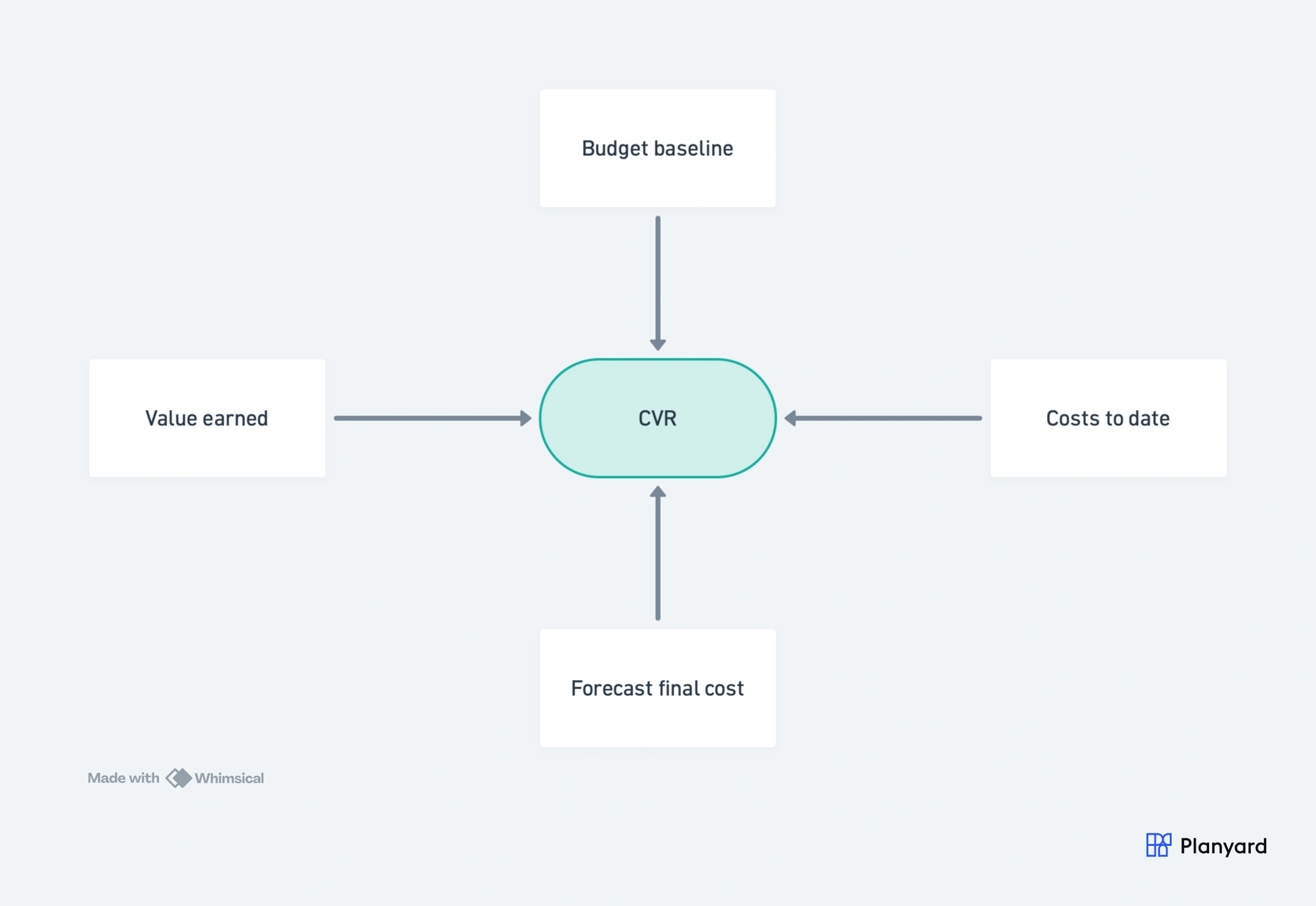
CVR is not a single report. Different stages of a project and different roles in the business need different views of the same underlying data. When evaluating software, check which of these it handles:
- Budget vs committed vs actual – the core CVR view showing where each cost code stands against the budget, with orders raised but not yet invoiced clearly visible.
- Forecast final cost and margin – where the project is heading based on current commitments and adjustments, not just what has been invoiced so far.
- Variation tracking – agreed, submitted, and disputed variations shown separately so the commercial position is clear.
- Portfolio summary – all live projects on one screen so directors can see which jobs need attention without opening individual reports.
- Subcontractor liabilities – outstanding valuations, retention held, and payment due by subcontractor across projects.
- Cash flow projection – the gap between value certified and costs due, projected forward to manage working capital.
For a full explanation of what goes into a CVR, read our guide: Construction cost value reconciliation explained. The CVR format is widely used across UK construction and recognised by the Royal Institution of Chartered Surveyors (RICS) as a standard cost management tool.
"There is nothing more important to management than a real-time overview of what's happening in the business, and that’s exactly what Planyard provides."
Read more
Replace the month-end CVR scramble
Planyard saves half a QS's time. When you are looking at a GBP 70,000 salary, that makes the decision simple.