Last verified: October 2026
Job costing software answers one question while a job is still running: will it make the margin you priced? It does that by tracking every cost against the job and cost code it belongs to, counting purchase orders and subcontracts the day they are signed, and comparing all of it with the budget and the forecast to complete.
The right tool depends on the market you build in and the accounting software you already use. This guide covers three markets: the UK, the US and Australia. Each section lists local tools with prices in GBP, USD or AUD, checked on each vendor’s own site in October 2026.
"Planyard is exactly what I’m after as a business owner: a good-value system that keeps everything in one place, saves me money and makes sure I’m not losing any money on projects. As a businessman, that’s a no-brainer."
Read more
Construction Job Costing Software Compared
Prices are the standard monthly rate after any introductory offer. Planyard is priced per project manager; “Quote only” means the vendor publishes no price.
UK
| Software | Best for | From (GBP/mo) | Accounting sync | UK fit: CVR, valuations, retention, CIS | Verdict |
| Planyard | SME contractors who want live job costs and CVRs | 82 per PM (40 Estimating) | Xero, QuickBooks, Sage | Live CVR, client valuations, variations and retention; CIS filed by your ledger | Best for job cost control on top of your accounts |
| Procore | Large contractors wanting one platform | Quote only | App marketplace | Commitments, payment applications, change orders | Powerful, but sized for big firms |
| Eque2 Construct | Finance-led contractors on Sage | Quote only | Sage 50, Sage 200, Sage Intacct, Xero | Contract management, client and subcontractor billing | Best if Sage runs the business |
| Archdesk | Contractors wanting one configurable system | Quote only | Accounting and ERP integrations | CVR and commercial management | Flexible, takes longer to set up |
| LiveCosts | Trades and small contractors tracking costs from POs | Quote only | Xero, QuickBooks, Sage | Budget vs actual per job | Simple cost tracking |
| Xero or QuickBooks | Firms with one or two jobs at a time | 56 (QuickBooks Plus), 70 (Xero Ultimate) | Is the ledger | CIS returns yes; no CVR or retention per contract | Fine to start, outgrown fast |
US
| Software | Best for | From (USD/mo) | Accounting sync | US fit: AIA billing, retainage, change orders | Verdict |
| Planyard | GCs who want cost control on top of QuickBooks or Xero | 105 per PM (52 Estimating) | QuickBooks, Xero, Sage | Committed costs, change orders, client progress billing, retainage | Best for job cost control without an ERP |
| QuickBooks Online Plus | Small contractors starting out | 140 | Is the ledger | Progress invoicing, no committed costs | Cheapest real job costing |
| Knowify | Trade contractors on QuickBooks | 149 (Core), 399 (Advanced with job costing) | QuickBooks Online and Desktop | AIA G702/G703, retainage, change orders | Best for subs doing AIA billing |
| JobTread | Remodelers and builders wanting one tool | 199 plus 20 per user | QuickBooks Online | Budgets, change orders, POs, AIA pay apps | Best all-features flat price |
| Buildertrend | Residential builders and remodelers | 499 | QuickBooks Online, Xero | Job costing budget, change orders | Best for residential project management |
| Foundation | Contractors wanting construction accounting and payroll | Quote only | Is the ledger | Job cost, PO and subcontracts, certified payroll modules | Best full construction accounting suite |
| Sage 100 Contractor | Established small to mid-sized contractors | Quote only | Is the ledger | Job cost, project and service management | Proven, older style |
Australia
| Software | Best for | From (AUD/mo) | Accounting sync | AU fit: progress claims, SOPA, retention, GST | Verdict |
| Planyard | Commercial builders on Xero or MYOB | 166 per PM (82 Estimating) | Xero, MYOB, QuickBooks | Progress claims, variations, retention; GST and BAS stay in your ledger | Best for job cost control on top of Xero or MYOB |
| Xero | Small builders already on Xero | 143 incl. GST (Ultimate, with Projects) | Is the ledger | Progress invoices only | Fine for a few jobs |
| MYOB | Builders on MYOB with payroll-heavy crews | 70 (Pro), 165 (AccountRight Plus) incl. GST | Is the ledger | Job tracking; job budgets on AccountRight Plus | Good job tracking for the price |
| Buildxact | Residential builders who quote a lot | 199 + GST | Xero, QuickBooks | Estimate-based costing, POs, invoicing | Best for residential estimating to build |
| Simpro | Trade and service contractors | Quote only | Xero, MYOB, QuickBooks, Sage | Job costing alongside scheduling and stock | Best for trade businesses |
| Premier | Mid-sized builders wanting an ERP | Quote only | Own ledger | Job costing, WIP reporting, accounting | Best all-in-one for growing builders |
How We Chose
We started from the tools that rank for “best construction job costing software” in Google in the UK, US and Australia, and the products contractors ask about in our demos. We kept tools that track cost per job and cost code against a budget, checked every price and plan on the vendor’s own pricing page in October 2026, and left out anything we could not verify. Planyard is our product. We placed it where we think it fits and said where other tools do a better job.
Best Job Costing Software for UK Contractors
UK contractors need job costing that copes with monthly valuations, variations, retention and CIS, and that produces a cost value reconciliation (CVR) without three days in Excel. See our CVR software page for how that works in practice.
1. Planyard – Best for live job costs and CVRs on top of your accounts
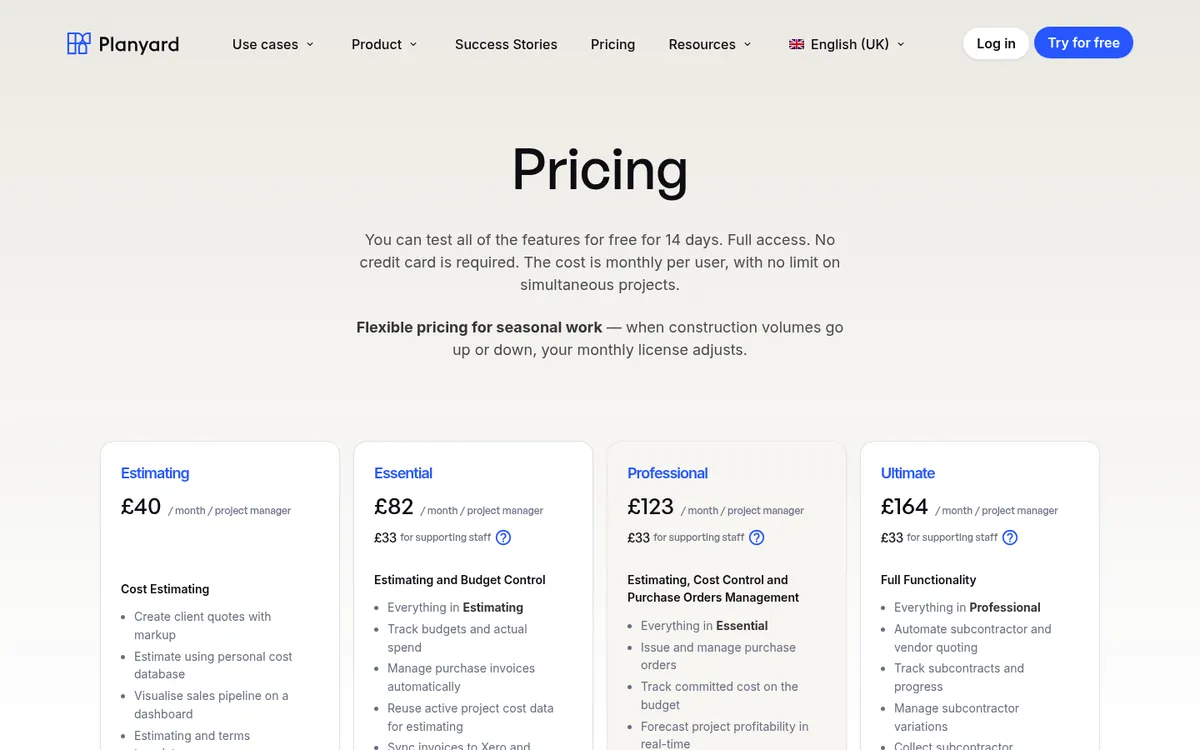
Planyard tracks budget, committed cost, actual cost and forecast per job and cost code. Purchase orders and subcontracts count against the budget as soon as they are approved, so the margin on screen already includes costs that have not been invoiced yet. Approved bills sync to Xero, QuickBooks or Sage with the cost code attached.
From the Professional plan you get client valuations, variations and retention per contract; Ultimate adds subcontractor payment applications and budget version history for CVRs. Planyard does not file CIS returns: your accounting software applies the deduction and files with HMRC.
Best for: SME main contractors and specialist subcontractors running several jobs at once, using Xero, QuickBooks or Sage.
Watch out for: No takeoff, payroll or plant management. It is a cost control layer, so you still need an accounting package.
Pricing: Estimating £40, Essential £82, Professional £123, Ultimate £164 per project manager per month; supporting staff £33. Enterprise on quote. 14-day free trial, see pricing.
"When we used to do our month-end CVRs it could usually take 3-4 days to put them together. It now takes me 10-15 minutes to just quickly go through the jobs and check that I haven’t missed anything."
Read more
2. Procore – Best for large contractors wanting one platform

Procore puts drawings, RFIs, site records and financials in one system. Its financial tools cover budgets, commitments, change orders and payment applications, and it has a large app marketplace for accounting connections. It is priced the same way in the UK, US and Australia: an upfront annual fee per product, based on your annual construction volume, with unlimited users. See Procore vs Planyard or Procore alternatives.
Best for: Contractors with large projects and staff who can own the system.
Watch out for: Long implementation, and a price that grows with your turnover.
Pricing: Quote only, annual fee based on construction volume.
3. Eque2 Construct – Best for finance-led contractors on Sage

Eque2 Construct handles job costing and contract management, from procurement to client and subcontractor billing, and integrates with Sage 50, Sage 200, Sage Intacct and Xero. Eque2 also sells estimating and a Microsoft Dynamics 365 Business Central ERP. See Eque2 vs Planyard or Eque2 alternatives.
Best for: Contractors and housebuilders whose finance team already runs Sage.
Watch out for: It is built around the finance team; site and project managers often find it less approachable.
Pricing: Quote only.
4. Archdesk – Best for contractors wanting one configurable system
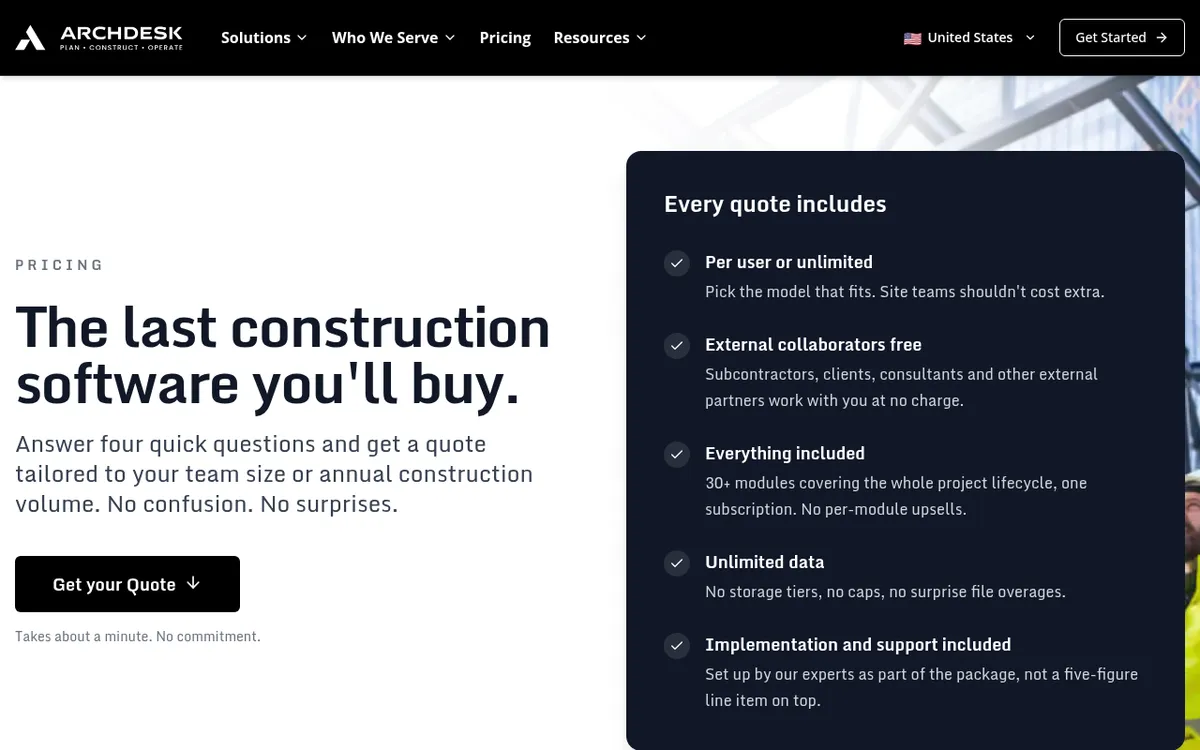
Archdesk combines cost control, CVR, procurement, scheduling and field records, and can be configured around the way your business already works. See Archdesk vs Planyard.
Best for: Mid-sized contractors who want one system across commercial and operations and have time to configure it.
Watch out for: More setup than a ready-made tool; the flexibility needs someone to own it.
Pricing: Quote only, priced per user (office and site counted separately) or as unlimited users on annual construction volume.
5. LiveCosts – Best for simple cost tracking from purchase orders
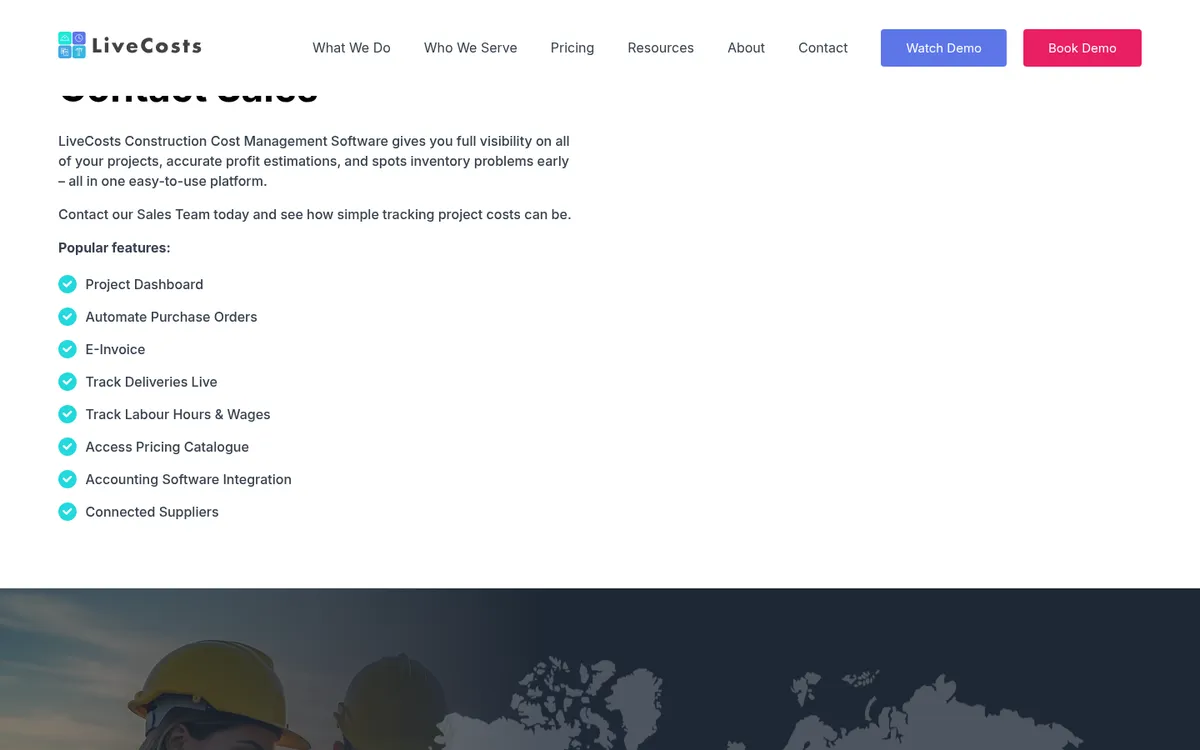
LiveCosts tracks labour, materials, plant and subcontract costs per job against the budget, in real time, and integrates with Xero, QuickBooks and Sage. See LiveCosts vs Planyard or LiveCosts alternatives.
Best for: Trade contractors and smaller builders who mainly need purchase orders and budget vs actual.
Watch out for: Lighter on client valuations, retention and CVR reporting than tools built for main contractors.
Pricing: Quote only.
6. Xero or QuickBooks on their own – Best for one or two jobs at a time
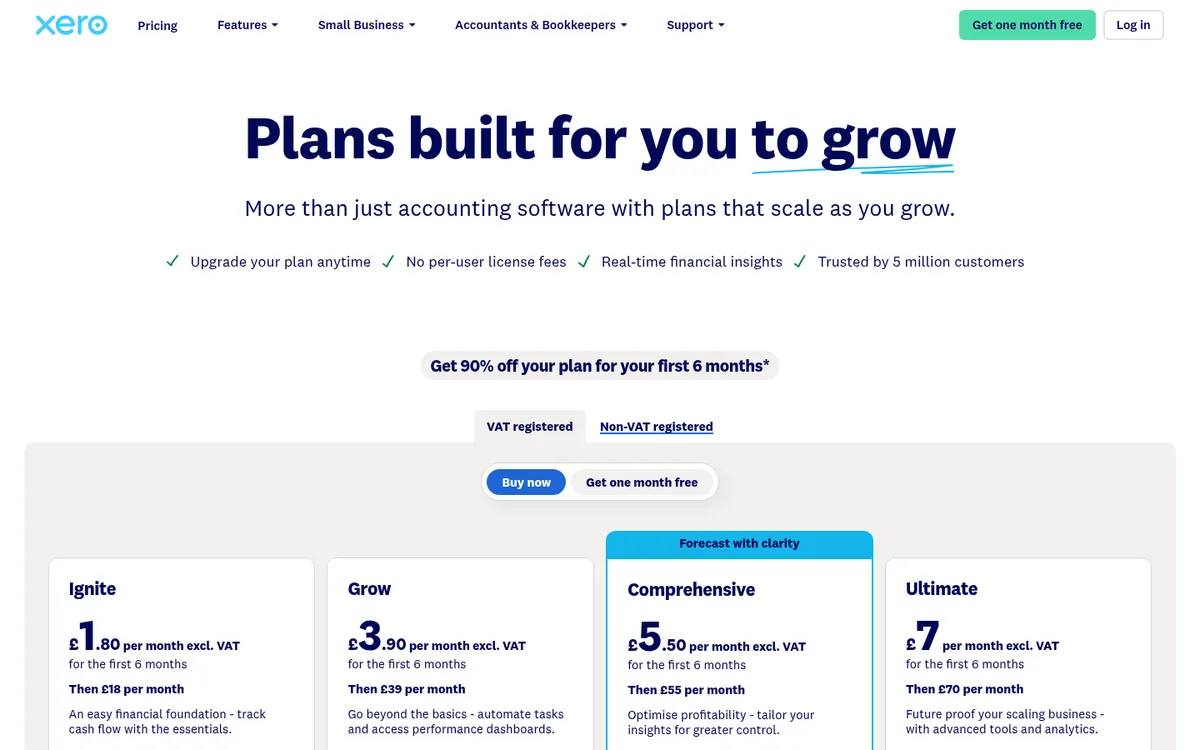
Both can track income and costs per project: Xero Projects comes with the Ultimate plan, and QuickBooks Online includes project profitability from Plus. Both handle CIS deductions and returns. Neither tracks committed costs, retention per contract or a forecast to complete. Read can Xero do job costing and can QuickBooks Online do construction job costing, or compare Xero vs Planyard and QuickBooks Online vs Planyard.
Best for: Small firms with a handful of jobs and simple contracts.
Watch out for: Once you run several jobs with subcontractors, valuations and retention, the real numbers move back into Excel.
Pricing: Xero Ultimate £70 a month with Projects for 10 users; contractor CIS returns £5 extra. QuickBooks Plus £56, Advanced £123 a month. Xero prices exclude VAT.
See every job's margin without leaving your accounting software
Planyard tracks budgets, commitments and forecasts per job and syncs approved bills to Xero, QuickBooks, Sage or MYOB. 14-day free trial, no credit card.
Best Job Costing Software for US Contractors
US contractors usually start in QuickBooks and add a construction tool once change orders, retainage and AIA billing pile up. The tools below range from add-ons for QuickBooks to construction accounting suites that replace it. Procore, covered in the UK section, is priced on construction volume in the US too.
1. Planyard – Best for job cost control on top of QuickBooks or Xero
Planyard gives general contractors and developers a live budget for every job: original budget, approved change orders, committed cost from purchase orders and subcontracts, actual cost and forecast to complete. Approved bills sync to QuickBooks or Xero with the cost code, so the books and the job reports agree. Professional adds purchase orders, committed costs, cash flow forecasts and client contracts with progress billing and retainage.
Best for: GCs and developers who have outgrown spreadsheets but do not want an ERP.
Watch out for: No payroll, certified payroll or takeoff. You keep QuickBooks or Xero for the books.
Pricing: Estimating $52, Essential $105, Professional $158, Ultimate $210 per project manager per month; supporting staff $43. 14-day free trial, see US pricing.
"Many competitors are too bloated, offering thousands of features that just get in the way. While other systems try to do everything at once and end up doing nothing well, Planyard is laser-focused on job costing. It ensures that critical part of the business is completely under control, doing one thing exceptionally well instead of fifty things poorly."
Read more
2. QuickBooks Online Plus – Best for small contractors starting out
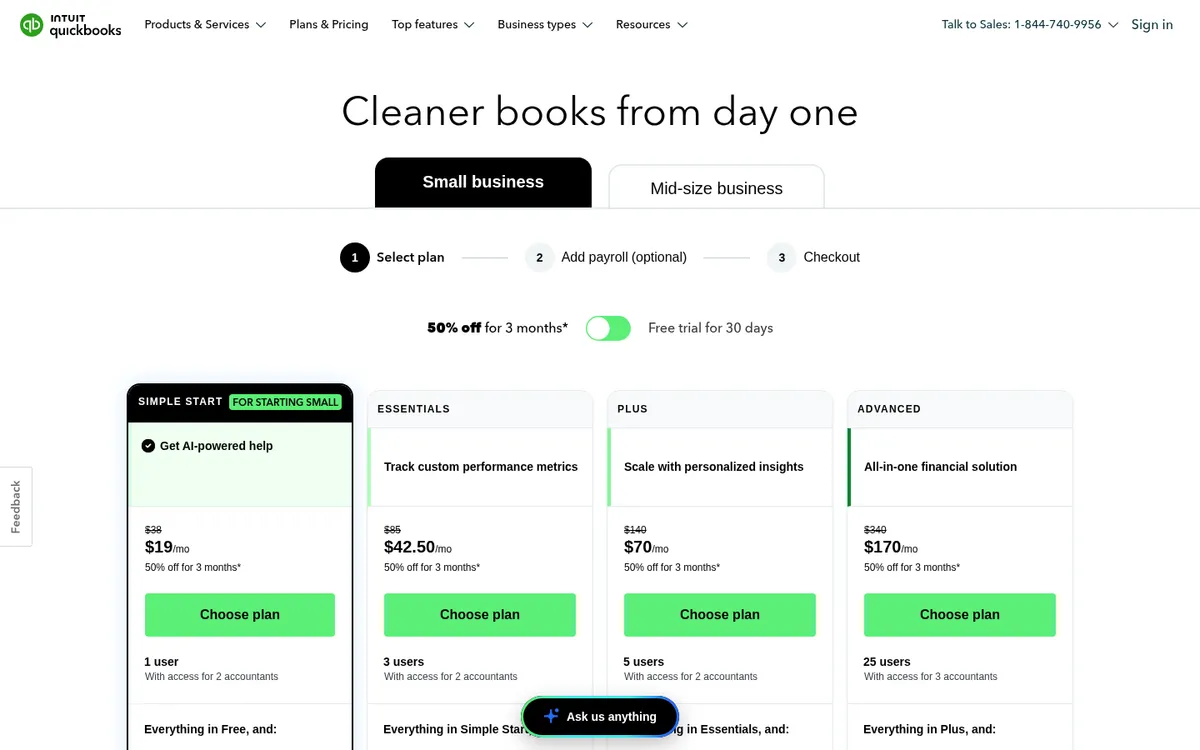
QuickBooks Online tracks project profitability from the Plus plan, with budgets and class tracking. It is what most US contractors and their bookkeepers already use, so it is the cheapest way to start job costing. See job costing with QuickBooks.
Best for: Contractors with a few jobs and simple contracts.
Watch out for: No committed costs, cost-to-complete or retainage per contract.
Pricing: Simple Start $38, Essentials $85, Plus $140, Advanced $340 a month. Introductory discounts apply.
3. Knowify – Best for trade contractors doing AIA billing
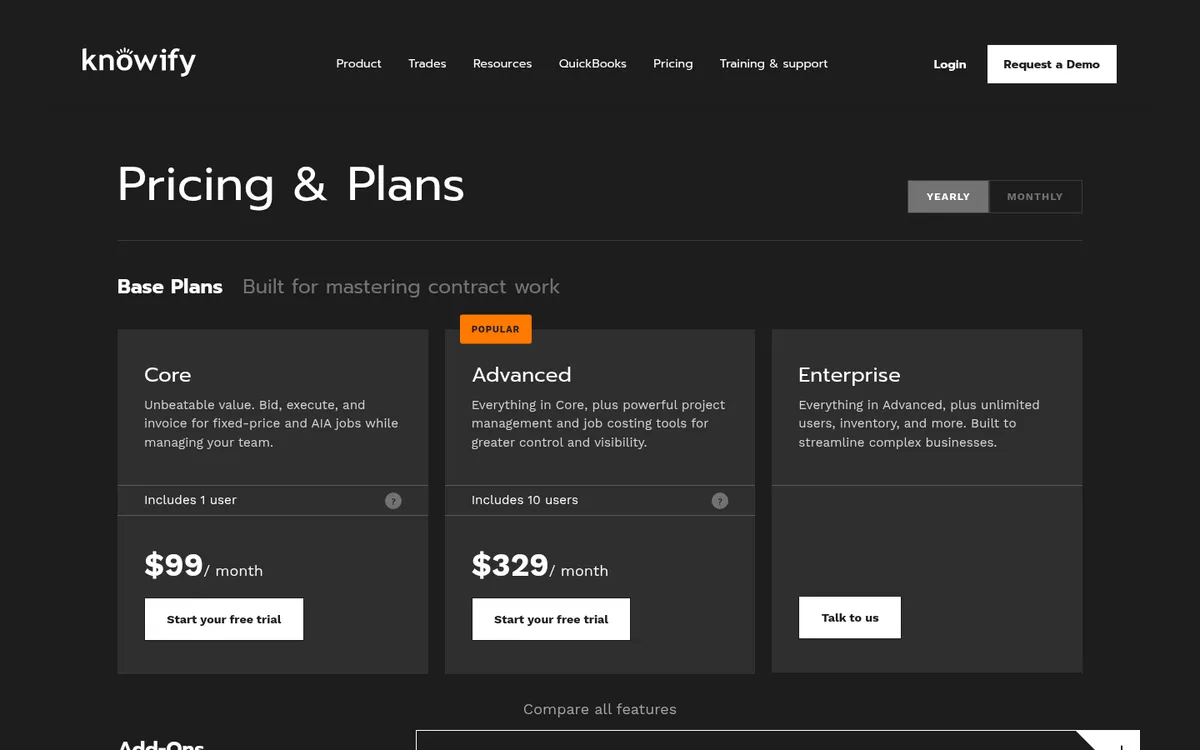
Knowify is built for trade contractors on QuickBooks. It captures labor, material, equipment and subcontractor costs per project phase and compares them with the budget, and its AIA pay applications (G702 and G703) handle schedules of values, retainage and change orders. It works with QuickBooks Online and Desktop. See Knowify vs Planyard.
Best for: Electrical, plumbing, HVAC and other trade contractors.
Watch out for: Job costing tools start on the Advanced plan; Core alone is mostly bidding and invoicing.
Pricing: Core $149 a month ($99 billed yearly) with 1 user; Advanced $399 ($329 billed yearly) with 10 users and job costing; extra users $29 a month; Enterprise on quote.
4. JobTread – Best flat price with every feature

JobTread covers estimating, budgets, change orders, purchase orders, job costing, AIA payment applications and customer invoicing in one product, with free portals for customers, subs and vendors. It connects to QuickBooks Online.
Best for: Remodelers and residential builders who want estimating through to invoicing in one tool.
Watch out for: Cost per user adds up for larger office teams, and it is less suited to commercial subcontract-heavy work.
Pricing: $199 a month including one user, plus $20 per extra internal user; $159 a month on an annual plan. No setup fees.
5. Buildertrend – Best for residential builders and remodelers
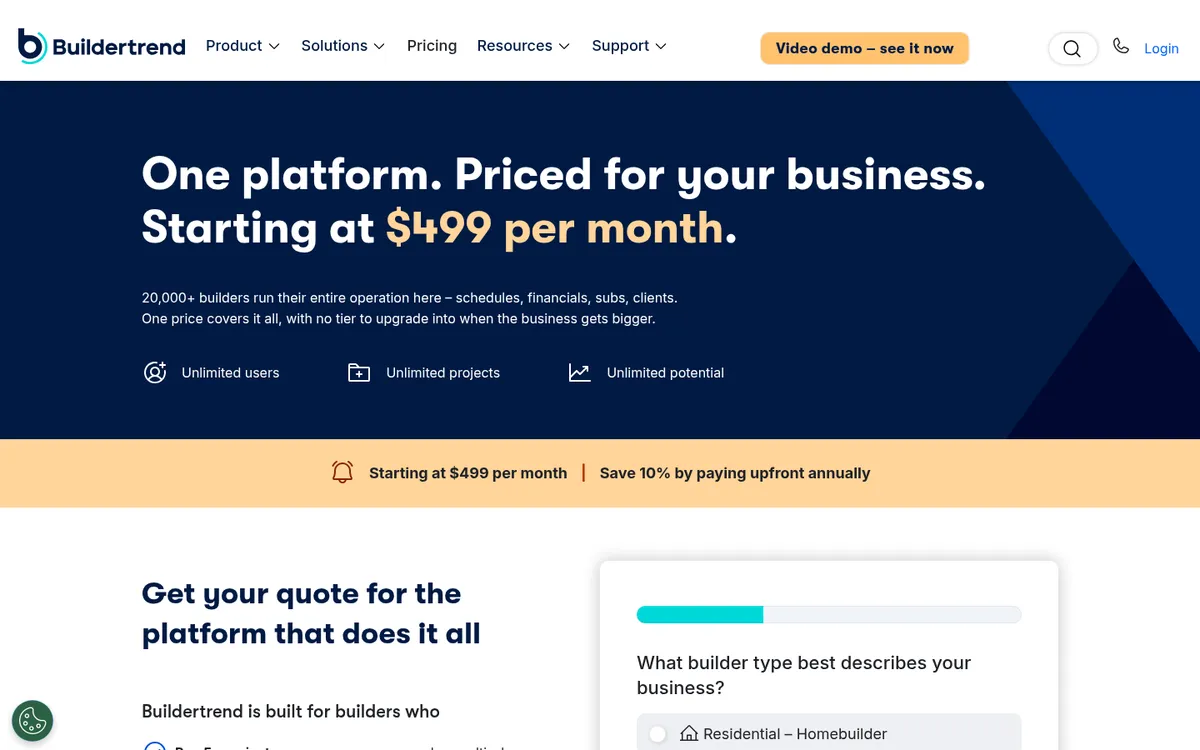
Buildertrend combines sales, scheduling, client communication and financials, including bids, estimates, a job costing budget and change orders. It integrates with QuickBooks Online and Xero, and includes unlimited users. See Buildertrend vs Planyard or Buildertrend alternatives.
Best for: Home builders and remodelers who want project management and client portals as much as job costing.
Watch out for: Job costing is one module among many; commercial contractors may find it thin on subcontract control.
Pricing: Starting at $499 a month; 10% off when paying annually upfront.
6. Foundation – Best full construction accounting suite
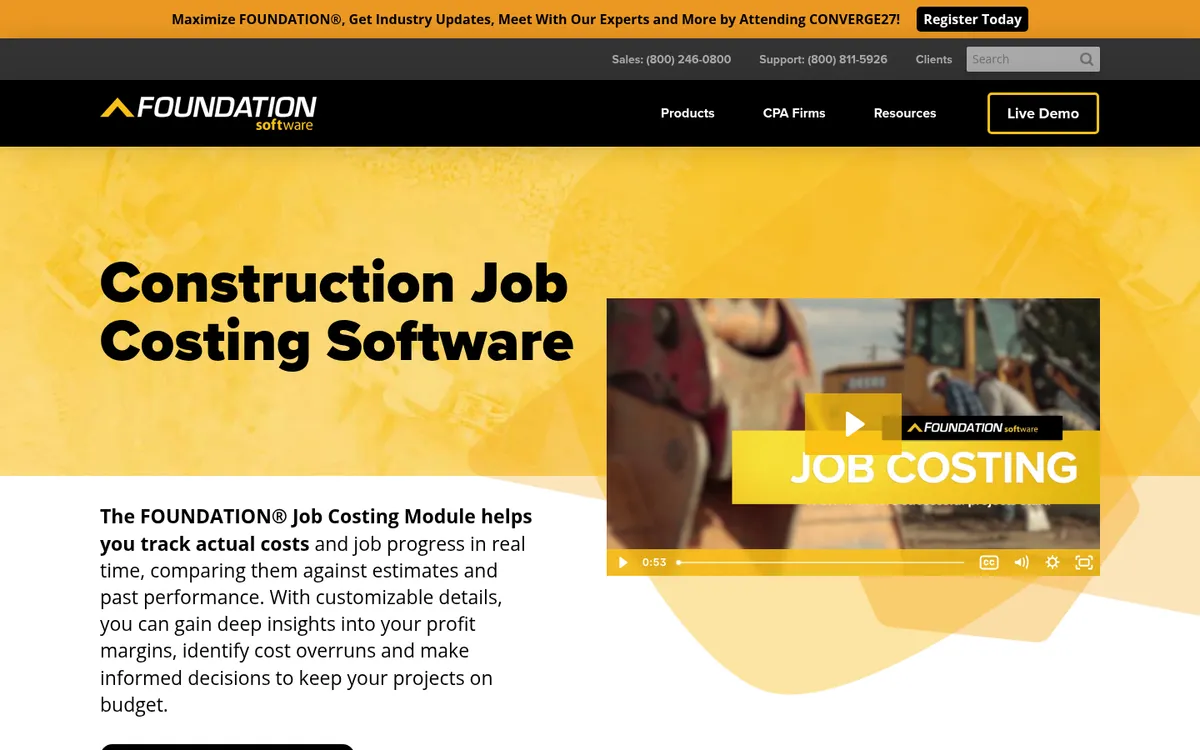
FOUNDATION is construction accounting software with job costing, payroll, purchase orders and subcontracts, and accounts receivable built in, plus add-on modules for project management, mobile time tracking, service dispatch and equipment. It replaces QuickBooks as your ledger.
Best for: Contractors with in-house accounting staff, union or prevailing wage payroll, and enough volume to justify an ERP.
Watch out for: An accounting system first, so project managers need training, and moving off QuickBooks is a project of its own.
Pricing: Quote only, priced by the modules you choose.
7. Sage 100 Contractor – Best for established contractors on a proven system

Sage 100 Contractor covers accounting, job costing and project and service management for small to mid-sized contractors in one system, with Sage Estimating and Sage Construction Management as optional add-ons.
Best for: Established contractors who want accounting and job cost in one long-standing product.
Watch out for: Feels older than cloud tools, and you need someone who knows it well.
Pricing: Quote only.
Best Job Costing Software for Australian Contractors
Australian builders need job costing that copes with progress claims, variations, retention and Security of Payment deadlines, while GST, BAS and the TPAR stay in Xero or MYOB. Procore, covered in the UK section, is quoted on construction volume in Australia too. For the ledger itself, see Xero job costing and the MYOB integration.
1. Planyard – Best for job cost control on top of Xero or MYOB
Planyard tracks budget, committed cost, actual cost and forecast per job and cost code, and syncs approved bills to Xero, MYOB or QuickBooks. Professional adds purchase orders, progress claims to your client, variations and retention per contract; Ultimate adds subcontractor progress claims and budget version history.
Best for: Commercial builders and developers running several jobs on Xero or MYOB.
Watch out for: No takeoff or payroll; GST, BAS and the TPAR stay in your accounting software.
Pricing: Estimating $82, Essential $166, Professional $250, Ultimate $333 per project manager per month; supporting staff $49. 14-day free trial, see AU pricing.
"If I were still relying solely on Excel to track and present the financial positions of our projects, I would be losing significant time every single month. By implementing the streamlined processes that Planyard supports, I’m saving at least three to four days of work every month that would have otherwise been spent on manual data entry and reconciliation."
Read more
2. Xero – Best for small builders already on Xero
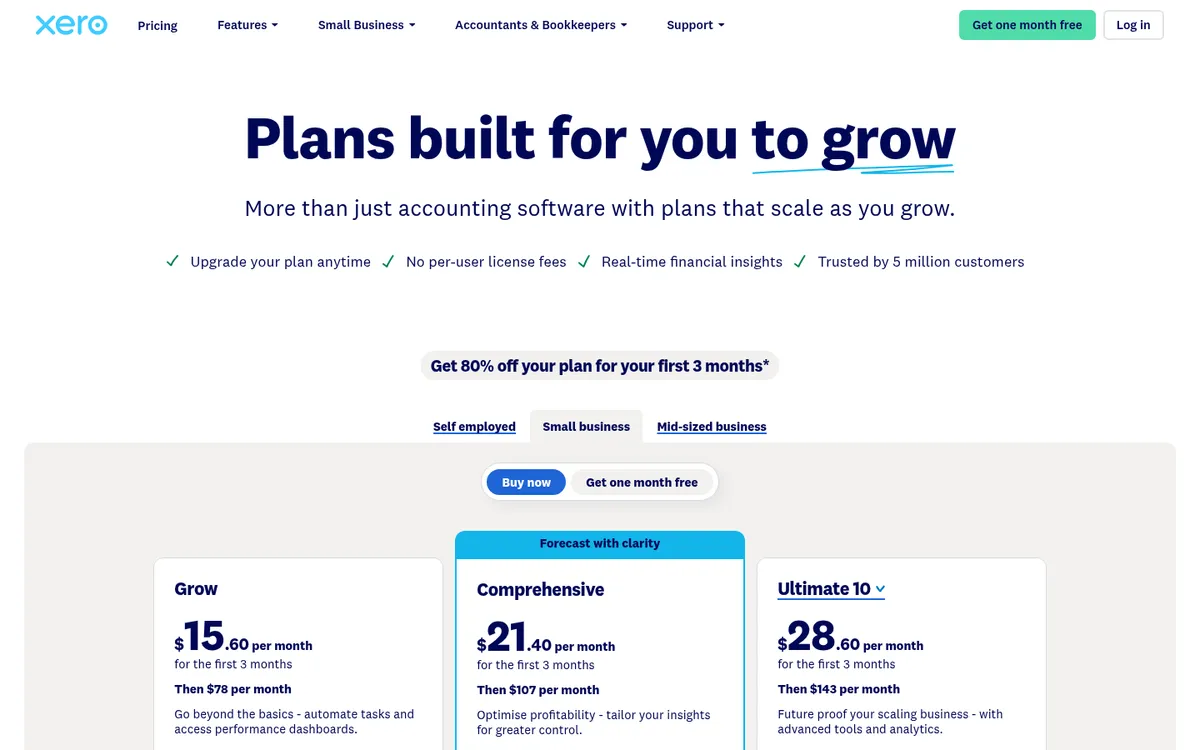
Xero Projects, included in the Ultimate plan, tracks time, costs and invoices per job and shows profit by project. It handles GST, BAS, payroll and the TPAR. It has no contract record for claims, retention or committed costs.
Best for: Small builders with a few jobs at a time.
Watch out for: Projects is only on the top plan, and progress claims and retention end up in a spreadsheet.
Pricing: Ignite $37, Grow $78, Comprehensive $107, Ultimate $143 a month including GST; Projects for 10 users on Ultimate.
3. MYOB – Best job tracking for builders on MYOB
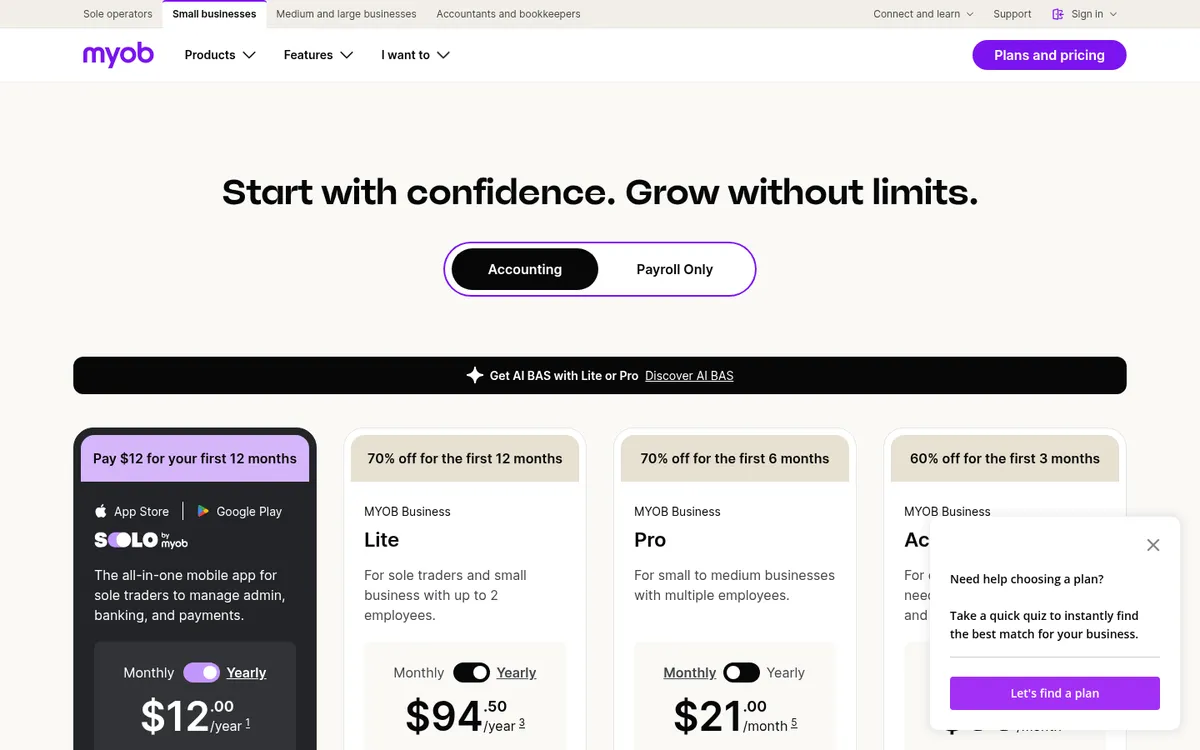
MYOB Business Lite and Pro track each job’s progress, profit and loss and expenses. AccountRight Plus and Premier add a budget per job and time-based billing. Like Xero, it covers GST, BAS, payroll and the TPAR.
Best for: Builders whose accountant runs MYOB and who want job budgets inside the ledger.
Watch out for: Job budgets need AccountRight Plus or above, and there are no progress claims, retention or committed costs.
Pricing: Lite $315 a year, Pro $70 a month, AccountRight Plus $165 a month, including GST.
4. Buildxact – Best for residential builders who quote a lot
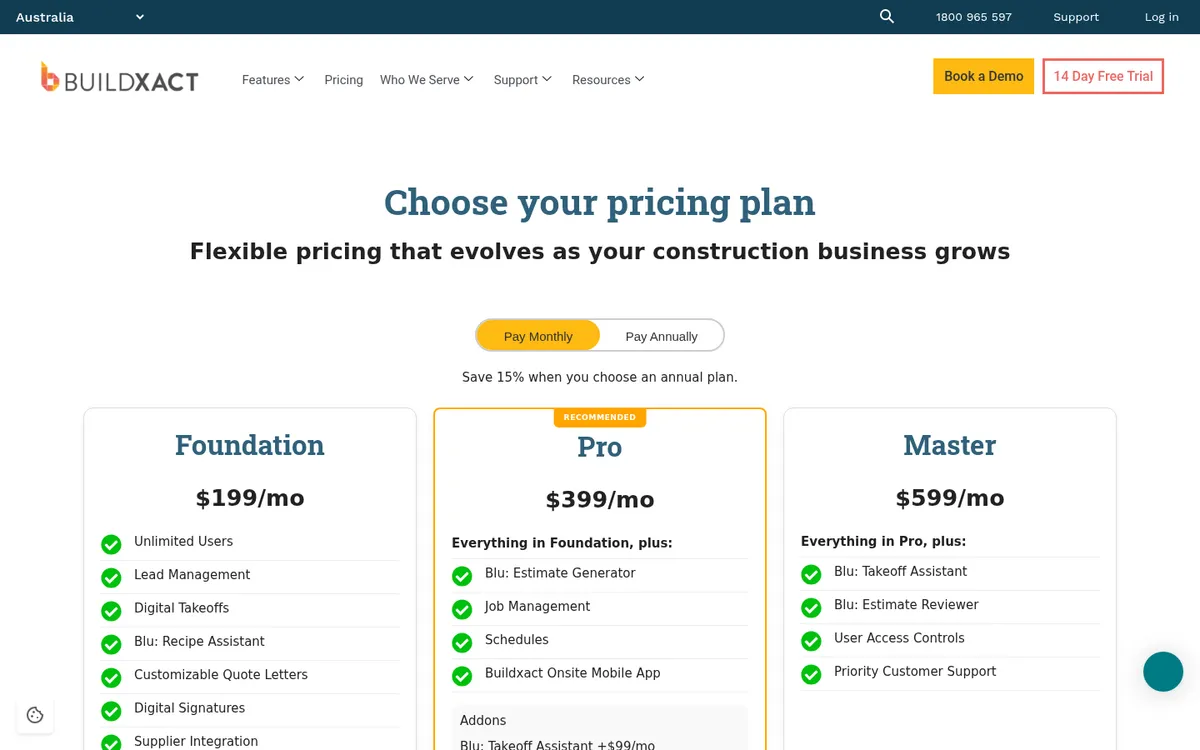
Buildxact runs from takeoff and estimating through purchase orders and job management, so each job’s costs are tracked against the estimate it won with. It integrates with Xero and QuickBooks and includes unlimited users. See Buildxact vs Planyard.
Best for: Residential builders and renovators whose bottleneck is quoting.
Watch out for: Job management and scheduling start on Pro; cost control is lighter for subcontract-heavy commercial work.
Pricing: Foundation $199, Pro $399, Master $599 a month plus GST; 15% off on annual plans. 14-day free trial.
5. Simpro – Best for trade and service contractors
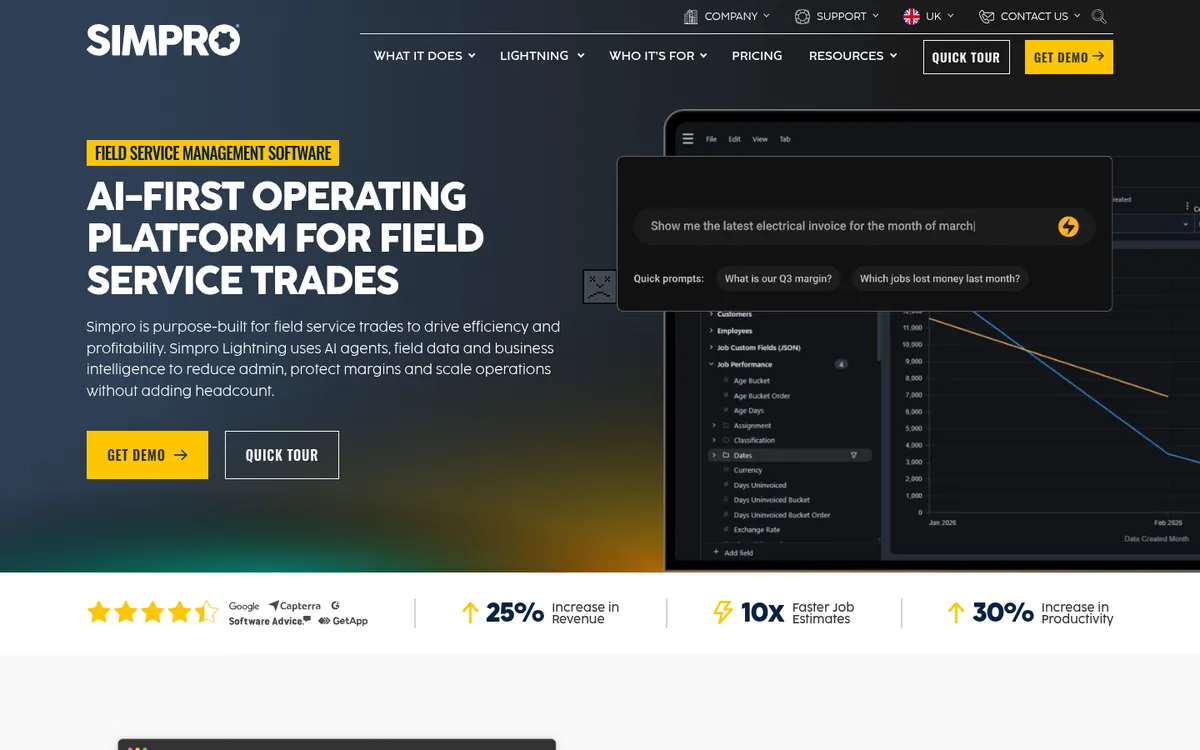
Simpro is built for electrical, plumbing, HVAC and other trade businesses. It combines quoting, scheduling, stock, invoicing and job costing, and connects to Xero, MYOB, QuickBooks and Sage. See Simpro vs Planyard.
Best for: Trade businesses with field teams, service work and stock.
Watch out for: Built around trade and service jobs more than builder-subcontractor contracts.
Pricing: Quote only, with add-ons priced separately.
6. Premier – Best all-in-one for growing builders
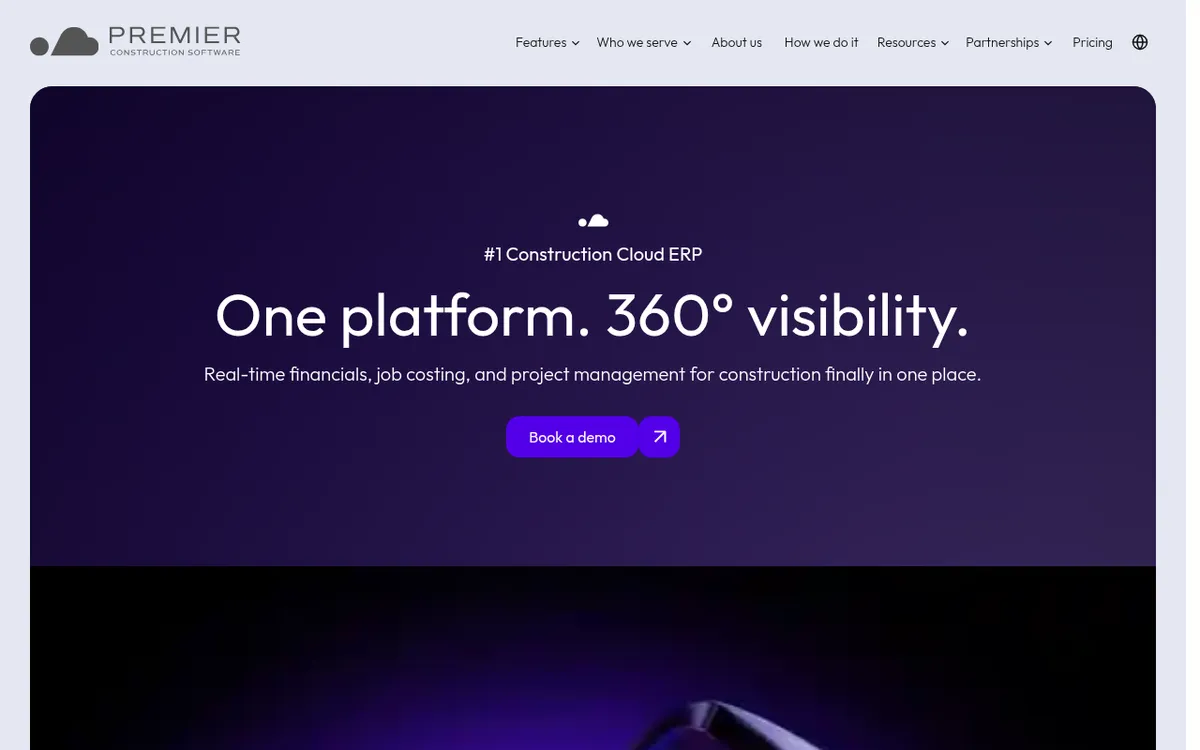
Premier is a cloud construction ERP that combines accounting, job costing, WIP reporting and project management, so it replaces Xero or MYOB as your ledger.
Best for: Mid-sized builders and developers ready to move the whole finance function to one system.
Watch out for: A bigger implementation and change for the finance team than an add-on.
Pricing: Quote only, based on company type and user count.
Know each job's margin before the last invoice lands
Planyard tracks budgets, commitments and forecasts per job on top of Xero, QuickBooks, Sage or MYOB. 14-day free trial, no credit card.
 Go to site for