
- Keep budgets, purchase orders, subcontracts, invoices, and committed costs connected in one place.
- Reduce manual errors and version confusion caused by multiple spreadsheets and repeated data entry.
- See project profitability as work happens, not just after month-end consolidation.
CVR Software vs Excel for Contractors
Excel helps you build a CVR. Planyard helps you trust it as you go.
Most contractors start CVR in spreadsheets. But as projects, people, and subcontractors grow, Excel-based CVRs become harder to maintain, slower to update, and easier to get wrong.
Integrates with


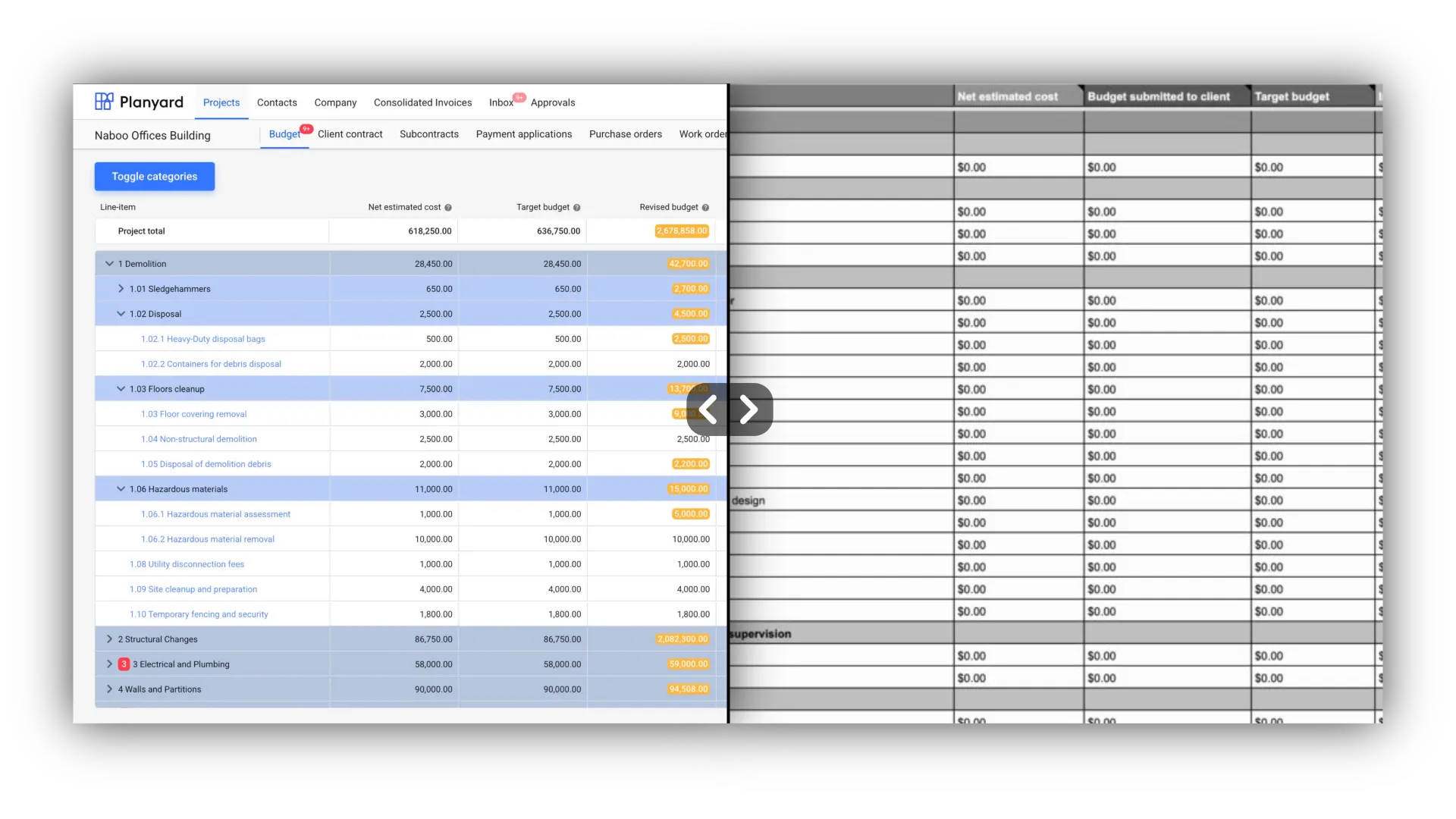
For contractors who have outgrown spreadsheet CVRs
This page is for teams that still run CVRs in Excel, but now spend too much time updating files, checking versions, and trying to work out whether the numbers are actually right.
- You still manage CVRs in Excel or Google Sheets.
- You only get a reliable financial picture at month-end.
- You do not fully trust the numbers because information is scattered.
- You want a better way to track committed costs, invoices, and project profit.
Excel is fine to start with – Planyard is what contractors move to when they need live, reliable project profit visibility.
"When we used to do our month-end CVRs it could usually take 3-4 days to put them together. It now takes me 10-15 minutes to just quickly go through the jobs and check that I haven’t missed anything."
Read more
Real-time CVR vs monthly CVR
A monthly CVR helps you understand what happened. A real-time CVR helps you act before the problem becomes expensive.
| Monthly CVR in Excel | Real-time CVR in Planyard |
|---|---|
Usually updated at month-end. |
Updates as orders, invoices, and costs are processed. |
Often depends on manual consolidation. |
Built from connected workflow data. |
Can miss changes between reporting cycles. |
Helps spot overspend and margin erosion earlier. |
Mostly shows the past. |
Helps forecast where the project is heading. |
"With Planyard, the financial data is live, meaning you have a real-time view of where the project stands at any moment. When I was relying on Excel, I could only manage that kind of insight once a month. The transition from monthly snapshots to a live dashboard has completely changed how we monitor our project health."
Read more
How Planyard improves on Excel for CVR
Excel gives you flexibility, but Planyard gives you structure, live data, and a workflow that keeps the numbers current without rebuilding the report every month.
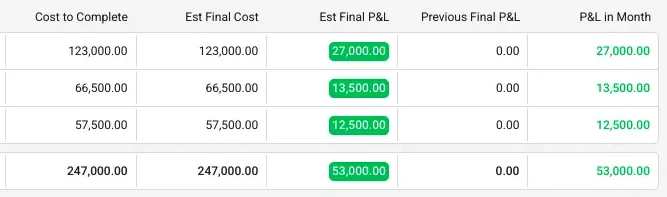
"Planyard has completely replaced my CVR process. Cost Value Reconciliation is essentially about tracking your budget against your actual spend to see exactly what remains, and that functionality is the absolute essence of the central core of Planyard."
Read more
Why Excel-based CVRs stop working as contractors grow
Excel works when one person controls a simple process. It gets risky when multiple projects, multiple people, and constant changes all need to feed into the same financial picture.
- Formulas break. Spreadsheet formulas are easy to break, duplicate, or work around – and mistakes can go unnoticed for weeks.
- Updates are too slow. Monthly spreadsheet updates are too slow to catch margin problems early enough to act on them.
- No single source of truth. Spreadsheets do not naturally create a single source of truth across commercial and site teams.
How CVR works in Excel vs how it works in Planyard
In Excel, CVR is usually a separate reporting task. In Planyard, CVR becomes the outcome of the way the project is managed day to day.

- In Excel: People manually combine budget, cost, and forecast data at intervals, usually monthly.
- In Planyard: Budgets, orders, commitments, and invoices are linked as you work, so the commercial picture stays current.
- Result: Less admin, fewer missed costs, and earlier visibility into where profit is slipping.

"When we used to do our month-end CVRs it could usually take 3-4 days to put them together. It now takes me 10-15 minutes to just quickly go through the jobs and check that I haven’t missed anything."
Still building CVRs in Excel? See what live project control looks like.
Move from manual month-end spreadsheets to a real-time view of budgets, committed costs, invoices, and project profit.
Frequently asked questions
We've got your questions covered. If you can't find the answer below, then feel free to contact us via the chat.
Excel can work for early-stage or simpler setups, but it becomes slower, harder to trust, and more difficult to control as teams and projects grow.
The main issues are manual data entry, broken formulas, duplicate or missing data, version control problems, delayed updates, and limited visibility between reporting cycles.
The biggest advantage is that software can connect budgets, commitments, invoices, and forecasts in one workflow, which makes profitability more visible and less dependent on manual reporting.
Monthly CVR is usually a periodic reporting process, while real-time CVR updates as project financial data changes, giving teams more time to act on risks.
Yes. Planyard integrates with tools like Xero and QuickBooks, while handling live project cost control and CVR visibility above the accounting layer.
 Go to site for